01 / 10
On campaign posters
Keep the campaign destination current
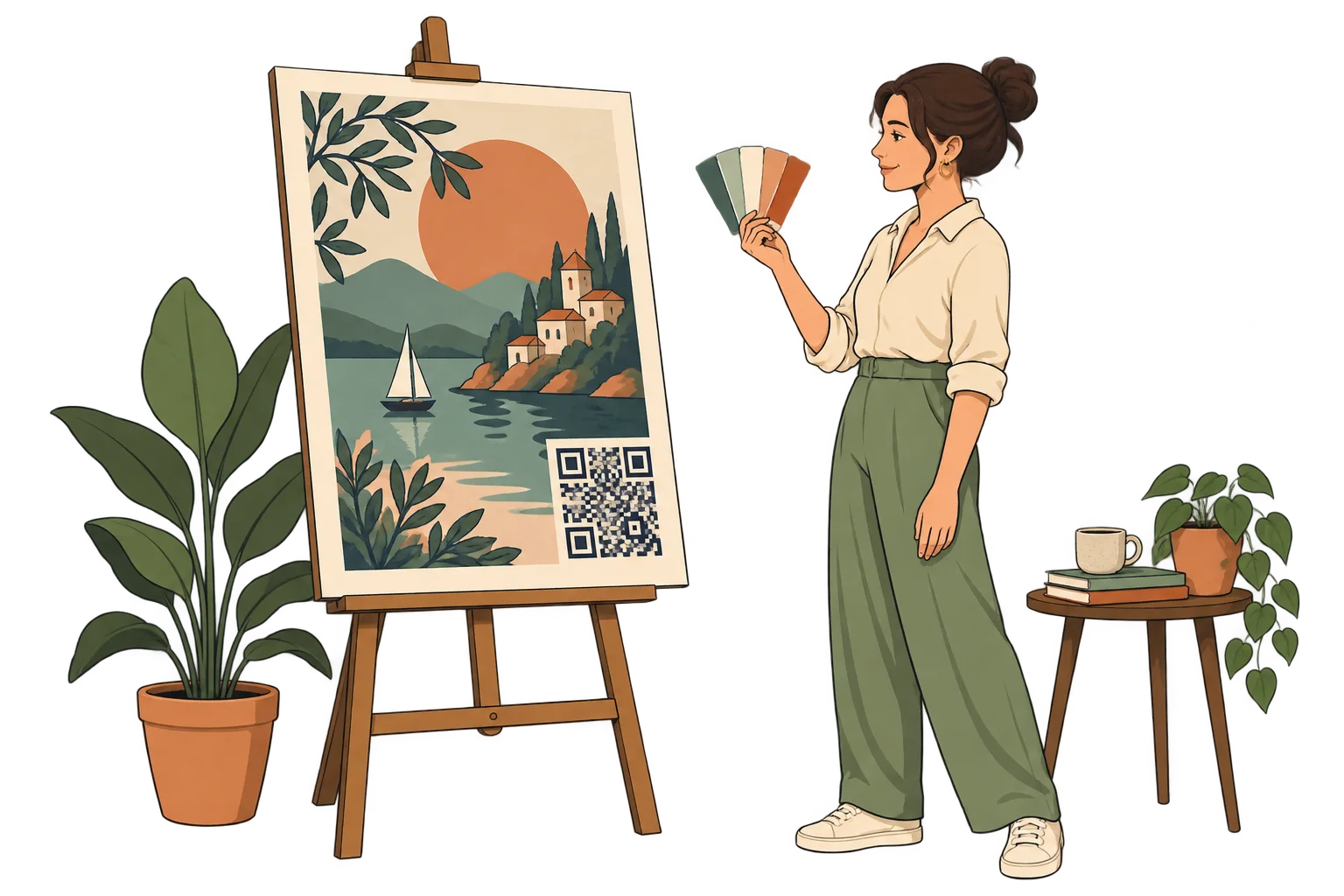
Print a SmartLink QR on the campaign material and update the linked offer without replacing the QR. Printed claims and dates still need review.
MelodyQR / Marketing agencies
Organise links and reusable content by client, campaign or location. Assign access to each team and use Pro batches and API access for work you repeat.
Use cases
On campaign posters
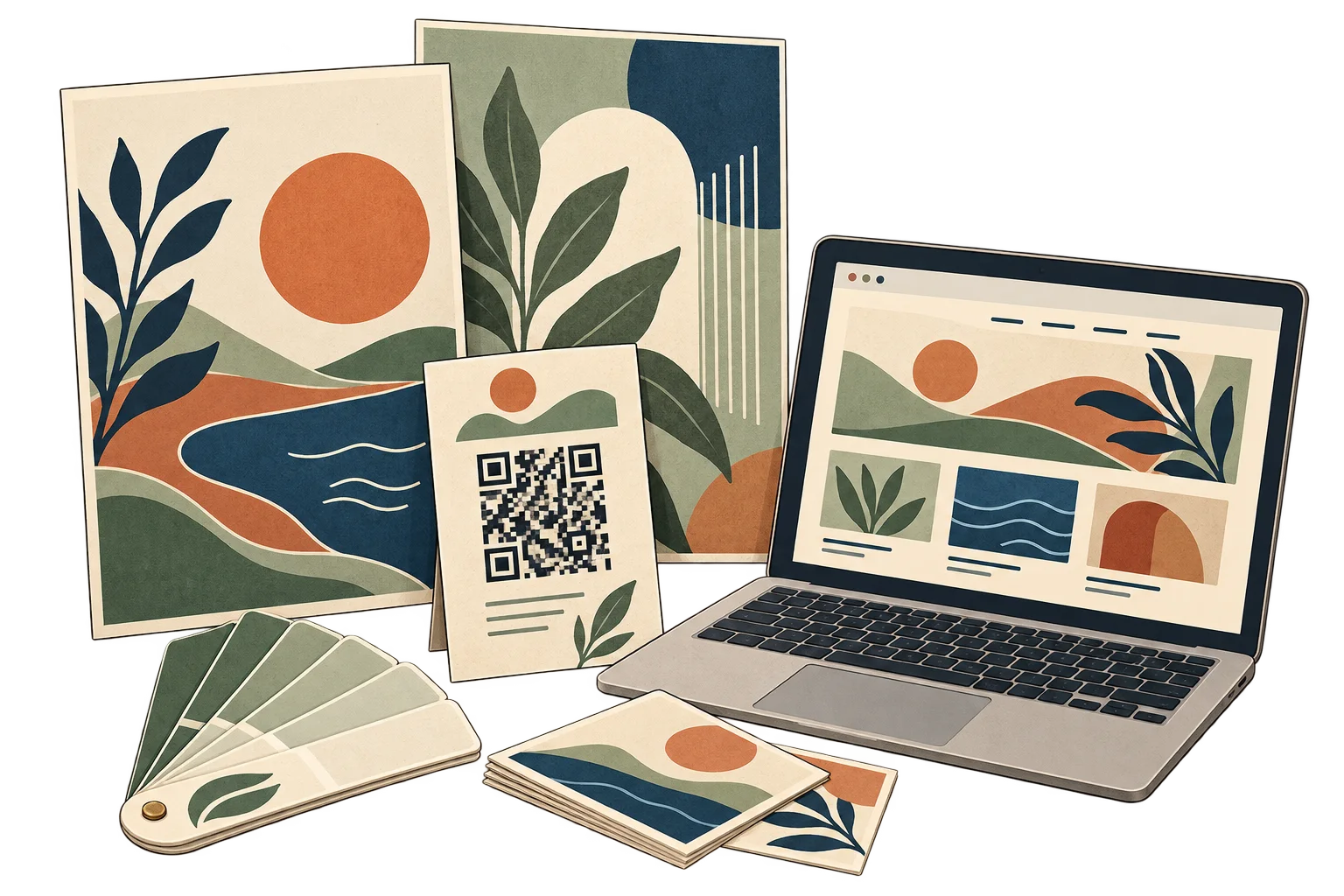
Print a SmartLink QR on the campaign material and update the linked offer without replacing the QR. Printed claims and dates still need review.
By client and campaign
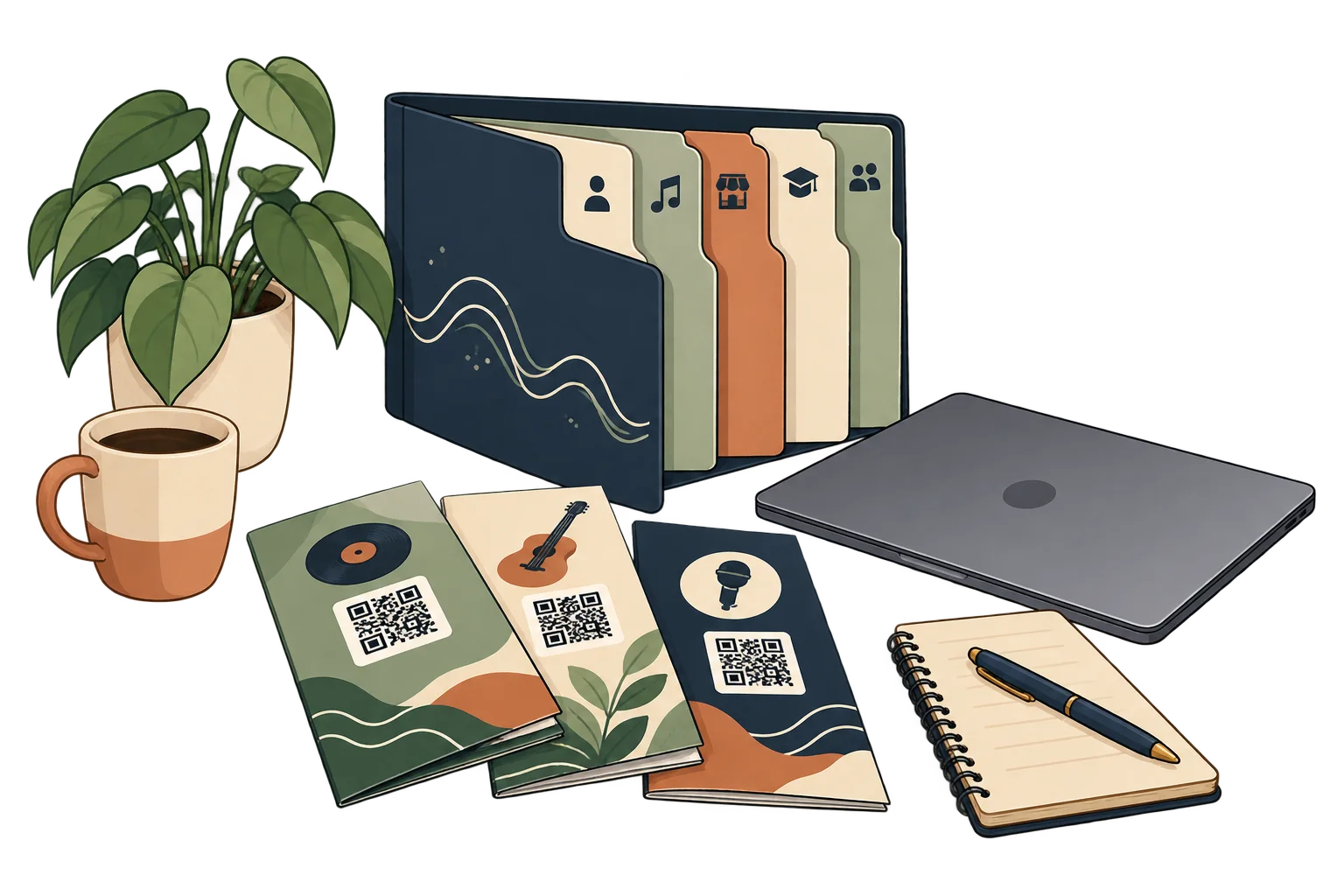
Group links and resources in collections. Use workspace membership and permissions for access; folder names alone do not create client isolation.
On printed flyers
Point each print run to the campaign landing page. Check the published destination and test the QR before sending artwork to print.
Across campaign placements
Use separate SmartLinks for counters, flyers and window posters, even when they open the same page.
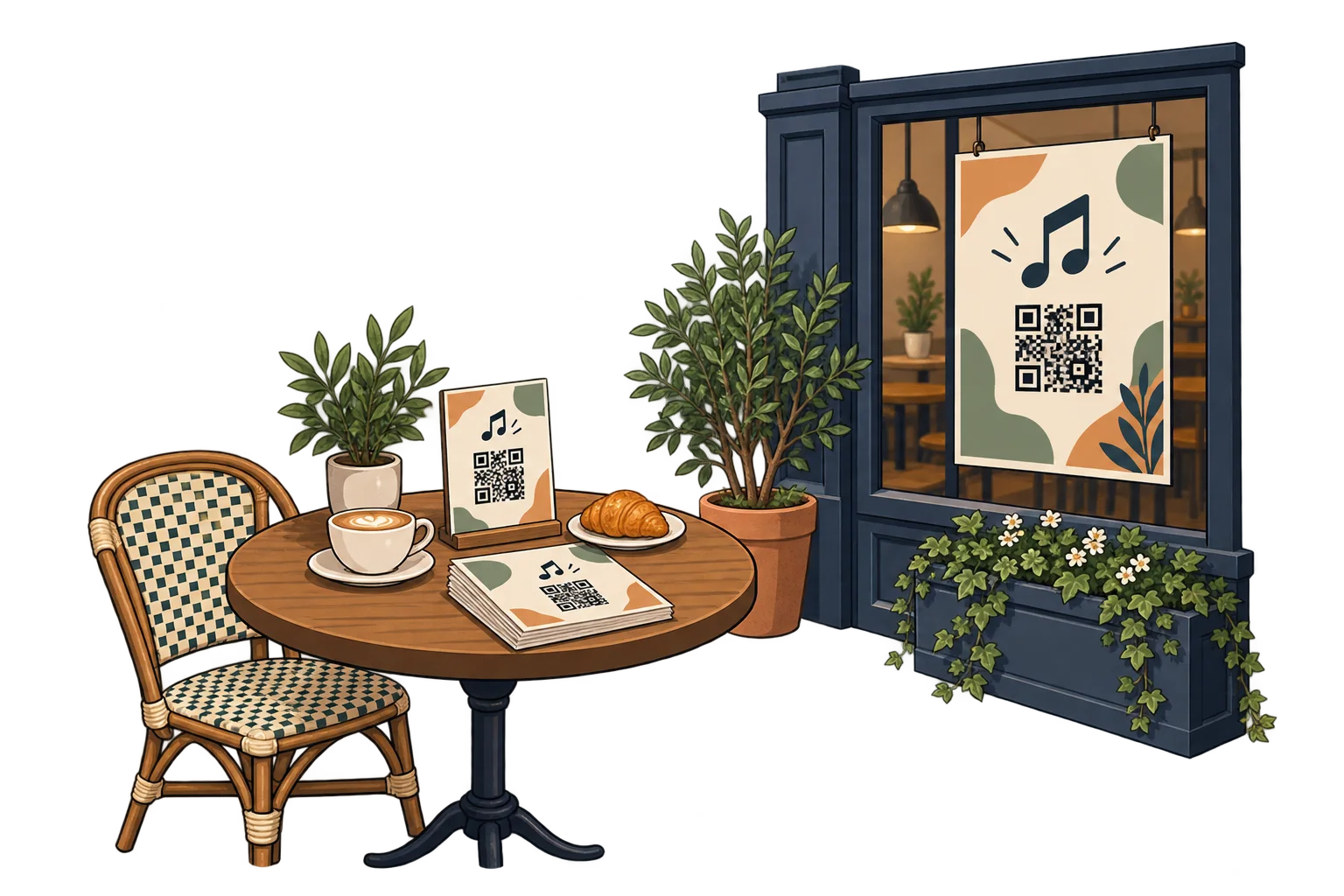
At campaign changeover
Configure time rules with the correct time zone and a fallback destination, within your plan's limits. Review printed expiry dates separately.
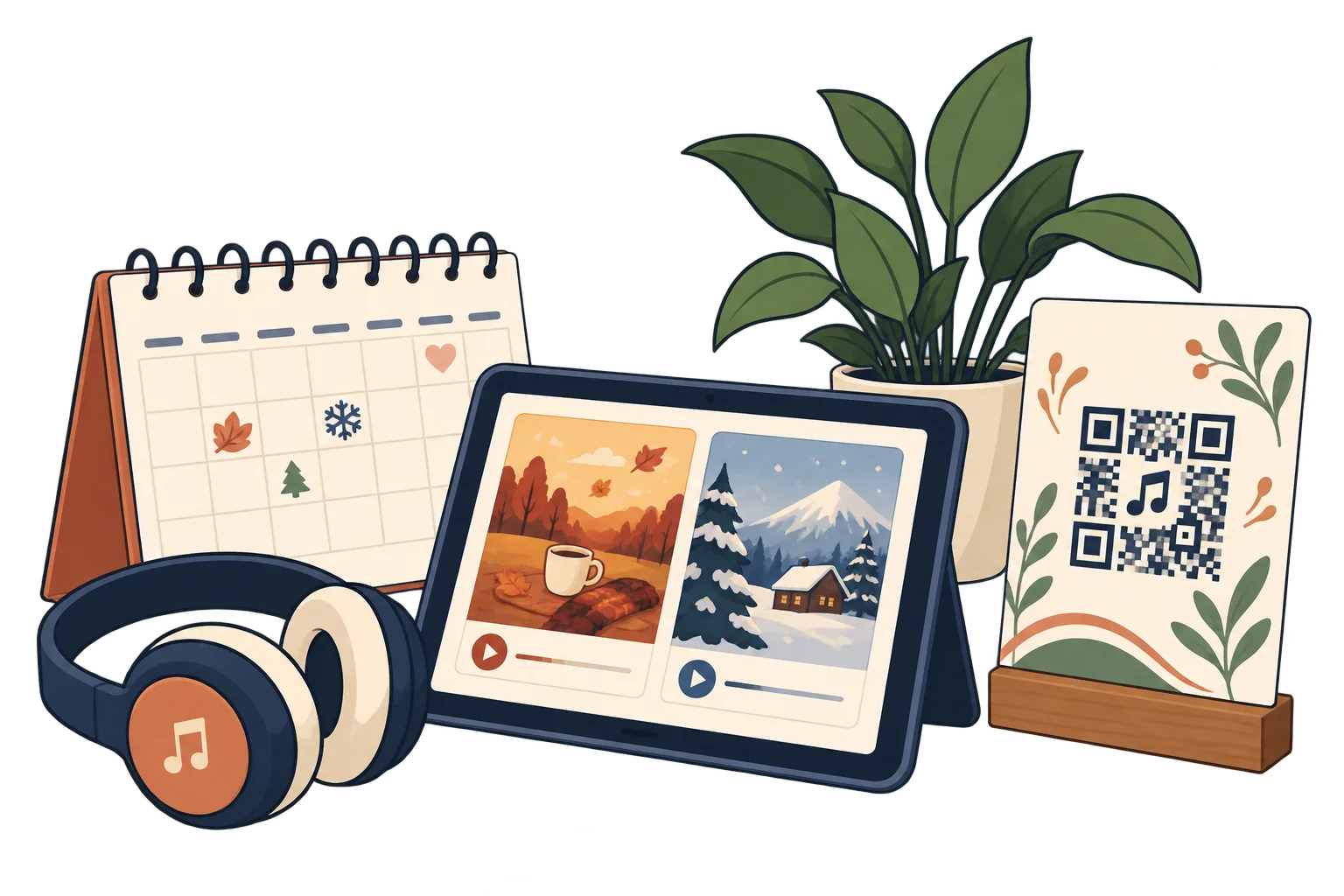
With your production team
Invite collaborators and assign permissions appropriate to their role. Keep campaign resources in the agreed workspace.

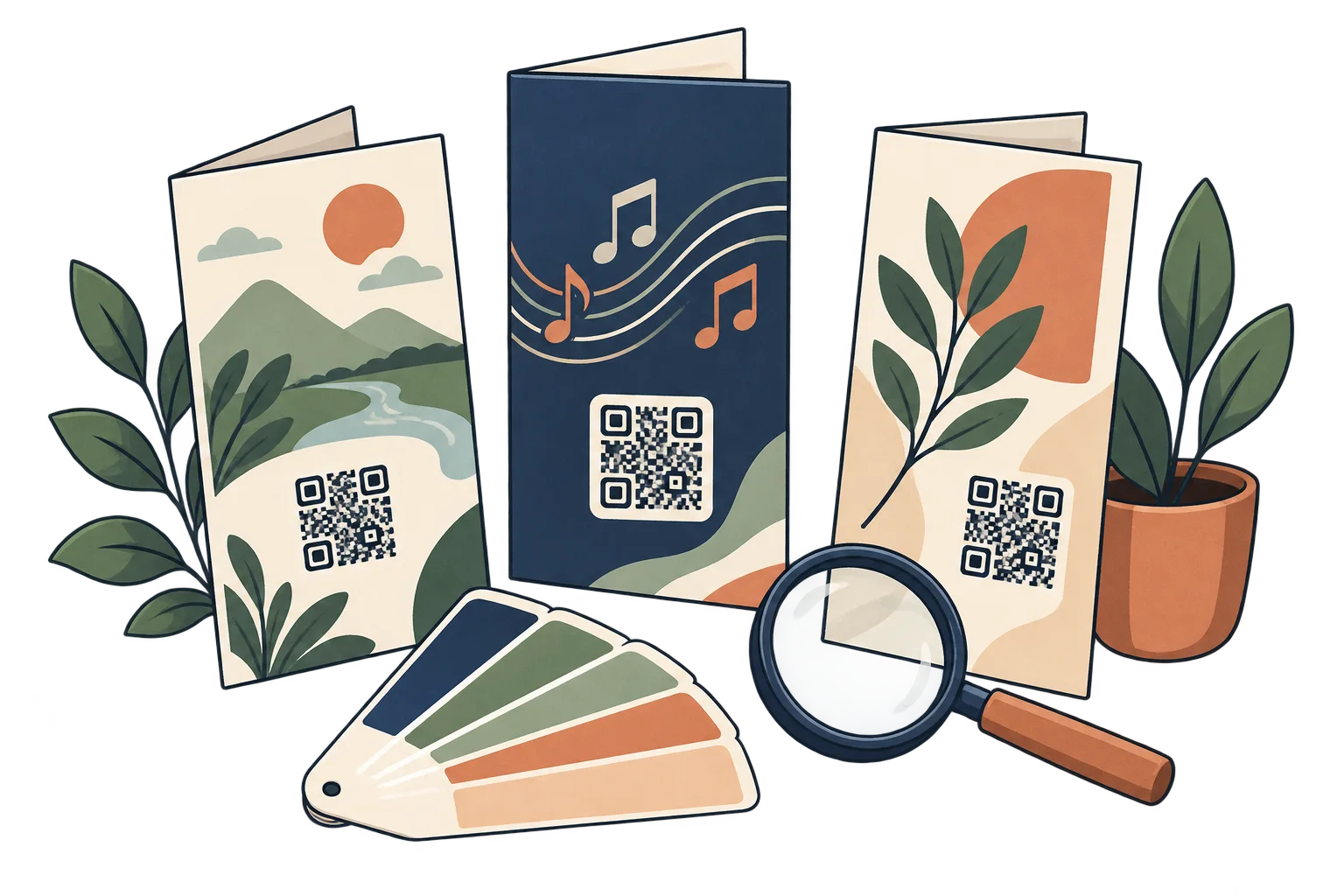
Across creative variants
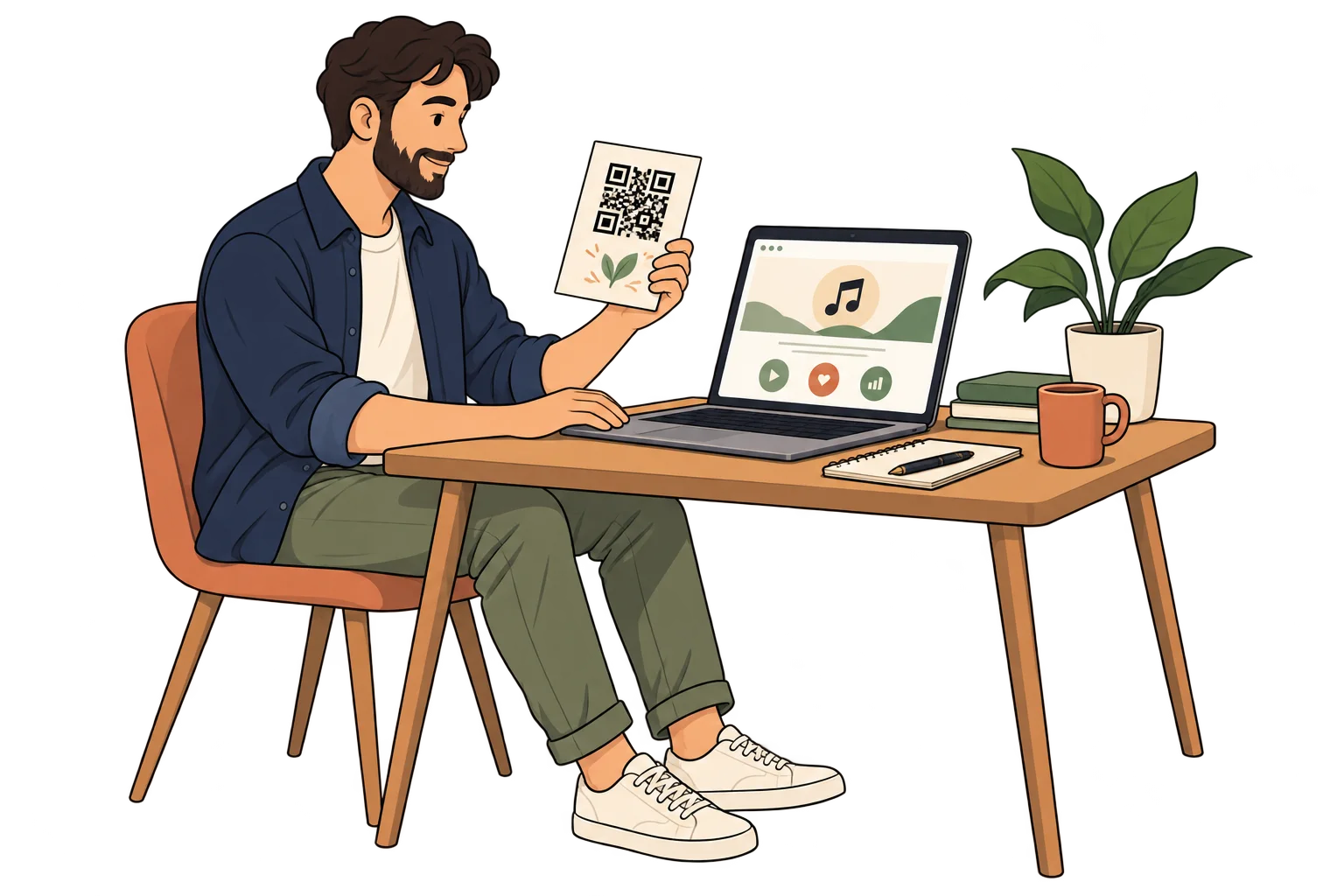
Give each creative variant a distinct SmartLink. Compare scans with distribution volume and your client's conversion data; scans alone are not sales.
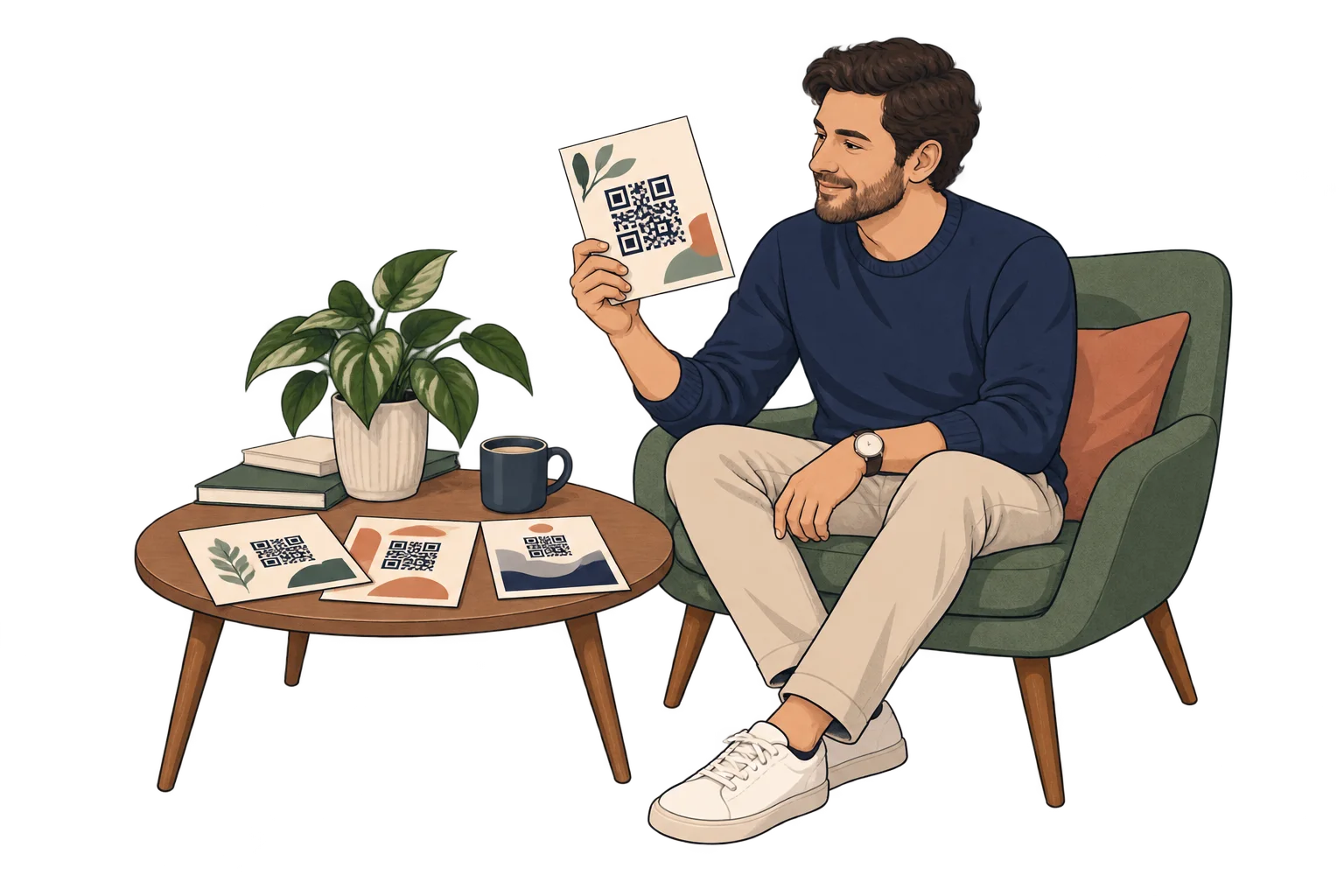
Before the next print run
Review the placement, contrast and call to action on underused materials. Print a test and measure the next period before drawing conclusions.
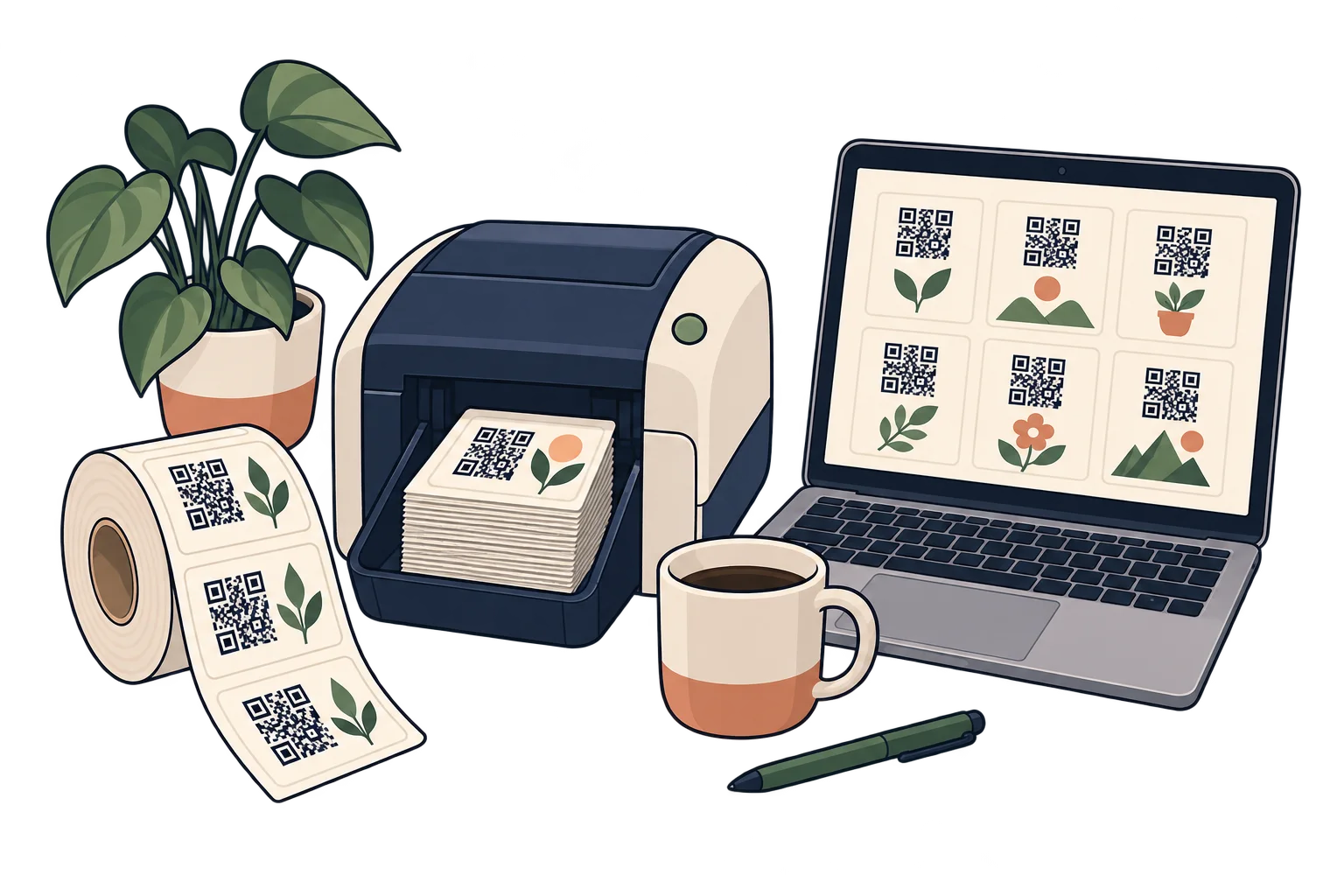
In repeat production
Use Pro batches and API access for repeatable link workflows, within the plan's limits. Test a small batch before a large print run.
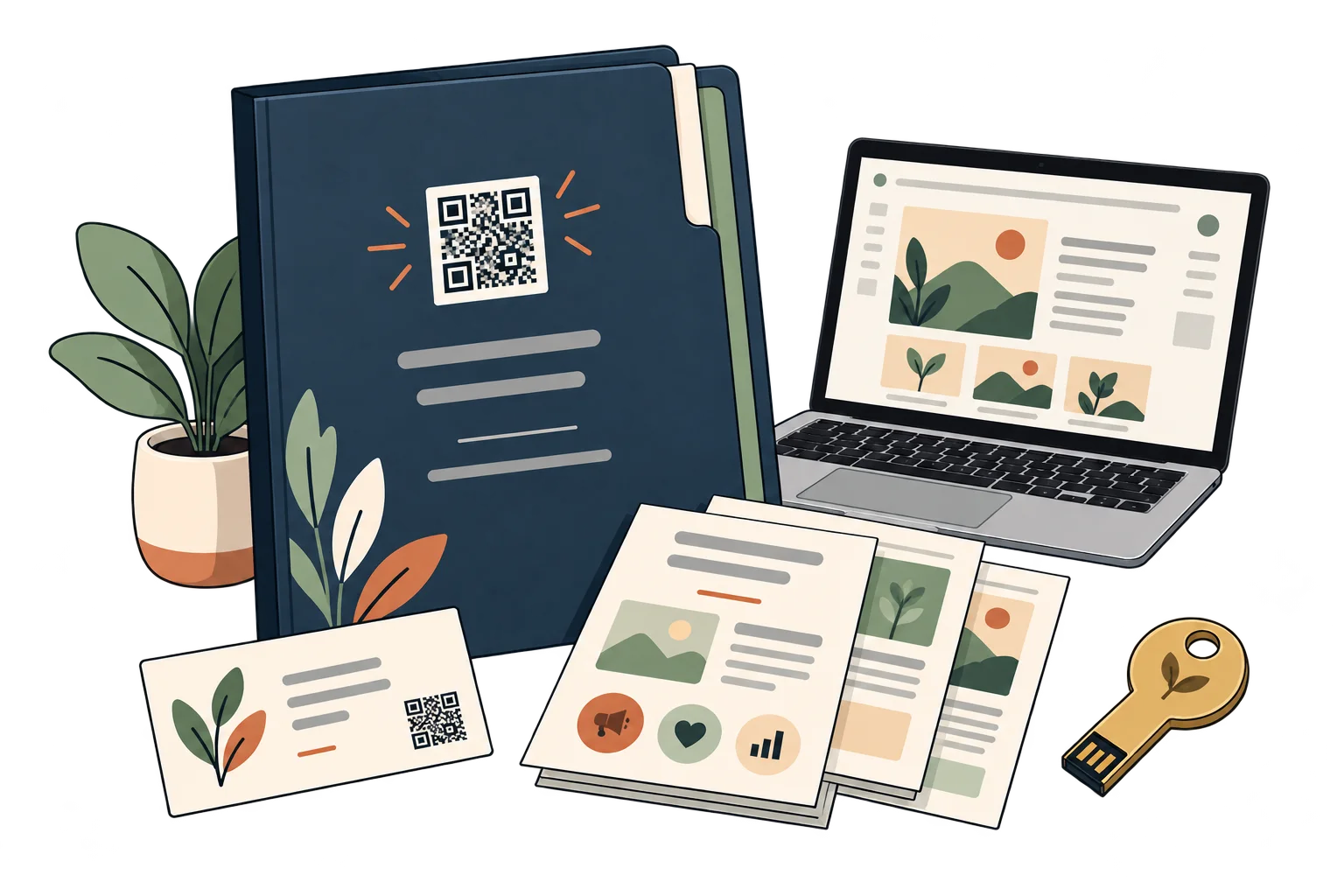
At campaign handover
Document which links belong to each printed piece, who can edit them and the current destination. Agree on workspace access before handing over materials.
Analytics for your business
Each bar represents a different SmartLink. Compare placements over the same period.
Daily scans across these three links. Use peaks to investigate what happened that day.
Assign a separate SmartLink to each creative variant, placement or print run you want to compare.
Compare equivalent periods and distribution volumes. Scan counts alone do not establish sales or return on investment.
Test a clearer invitation or destination. Combine the scan report with the client's own conversion data before deciding where to invest.
FAQ
Yes. Update the SmartLink destination while keeping its QR. Any information printed outside the QR must still be kept accurate.
Opening a SmartLink and its online destination requires an internet connection. Keep essential information available in print too.
They show access activity for each link, according to your plan. They do not prove purchases, attendance, completed reading or individual identity.
Yes. The same QR can open your website today, a specific social media post or video tomorrow, and a payment link later. Paste the public URL of the content you want, not just your profile feed. Keep the SmartLink active; deleting it is permanent.
No. They can scan with a compatible phone camera and open the link. Online content needs an internet connection; external services may have their own requirements.
Marketing agencies
Choose a destination, customise your QR and test it before printing. Start free and choose more capacity when you need it.