DESTINATIONS
Change the destination.
Keep your QR.
Update what every scan opens. Understand how your QR codes are used.
A SmartLink is the editable link behind your QR. Choose its destination today and change it when your business needs something new.
TRY A DESTINATION / DEMO
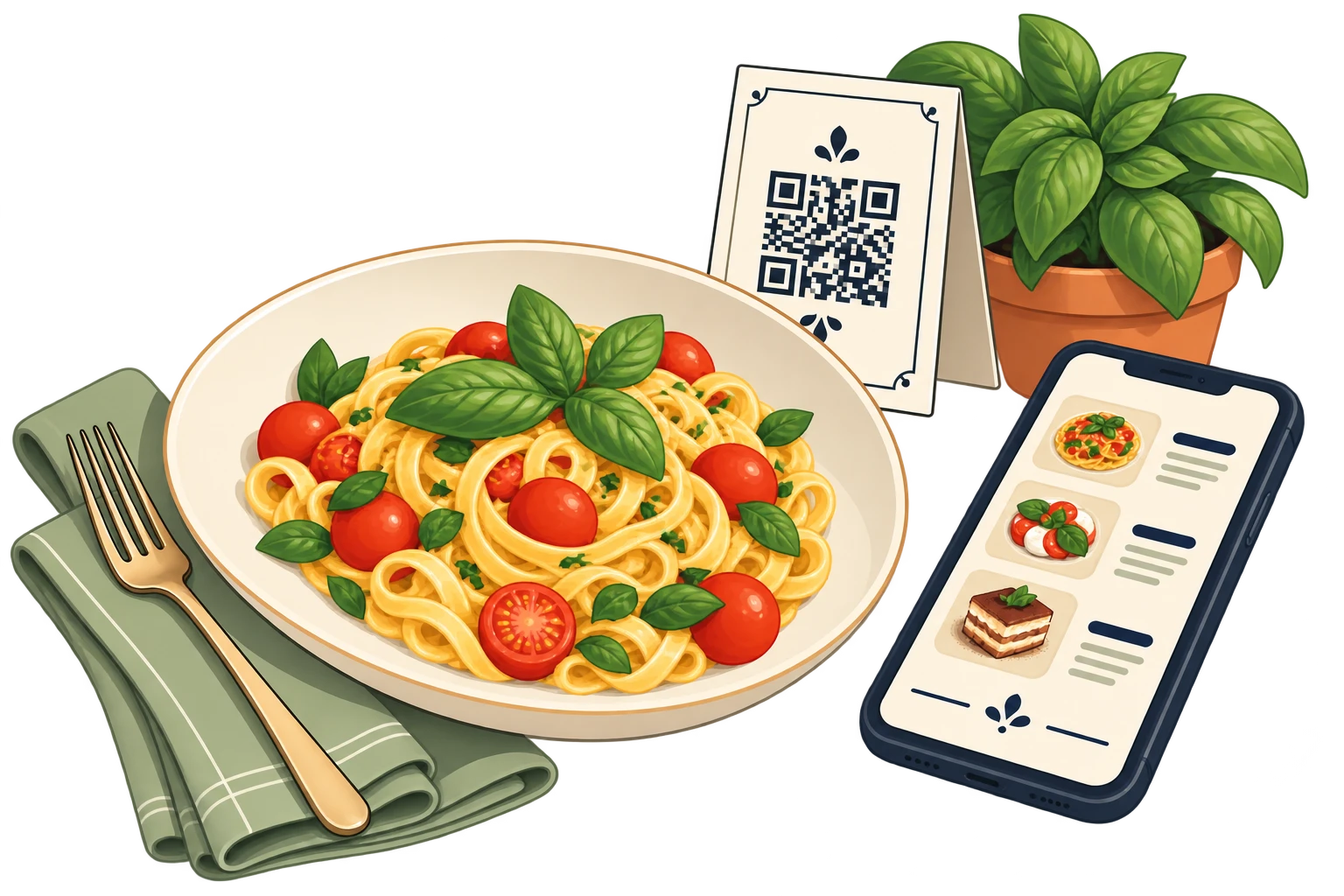
The latest menu, behind the same printed QR.
ANALYTICS
See which QR codes get scanned most.
Compare scan activity across your shop window, packaging and counter. Decide which content to update next.
Total scans
240- Mon
- Tue
- Wed
- Thu
- Fri
- Sat
- Sun
RULES
Set the timing. Keep the freedom to change.
Schedule destinations by time, operating system or country. Pro adds A/B testing and direct URL parameters.
Recurring schedules
Outside those hours · Default destination
A temporary campaign
Everyday
Your current collection
The shop-window QR opens your business page or catalogue.
This weekend
Your offer takes centre stage
Scans open your weekend offer instead of the catalogue. Your usual destination stays saved.
After the promotion
Back to your usual content
With return-to-default enabled, the catalogue opens again when the timer ends. No manual change or reprint needed.
Cancelling a temporary change early resumes your usual rules.
TEAMS
One place to work. Room for everyone.
Organise your links and reusable content by location or campaign. Give each person the access they need, without sharing a login.
Starter includes unlimited members. Pro adds batch creation, bulk actions and API access.
Find your planILLUSTRATIVE ORGANISATION
Your workspaceShared content. Clear responsibilities.
QR DESIGN
Make every code feel like you.
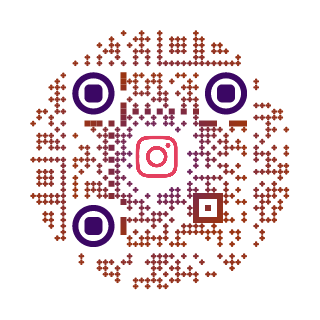
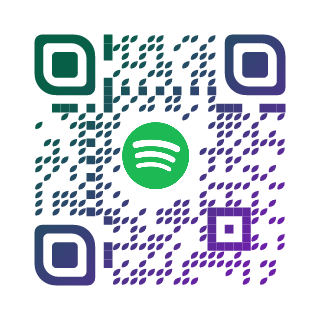
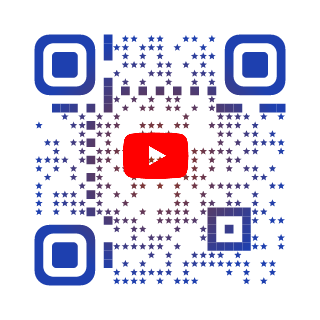
Customize colors, shapes and logos. Save QR designs and export them for your next print run.
Preview your design and test the QR at its final printed size.
Explore the designer
API / PRO
Ready for the work you repeat.
Create numbered SmartLinks in batches, apply bulk actions and connect your tools through the API. Keep your team’s work organised as your projects grow.
ILLUSTRATIVE BATCH
ALSO INCLUDED
You can create the destination, too.
READY FOR WHAT’S NEXT?