01 / 10
On worksheets
Extend each lesson
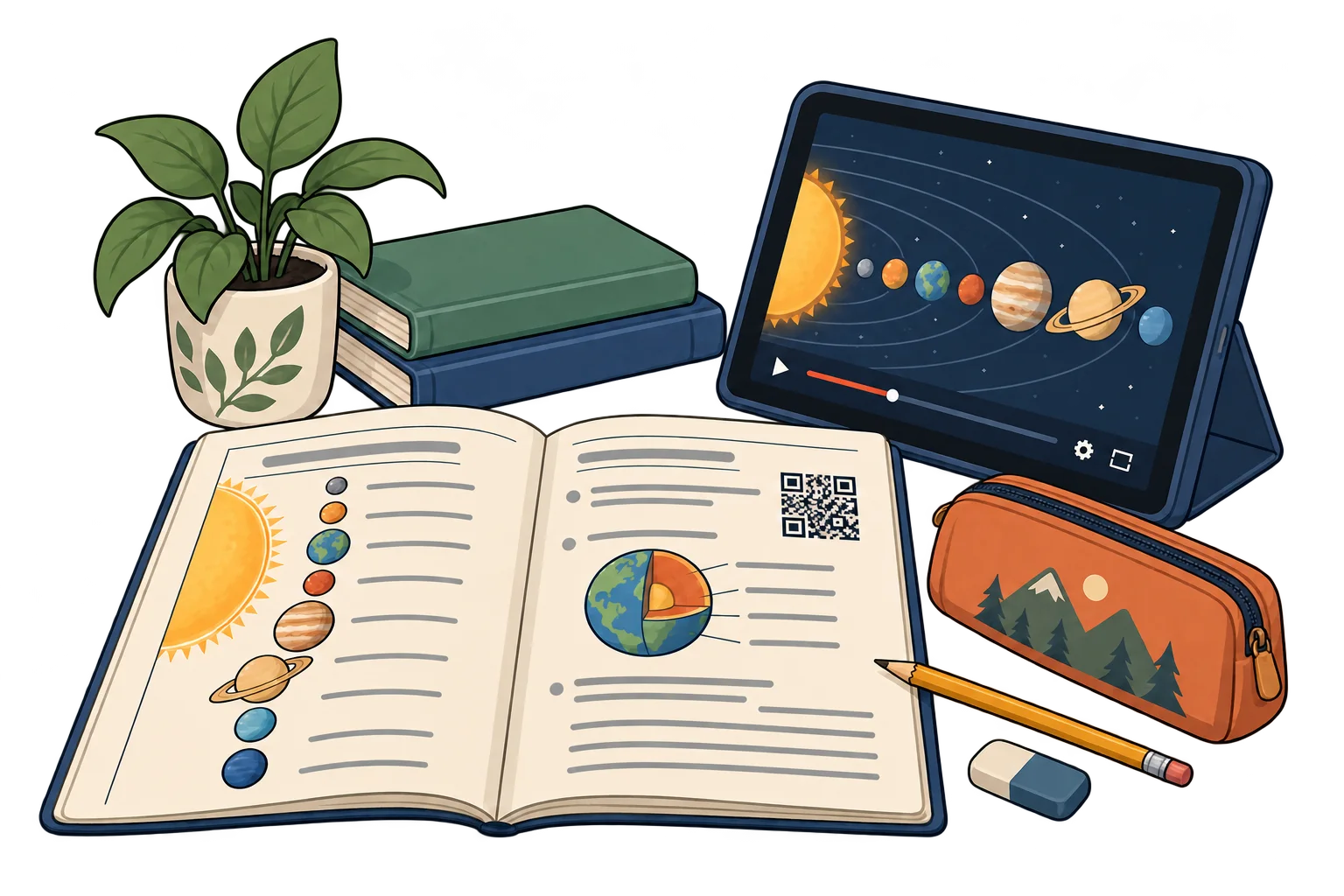
Link printed exercises to a demonstration video or extra reading. Update the destination while keeping the same QR.
MelodyQR / Education
Connect worksheets, books and classroom posters to videos, reading material and course resources. Update the content behind the same QR as your classes progress.
Use cases
On worksheets
Link printed exercises to a demonstration video or extra reading. Update the destination while keeping the same QR.
Inside a book
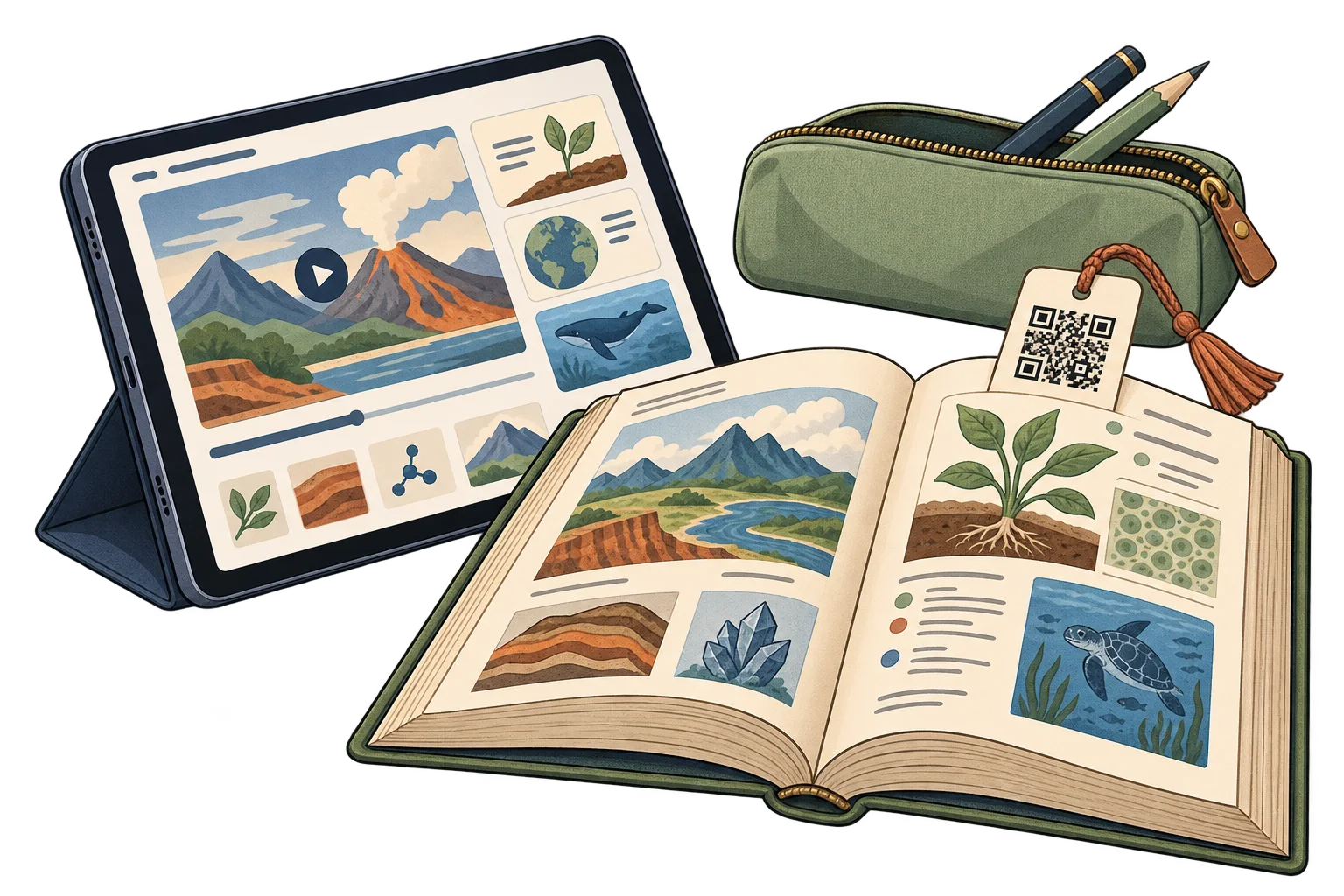
Use a bookmark QR to open a reading guide, references or an author interview.

On the classroom board
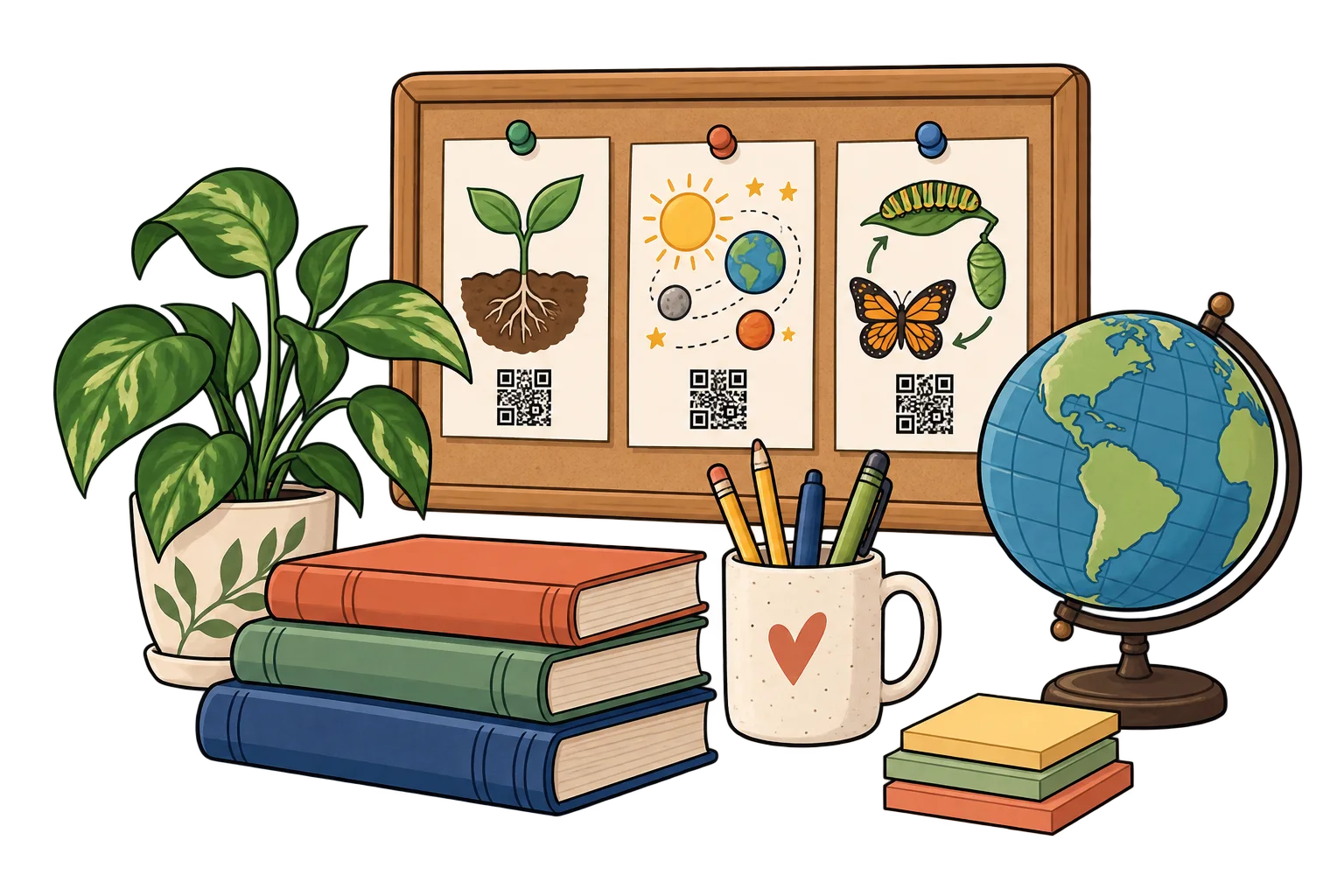
Open a landing page with the course links. Keep the printed notice while changing the resources as lessons progress.
Beside laboratory equipment
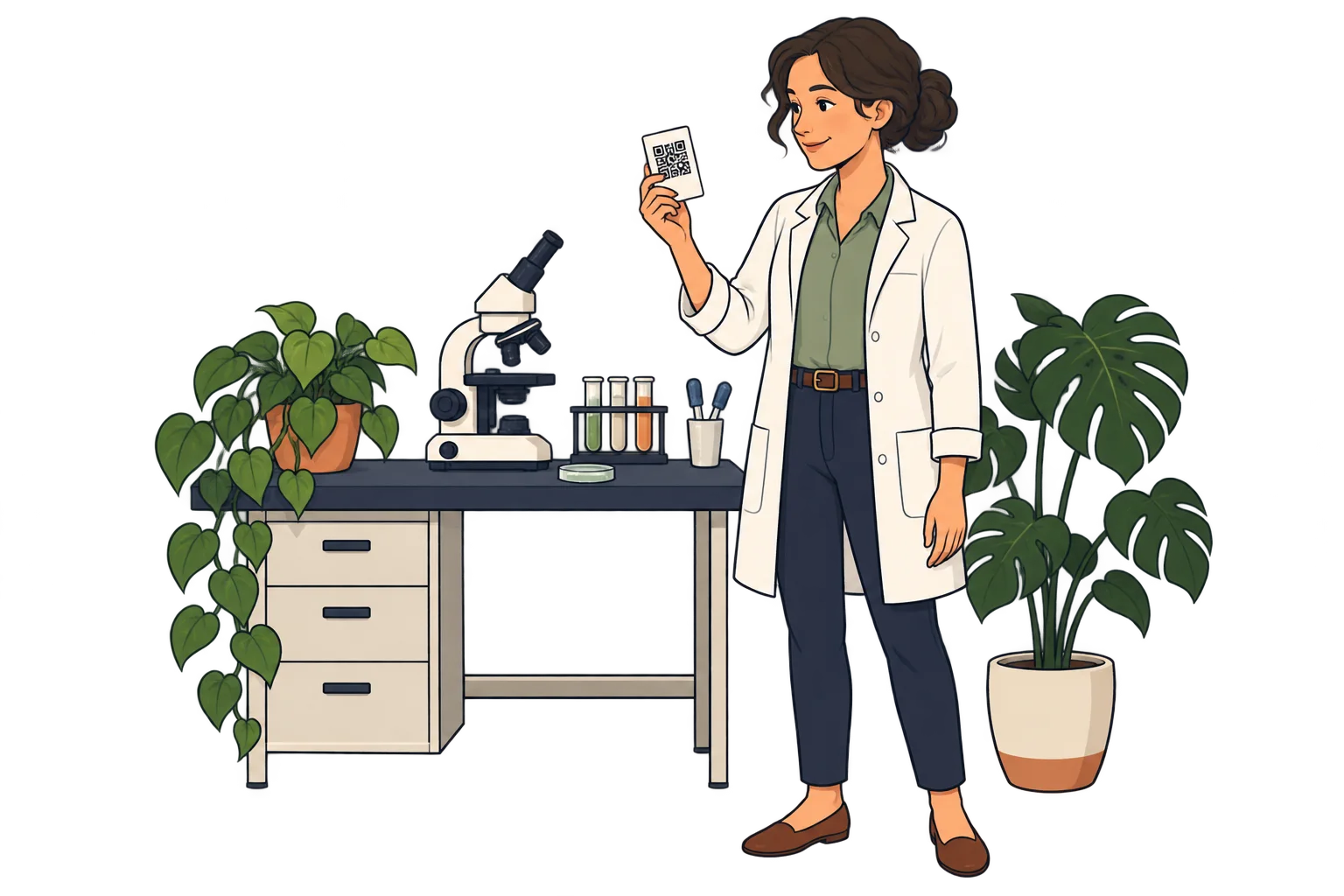
Link equipment labels to the institution's instructions and demonstration material. Keep supervision and safety procedures in place.
In project folders
Give each project its own SmartLink to the shared resource page. Access permissions remain managed by the linked service.
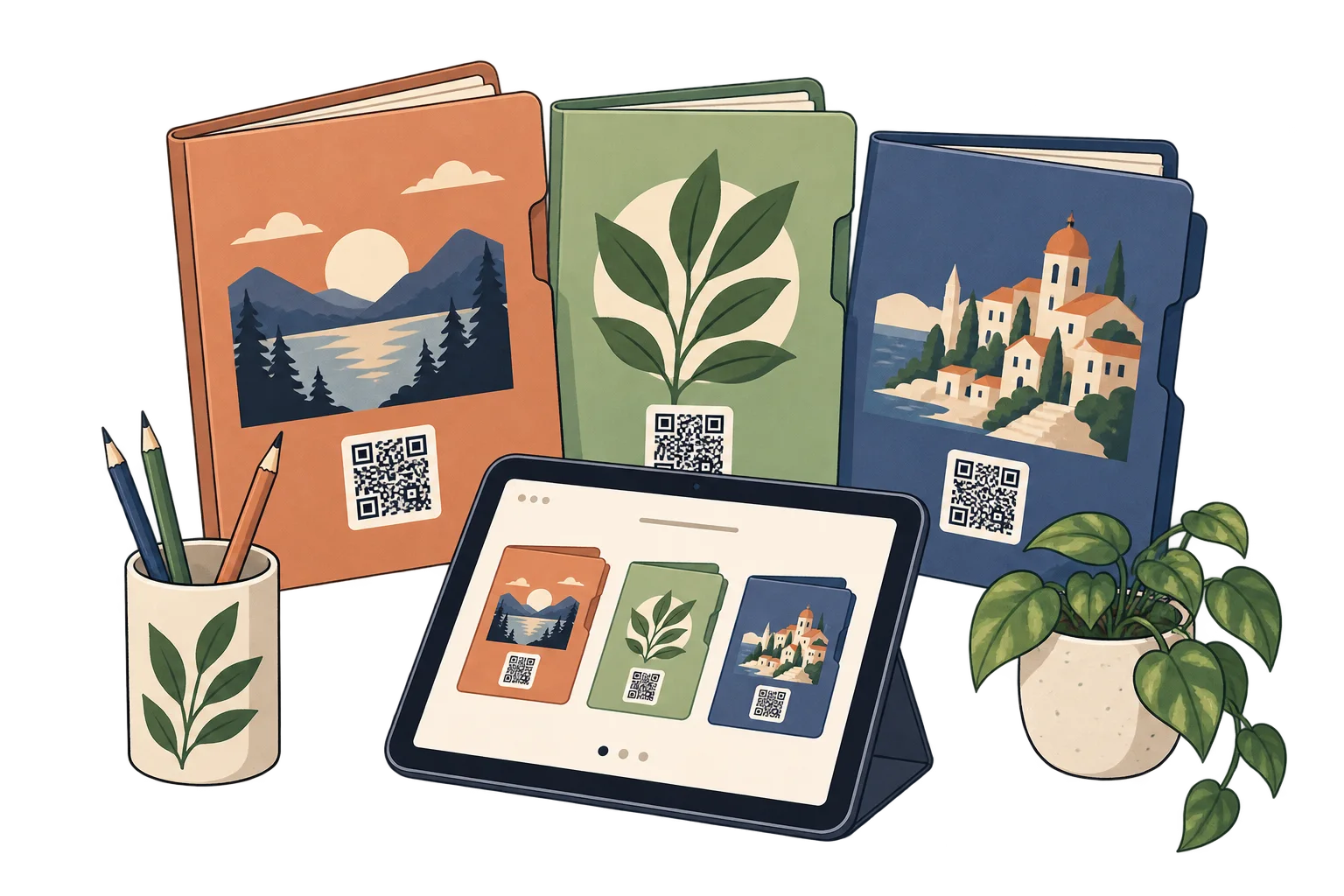
On the course calendar
Link the printed calendar to the current online schedule. Update the destination when a class changes.
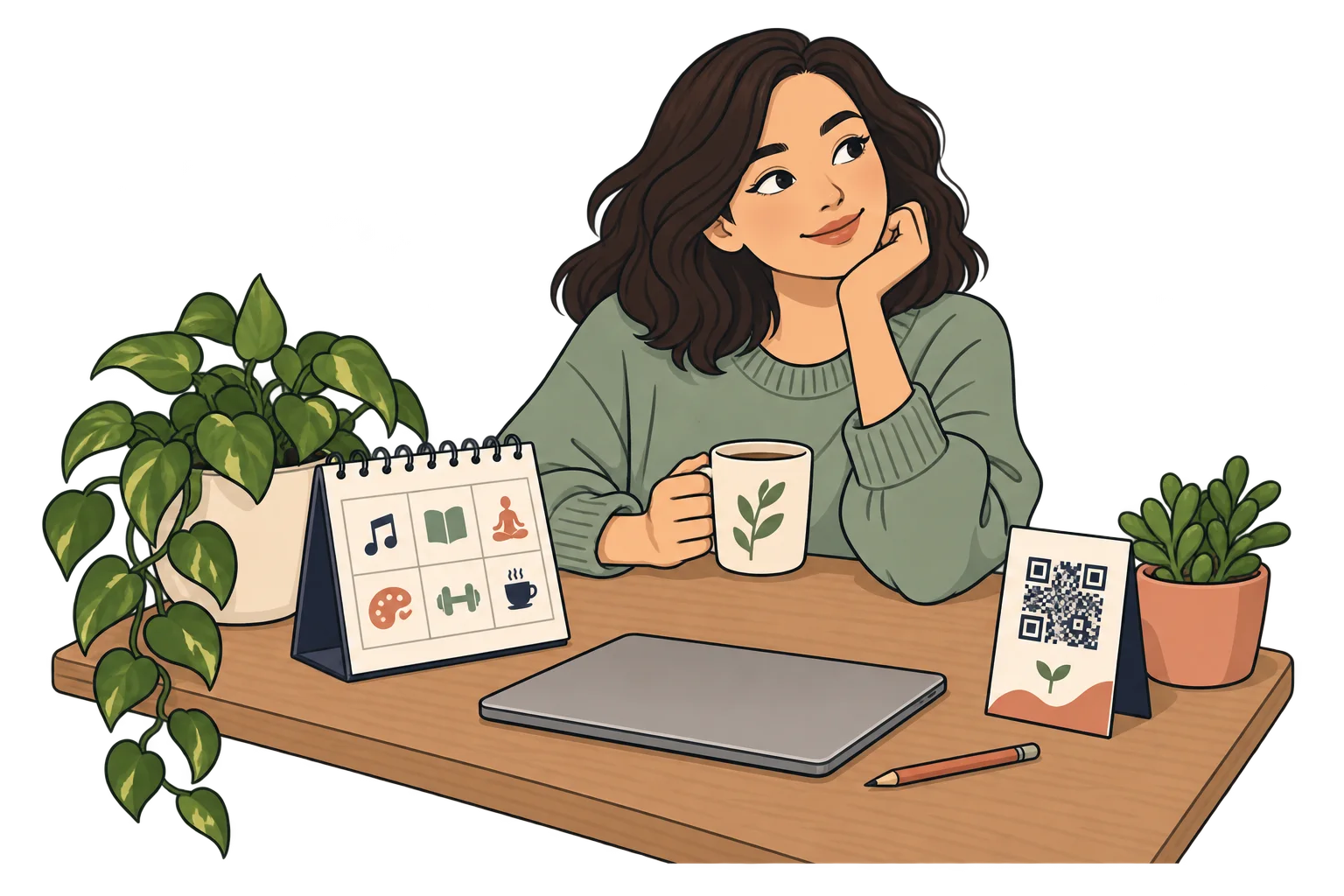
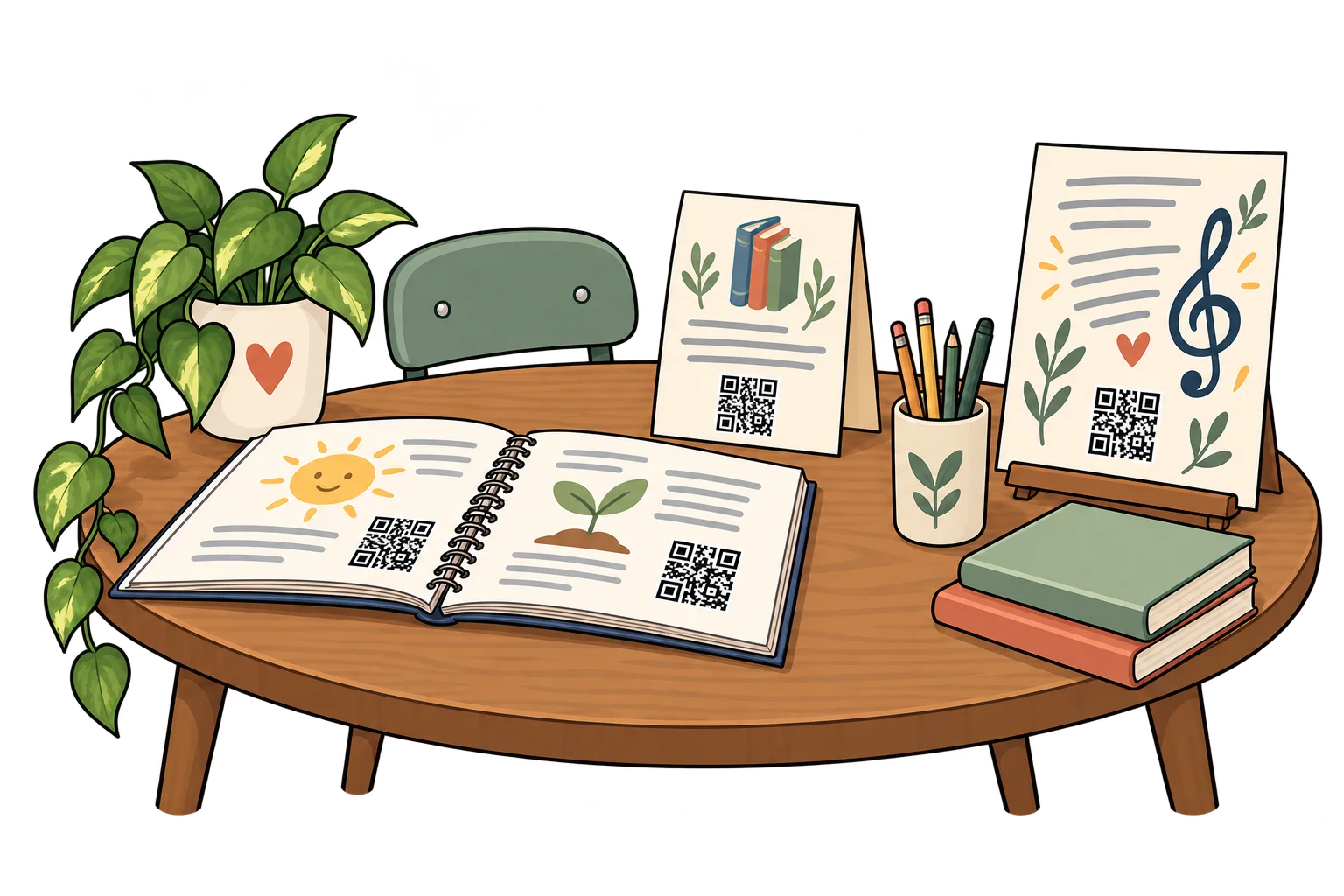
Across learning materials
Use different SmartLinks on worksheets, library cards and posters. Compare scans over the same period; scans do not measure learning.

When a lesson changes
Replace outdated linked material behind the same QR. Revise the printed sheet too if its own instructions have changed.
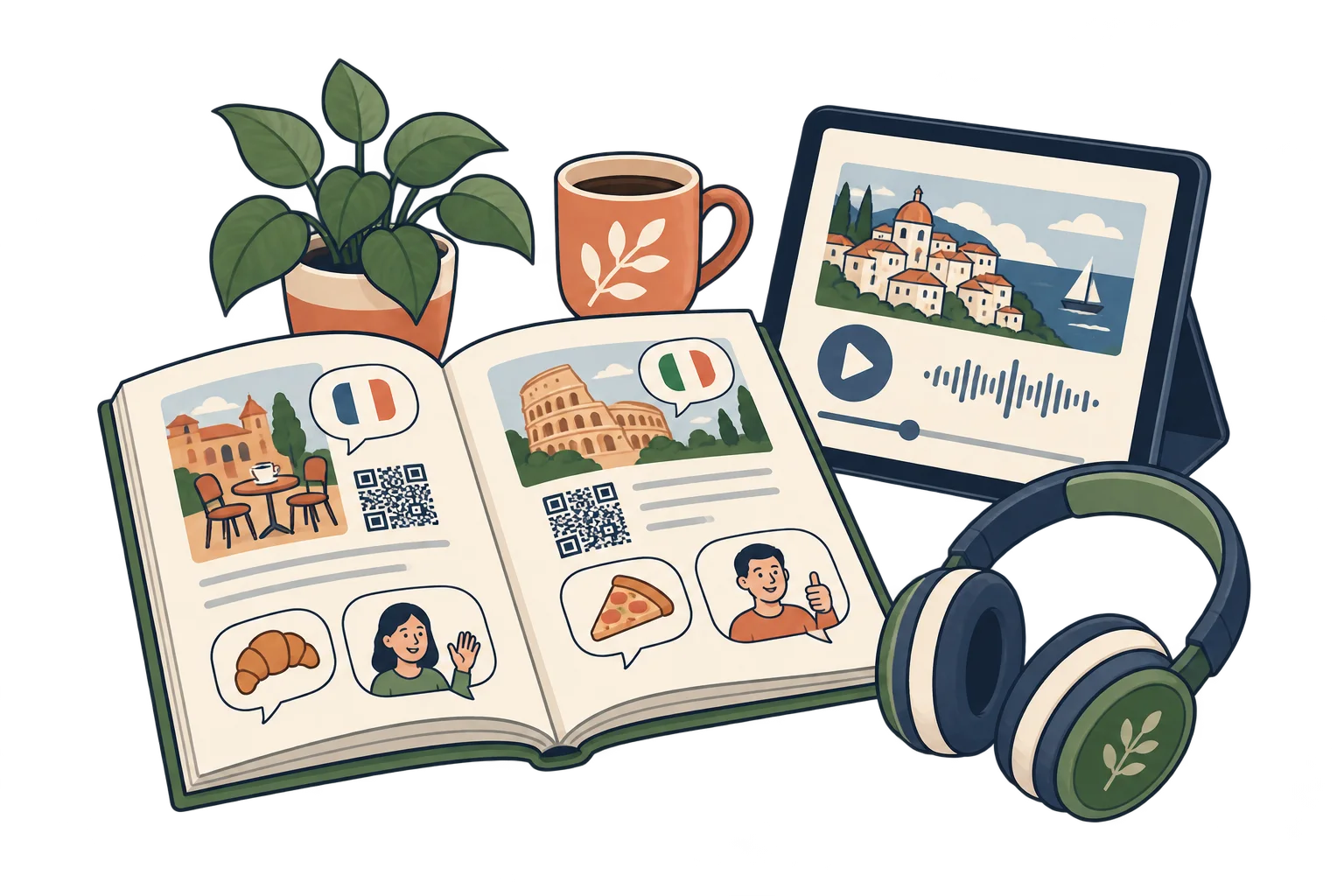
In language practice
Link a workbook QR to pronunciation recordings or listening exercises hosted by your course.
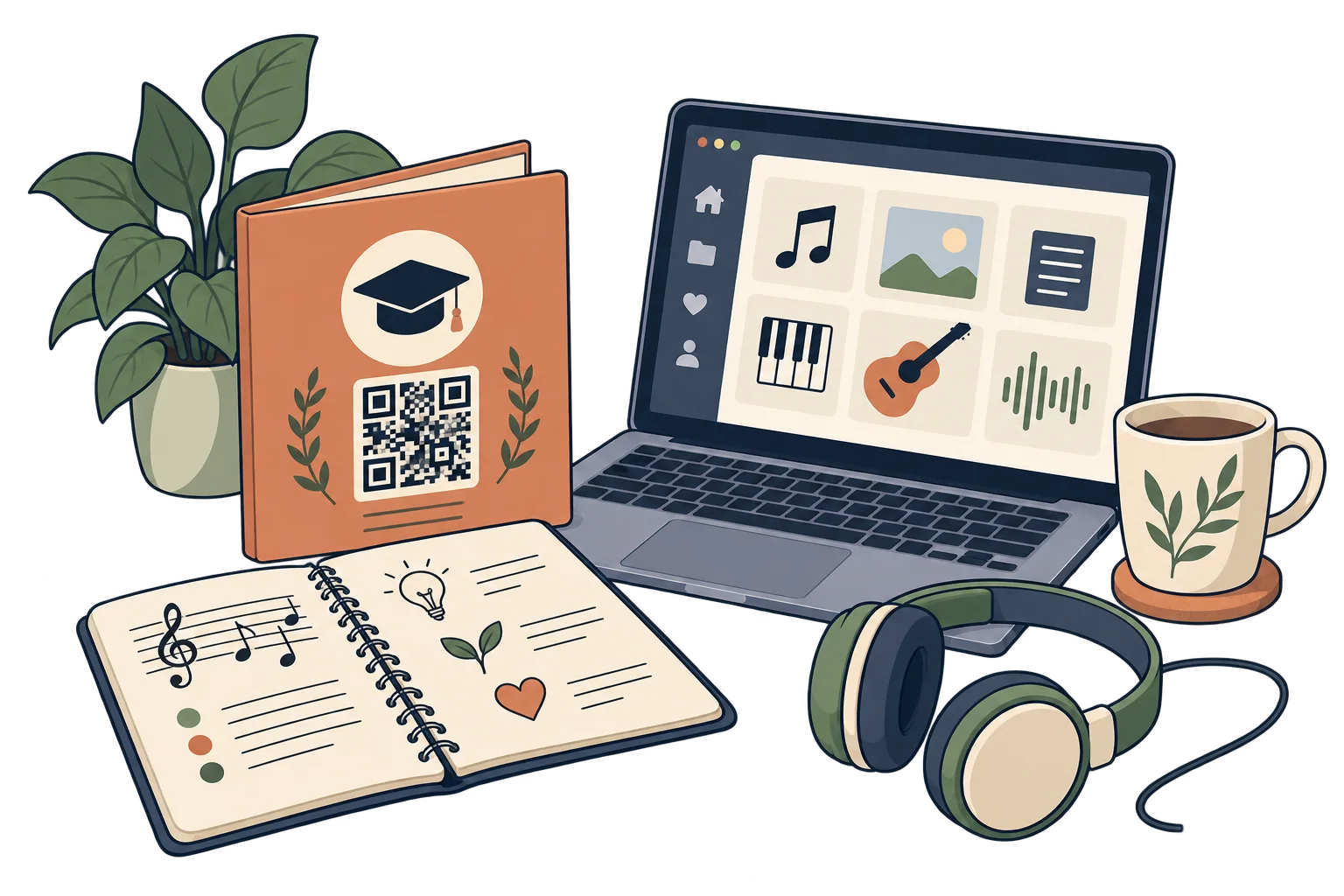
At the end of a course
Add a QR to the final folder with links to references and next steps. The linked platform manages enrolment and certificates.
Analytics for your business
Each bar represents a different SmartLink. Compare placements over the same period.
Daily scans across these three links. Use peaks to investigate what happened that day.
Use different SmartLinks on worksheets, library cards and classroom posters.
Compare scans over the same period and consider how many copies were distributed. Scans do not measure learning or attendance.
Improve the placement and linked resources with your teaching team. Use course feedback to assess educational value.
FAQ
Yes. Update the SmartLink destination while keeping its QR. Any information printed outside the QR must still be kept accurate.
Opening a SmartLink and its online destination requires an internet connection. Keep essential information available in print too.
They show access activity for each link, according to your plan. They do not prove purchases, attendance, completed reading or individual identity.
Yes. The same QR can open your website today, a specific social media post or video tomorrow, and a payment link later. Paste the public URL of the content you want, not just your profile feed. Keep the SmartLink active; deleting it is permanent.
No. They can scan with a compatible phone camera and open the link. Online content needs an internet connection; external services may have their own requirements.
Education
Choose a destination, customise your QR and test it before printing. Start free and choose more capacity when you need it.