Skip to content
MelodyQR.

MelodyQR / Events & culture

Spend less on reprints. Keep more contacts.

Help visitors find the programme, directions and useful content before, during and after your event.

Events & culture

Use cases

Ideas to bring customers back and reduce daily work.

01 / 10

On invitations

Reduce questions about getting there

Link schedules, maps and arrival instructions so guests know where to go.

On invitations. Link schedules, maps and arrival instructions so guests know where to go.
02 / 10

On event signs

Save on printing when the programme changes

Share the latest programme and room changes without replacing every printed agenda.
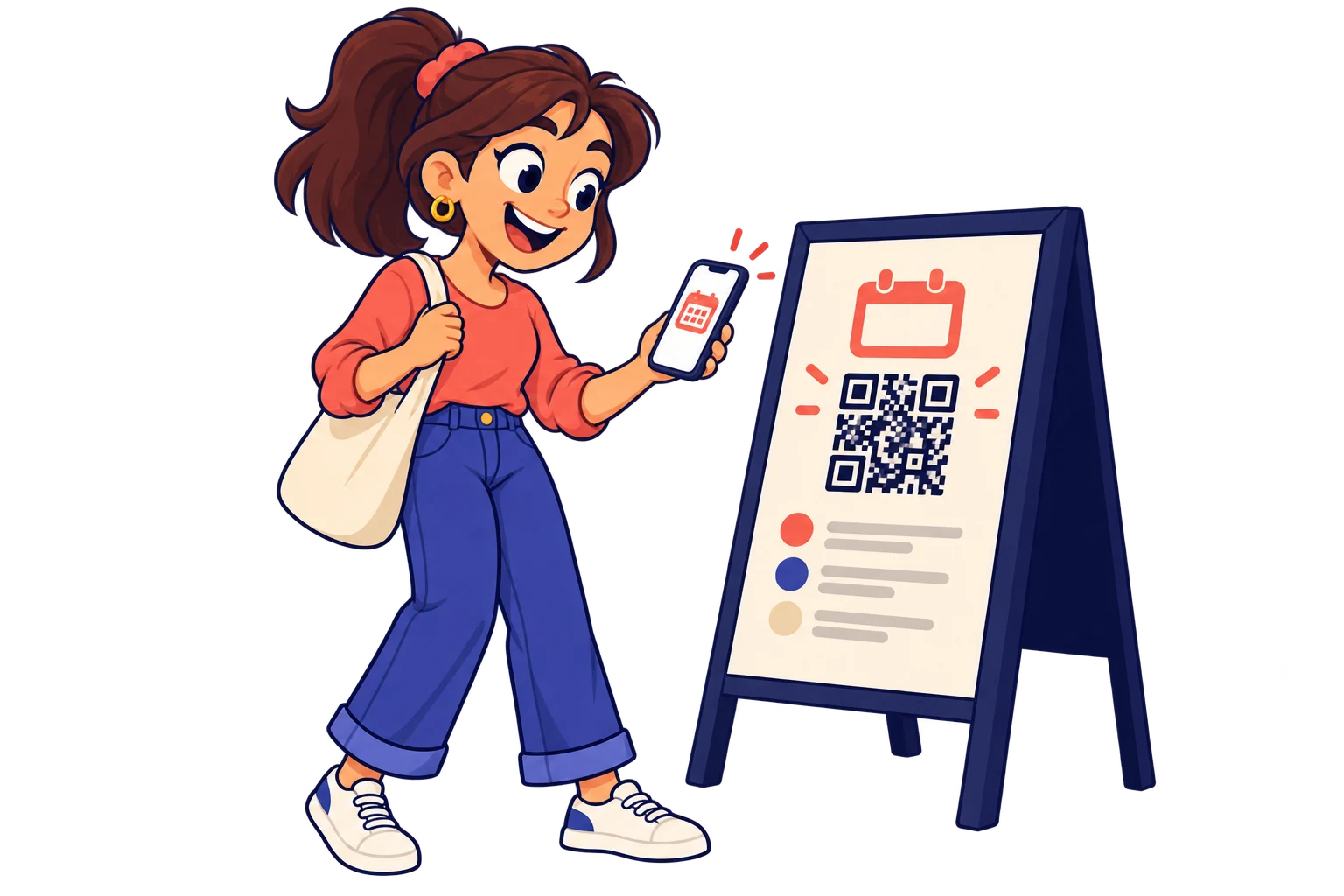
On event signs. Share the latest programme and room changes without replacing every printed agenda.
03 / 10

On exhibitor badges

Turn introductions into lasting contacts

Offer professional contact details through a digital contact card for easier follow-up.
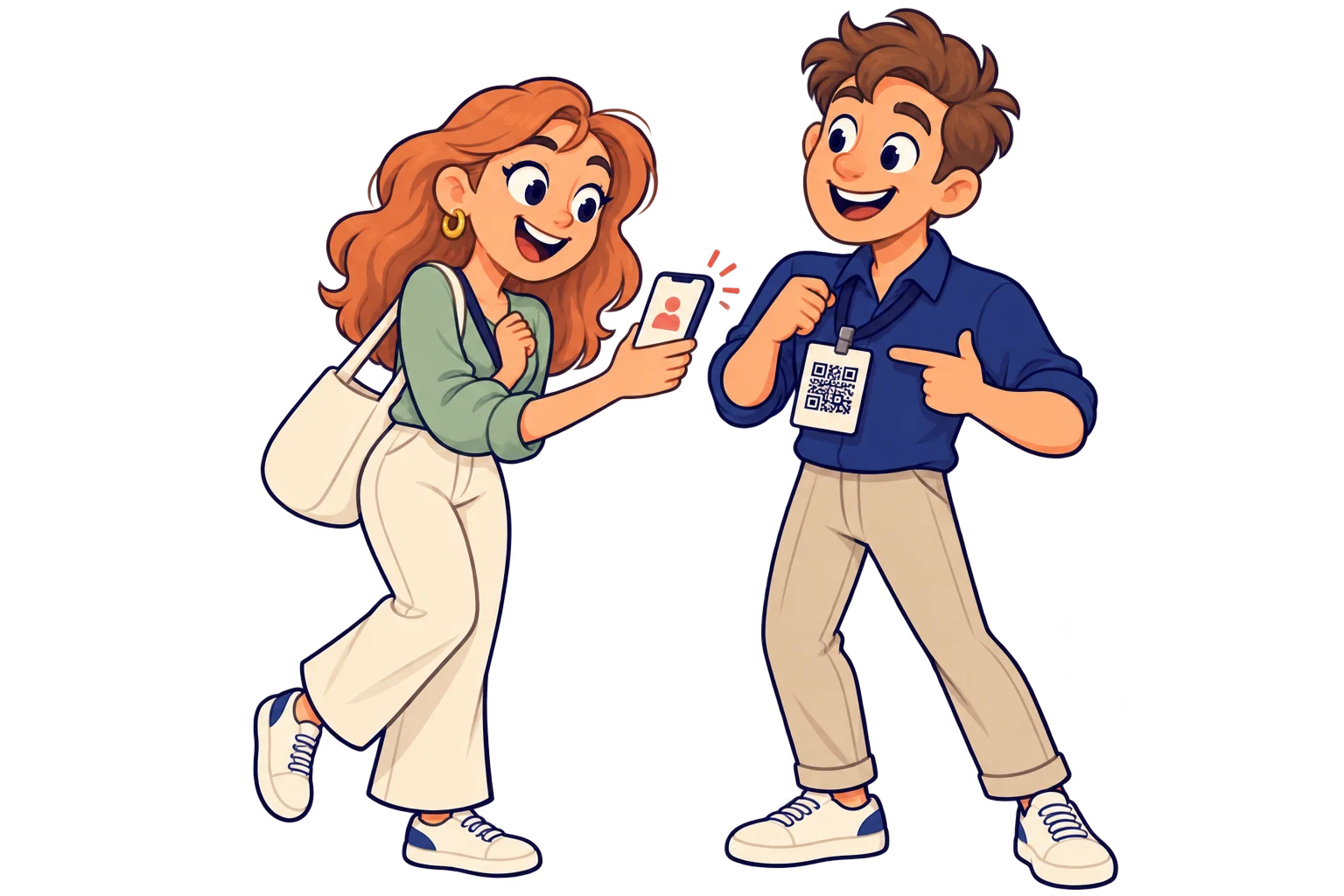
On exhibitor badges. Offer professional contact details through a digital contact card for easier follow-up.
04 / 10

At stands

Keep your offer in visitors' hands

Connect catalogues, demonstrations and your enquiry channel while visitors explore.
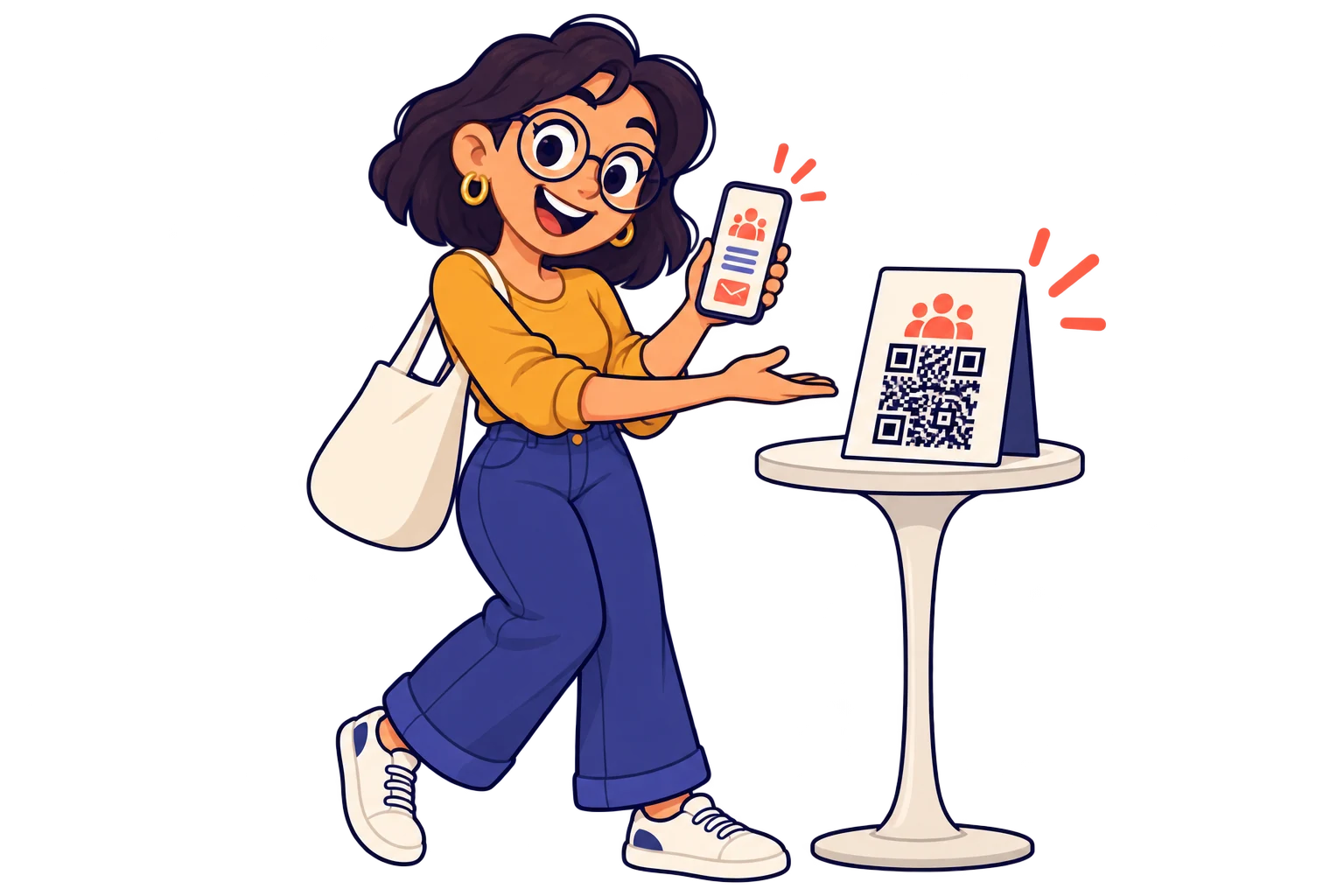
At stands. Connect catalogues, demonstrations and your enquiry channel while visitors explore.
05 / 10

Beside an exhibit

Add value to each visit

Link stories, audio and additional material hosted on your chosen services to enrich the visit.
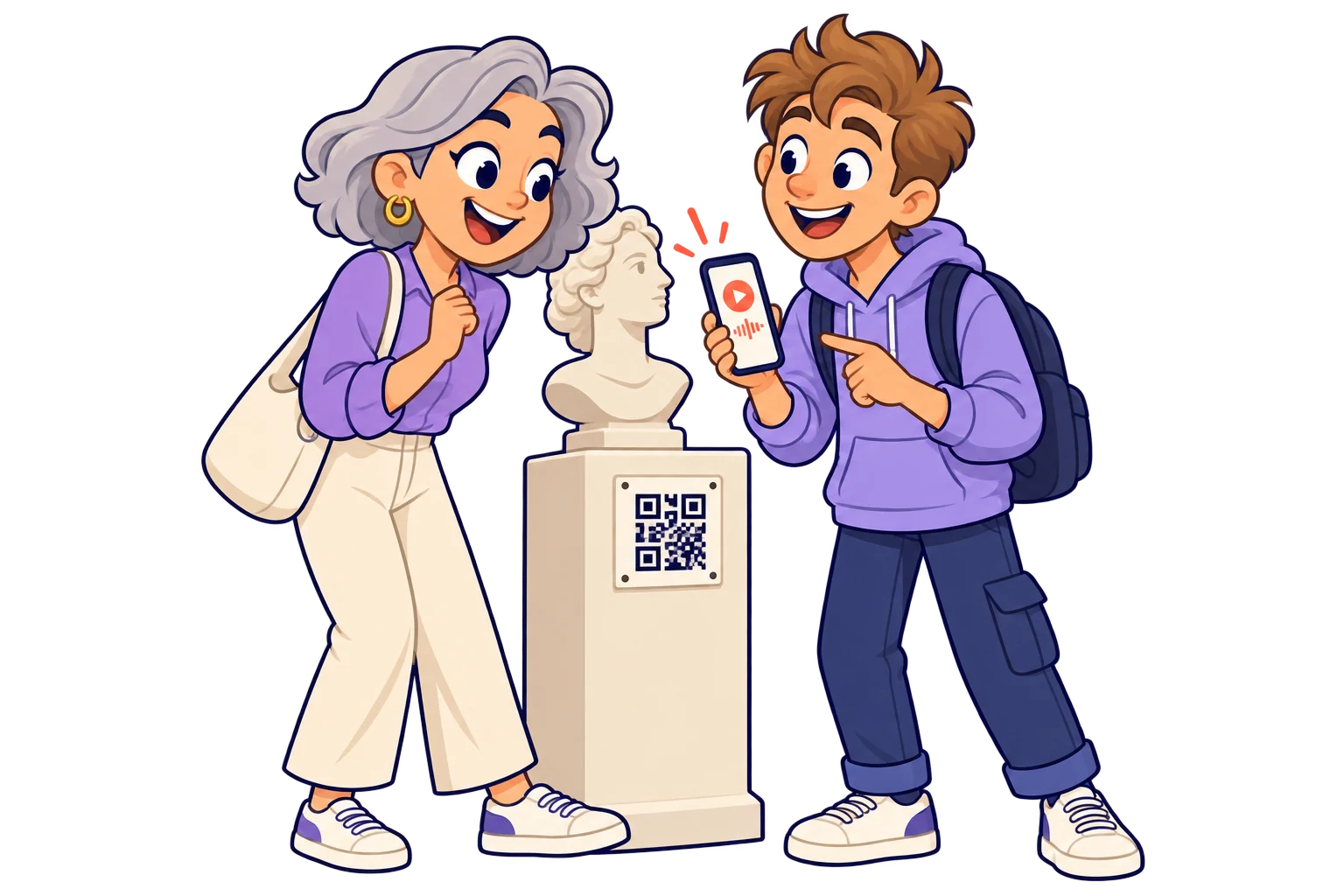
Beside an exhibit. Link stories, audio and additional material hosted on your chosen services to enrich the visit.
06 / 10

After the event

Keep the connection after the event

Change the destination to recordings, photos or the next date. Keep printed material useful beyond the day.

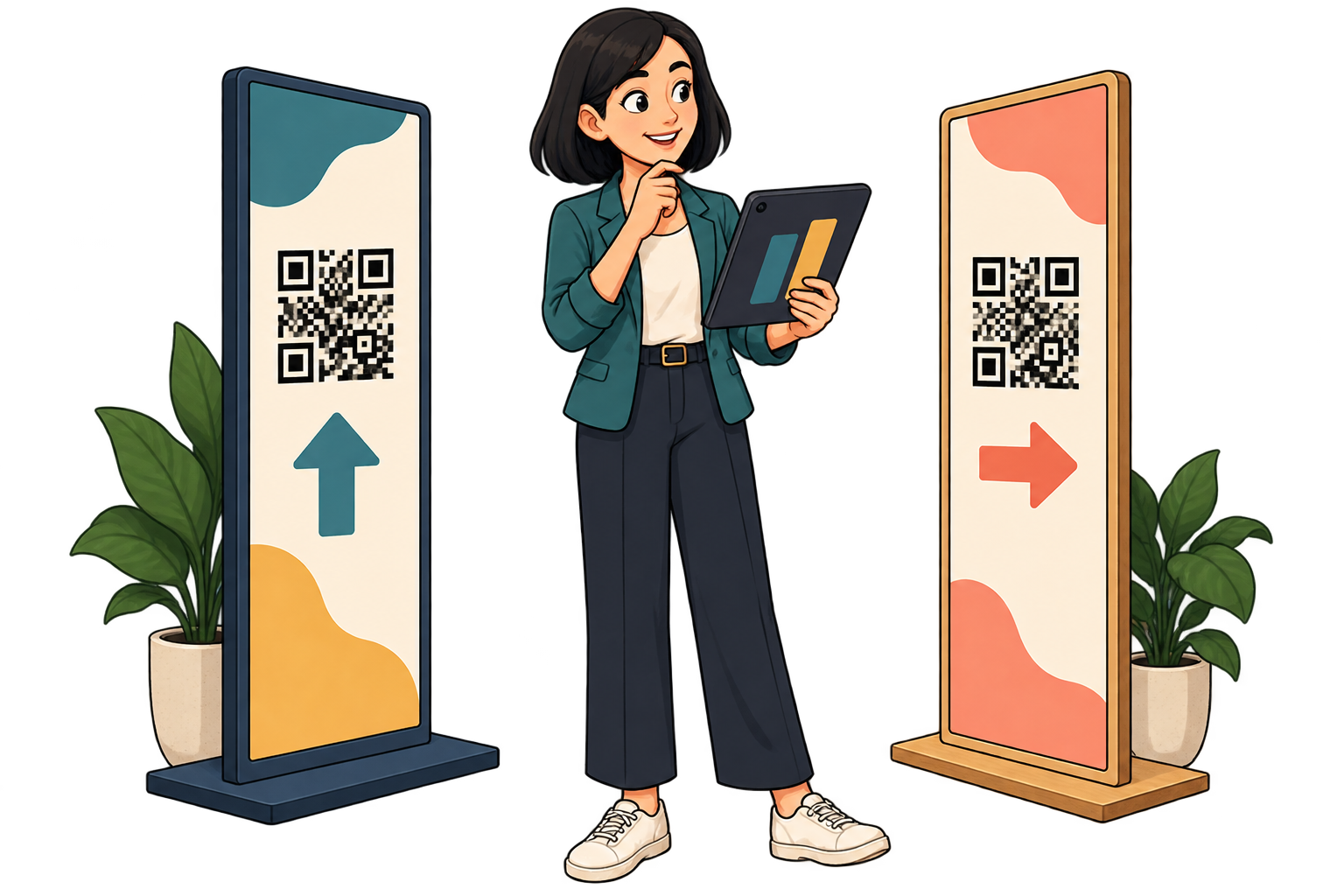
After the event. Change the destination to recordings, photos or the next date. Keep printed material useful beyond the day.
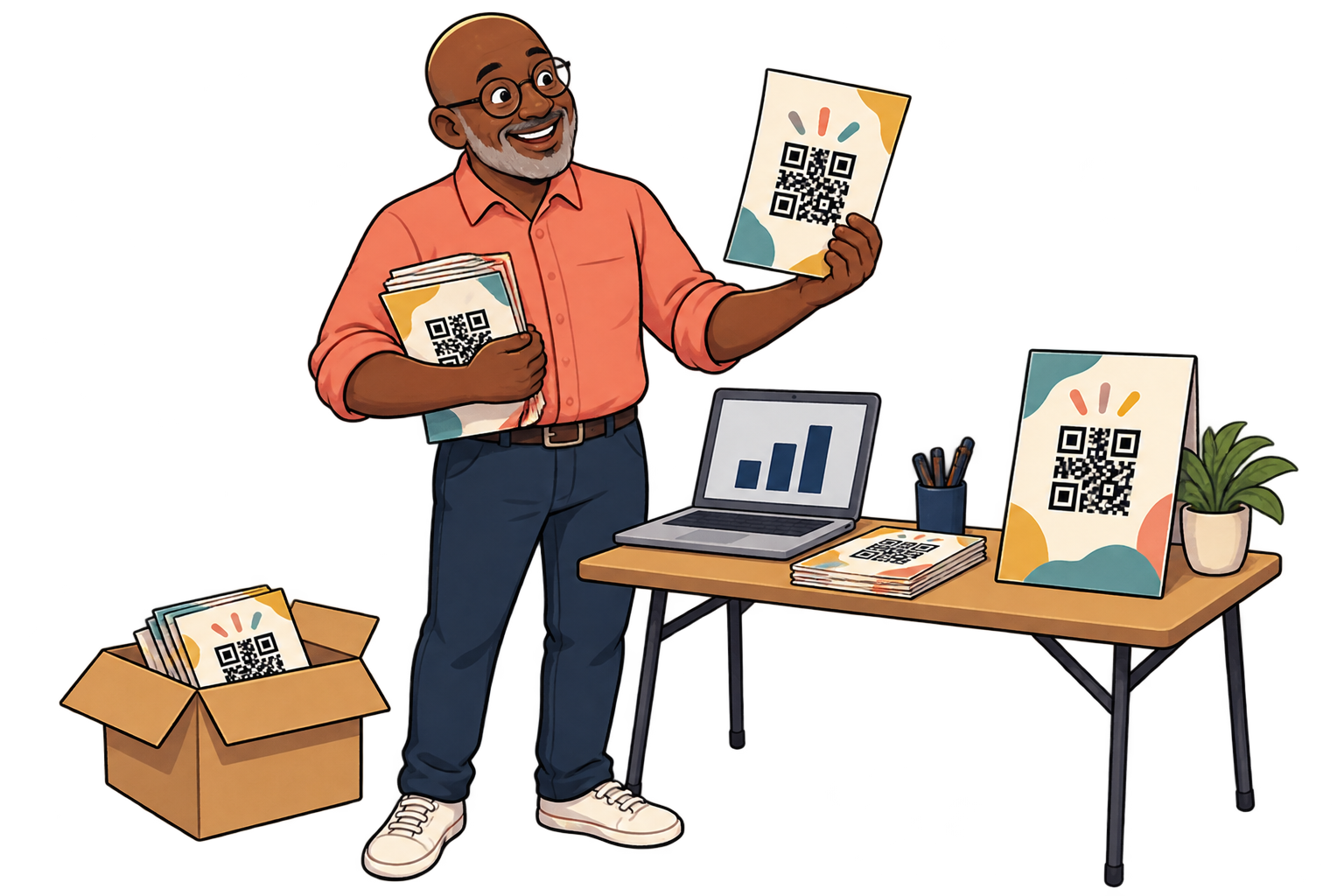
Across event entrances. Use a SmartLink per entrance or information point. Compare scans to improve sign placement for the next edition, alongside attendance and staff observations.
07 / 10

Across event entrances

Put the programme where it gets used

Use a SmartLink per entrance or information point. Compare scans to improve sign placement for the next edition, alongside attendance and staff observations.

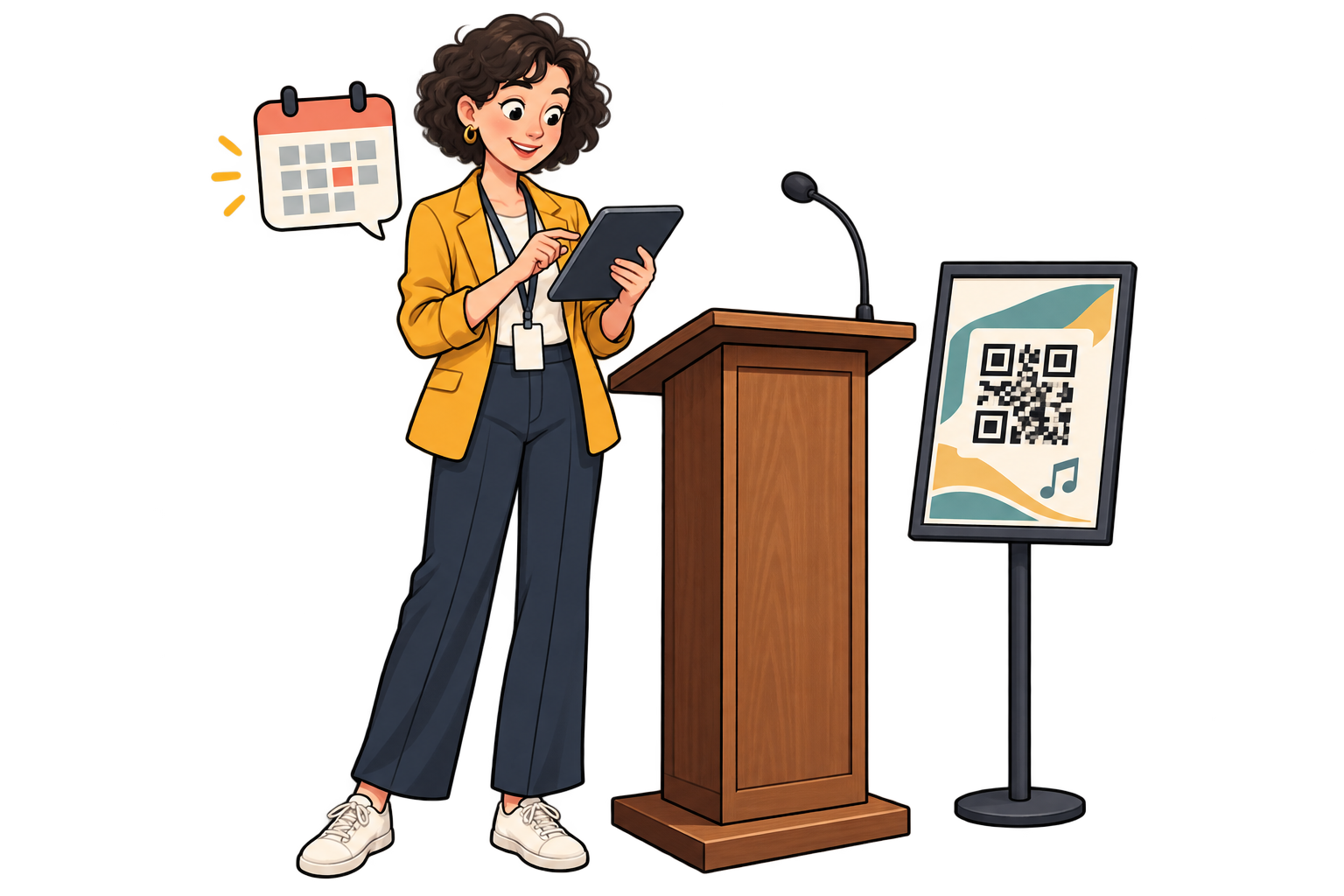
On promotion materials. Assign different SmartLinks to posters, flyers and partner materials. Compare scans over the campaign period to decide where to put the next distribution effort.
08 / 10

On promotion materials

Choose which promotion to repeat

Assign different SmartLinks to posters, flyers and partner materials. Compare scans over the campaign period to decide where to put the next distribution effort.

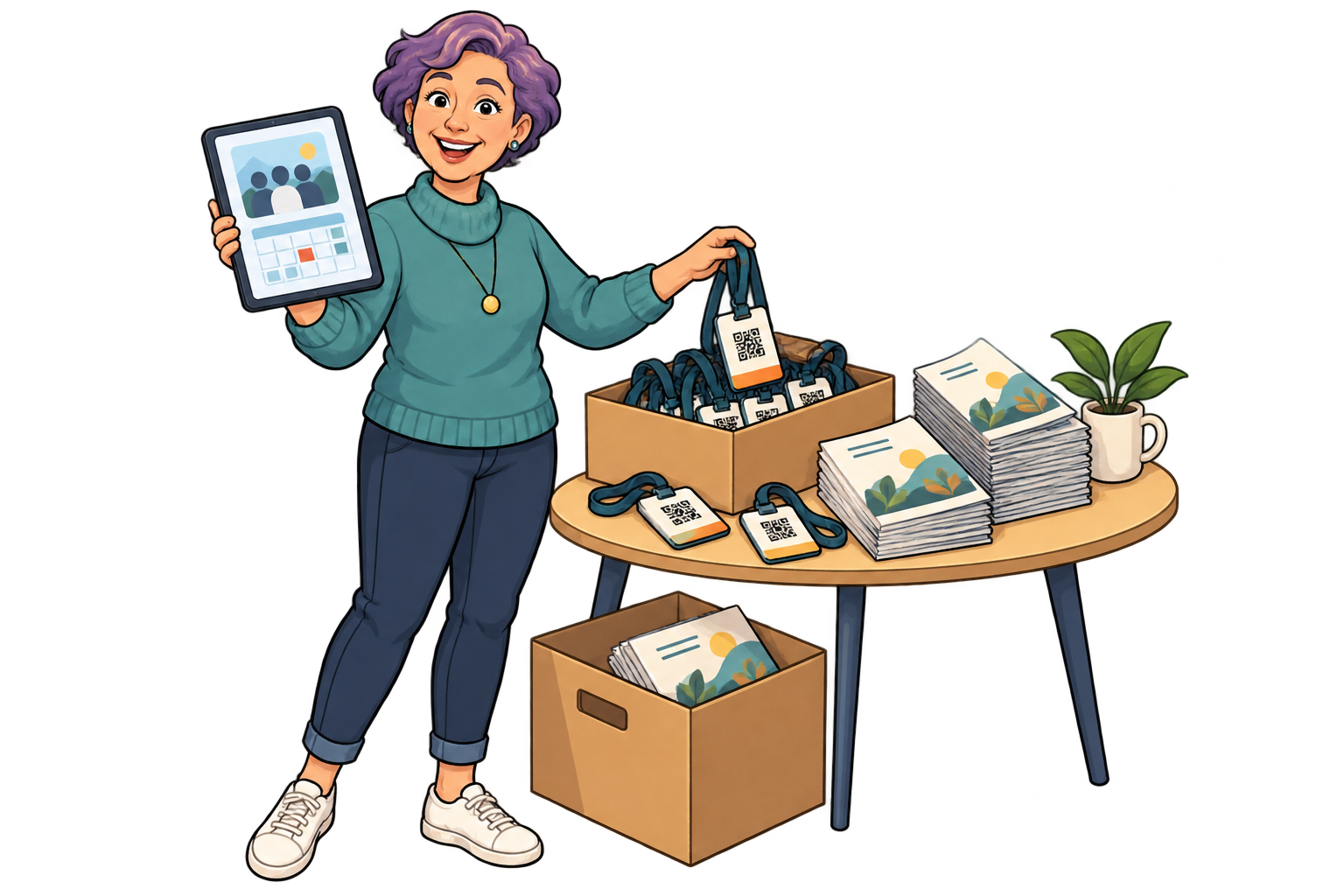
When the schedule changes. Keep the printed QR and point it to the latest programme. Review its activity to see which information points need a more visible reminder to scan.
09 / 10

When the schedule changes

Update information without replacing signs

Keep the printed QR and point it to the latest programme. Review its activity to see which information points need a more visible reminder to scan.

Between editions. Change the event SmartLink from highlights to the next edition’s announcement. Its scan history shows whether badges and programmes still generate visits after the event.
10 / 10

Between editions

Give saved material a second life

Change the event SmartLink from highlights to the next edition’s announcement. Its scan history shows whether badges and programmes still generate visits after the event.

Analytics for your business

Choose better places to promote your next event

Example data · 7 days

Where do scans come from?

Venue posters120 scans
Partner flyers80 scans
Street posters40 scans

Each bar represents a different SmartLink. Compare placements over the same period.

Example data · 7 days

When does interest pick up?

0306018Mon24Tue20Wed32Thu46Fri58Sat42Sun

Daily scans across these three links. Use peaks to investigate what happened that day.

  1. 01 / Measure

    Use a separate SmartLink for each poster location, flyer batch or partner distributing your campaign.

  2. 02 / Compare

    Compare scans during the promotion period and see when interest increases. Consider the amount of material distributed in each place.

  3. 03 / Improve

    Use that evidence to choose your next distribution points. Check ticket sales with your ticketing service before deciding which channel brings more revenue.

Explore analytics

FAQ

Questions from your sector

Yes. Update the linked page or destination. Visitors opening the QR can consult the updated information.

No. You can link your ticket platform. Ticket issuance and access validation remain with that system.

Yes. Use separate SmartLinks for room-specific information and scan reporting, within your plan allowance.

Yes. The same QR can open your website today, a specific social media post or video tomorrow, and a payment link later. Paste the public URL of the content you want, not just your profile feed. Keep the SmartLink active; deleting it is permanent.

No. They can scan with a compatible phone camera and open the link. Online content needs an internet connection; external services may have their own requirements.

Events & culture

Put your next QR to work for your business.

Choose a destination, customise your QR and test it before printing. Start free and choose more capacity when you need it.

Find your plan
All use cases