01 / 05
Older adults
A way to reach their family.
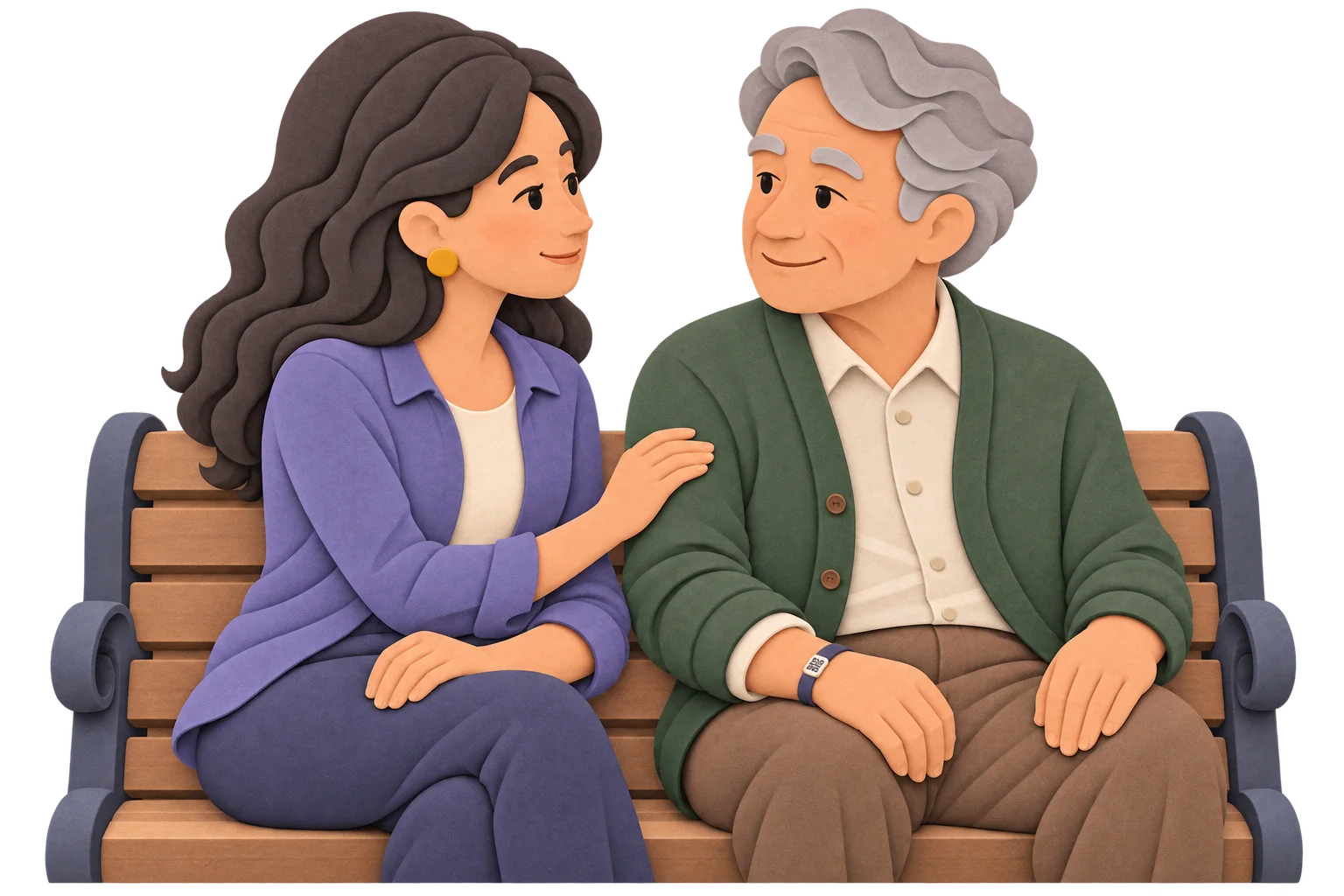
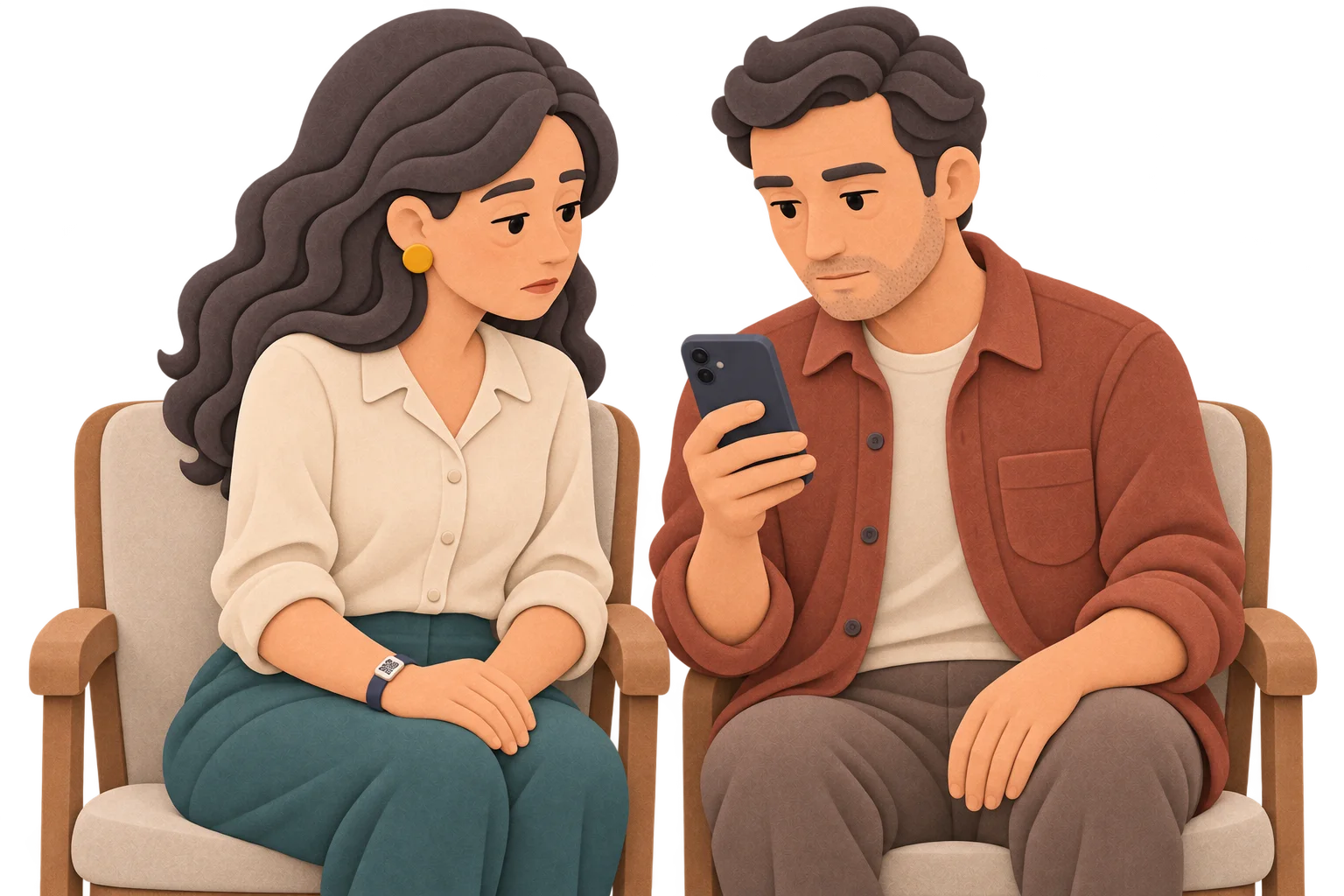
If Ernesto becomes disoriented, a QR on his wristband can help someone contact his family.
Ernesto’s profile
MelodyQR / Medical profile
Your medical profile and contacts, one scan away. To help in an emergency or help someone find their way home.
Use cases
Older adults
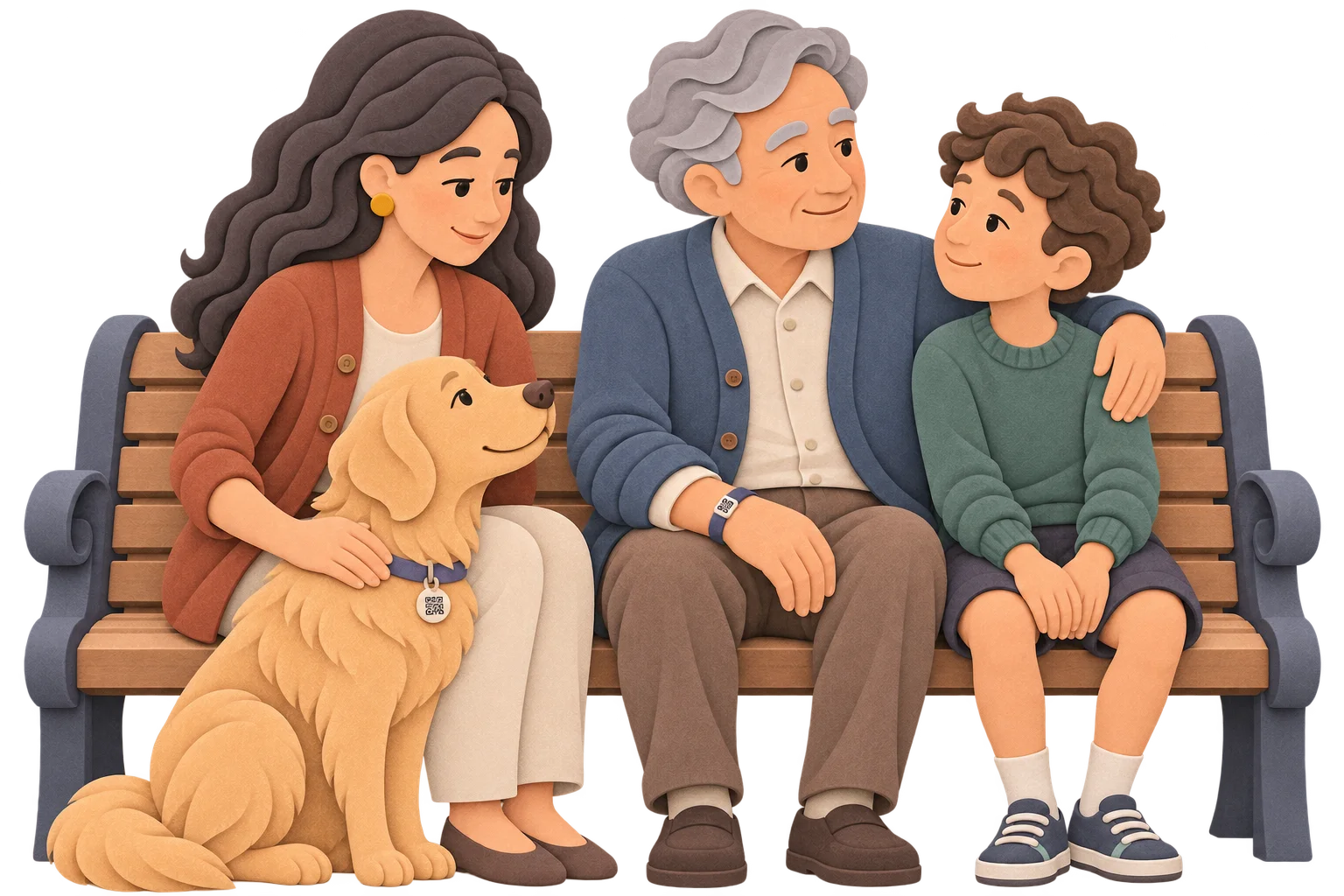
If Ernesto becomes disoriented, a QR on his wristband can help someone contact his family.
Lost pets
If Luna slips out, her QR tag gives the person who finds her a way to call you.
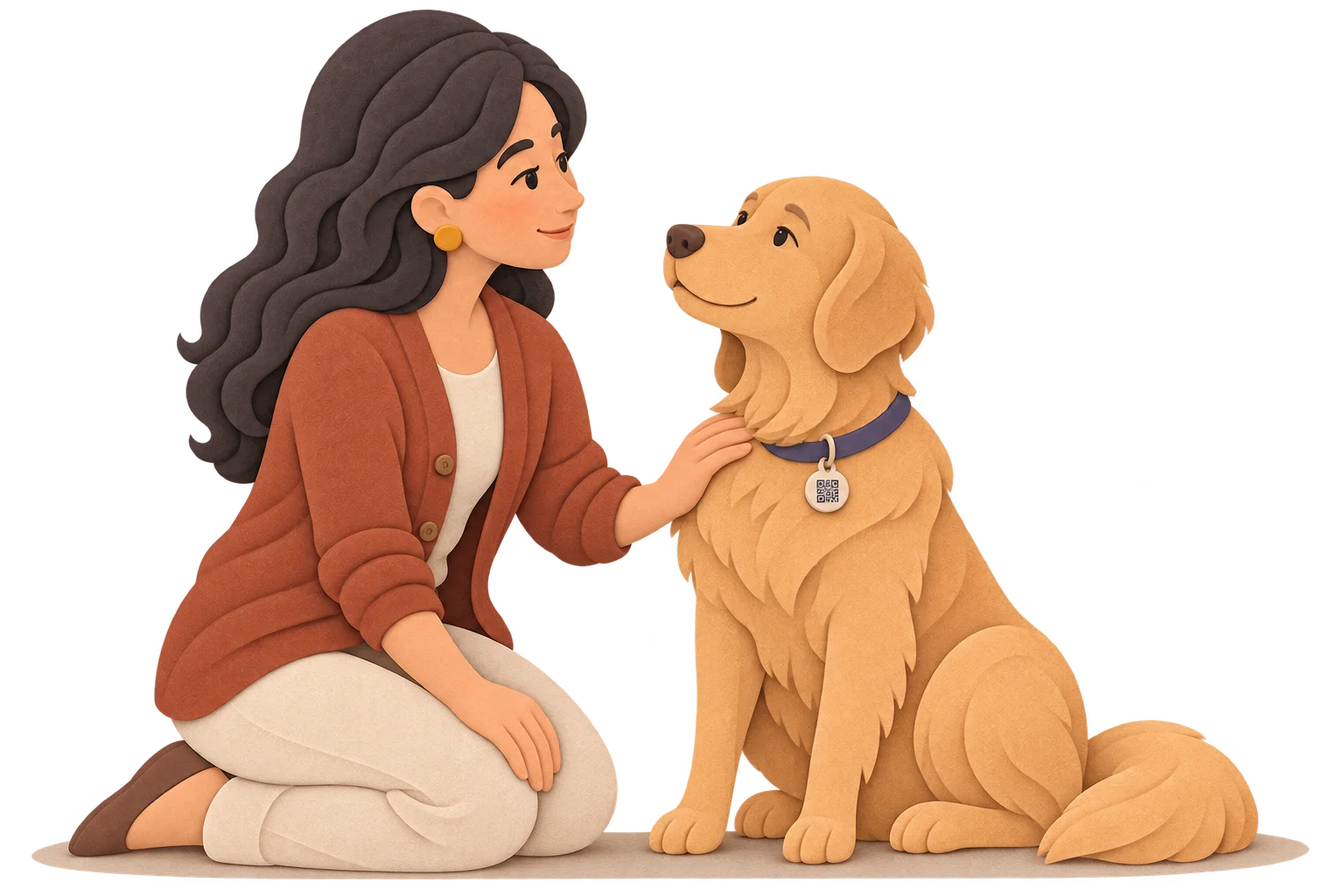
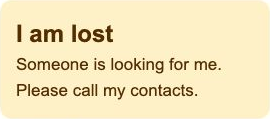
The same QR. When you activate the lost notice, the profile highlights it so someone can contact you.
An emergency
An allergy, a contact. Details you choose to share may help the person assisting you.
Children and family
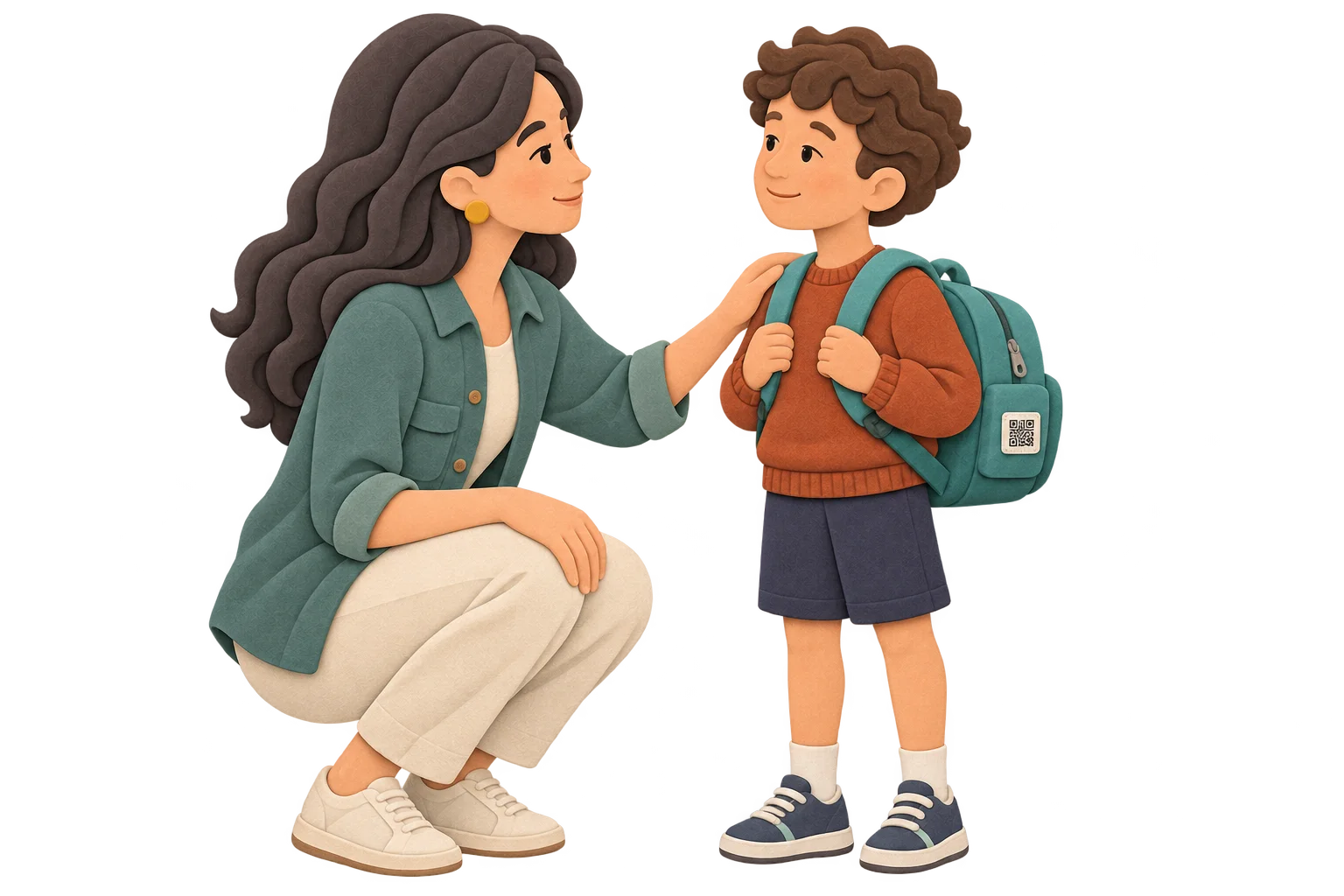
If Tomás loses sight of his family, a QR on his backpack can open a trusted adult’s contact.
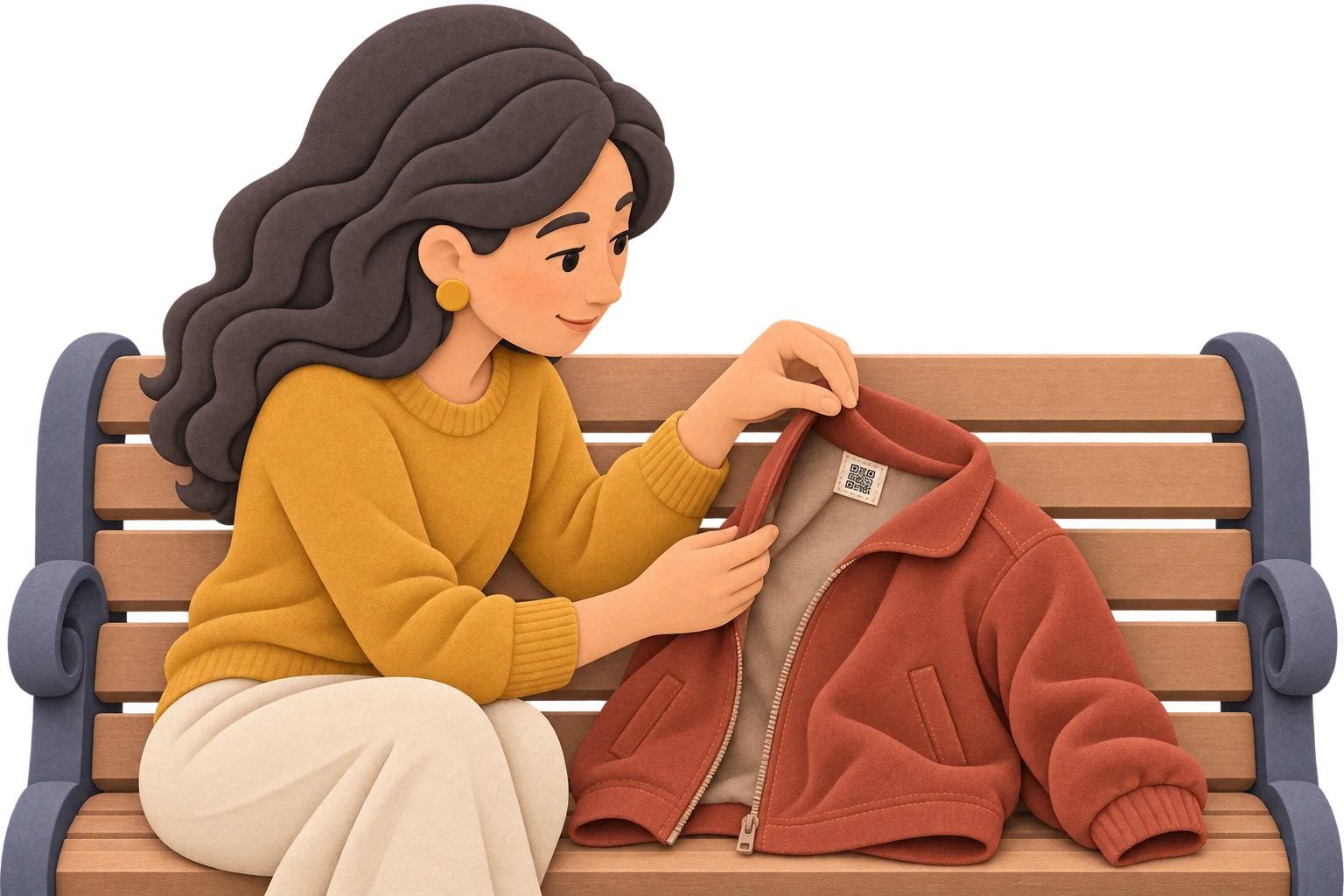
Jackets and backpacks
A jacket left at the park. A QR on its label gives the finder a way to reach you.
FAQ
Yes. The same profile lets you publish a name, your chosen details and contacts.
Anyone who scans the QR code can view the published information.
Yes. Edit and save the profile; the linked QR code stays the same.
No. It displays a notice on the profile; it does not track location or send alerts.
No. It is information published by the owner. It does not include clinical history or medical recommendations.
No. A name is required; the photo, health details and both phone numbers are optional.
Medical profile
Share only what you want someone scanning the QR to see.