Skip to content
MelodyQR.

MelodyQR / Restaurants & cafés

Save on printing. Make repeat orders easier.

Connect tables, takeaway boxes and your window with menus, bookings and the next order.

Restaurants & cafés

Use cases

Ideas to bring customers back and reduce daily work.

01 / 10

On the table

Spend less on menu reprints

Share your PDF menu and contact links. Update prices behind the same QR to avoid replacing table signs.
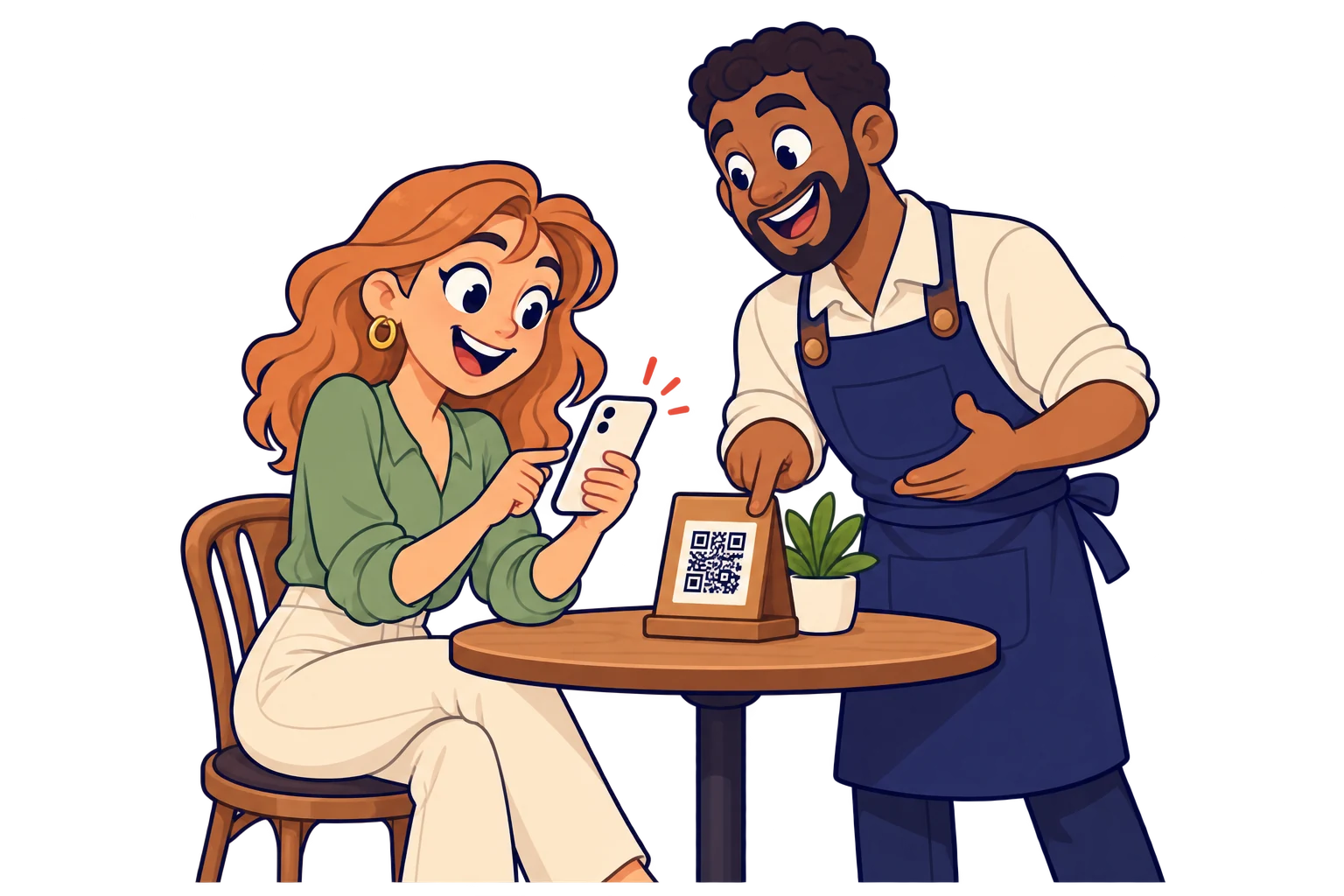
On the table. Share your PDF menu and contact links. Update prices behind the same QR to avoid replacing table signs.
02 / 10

On the takeaway box

Make the next order easier

Link reheating instructions and your ordering website so a happy customer can find you again.
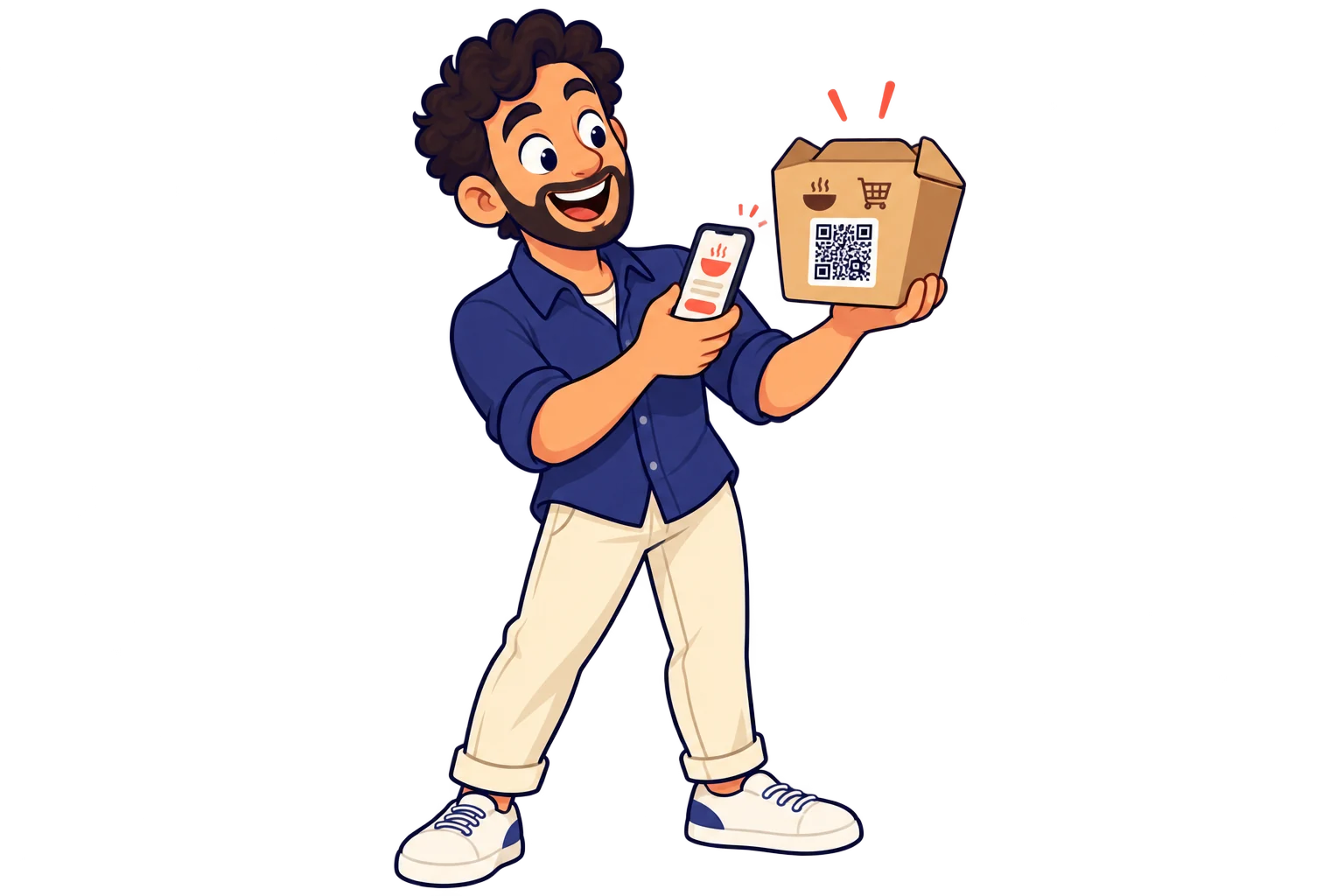
On the takeaway box. Link reheating instructions and your ordering website so a happy customer can find you again.
03 / 10

In the window

Turn passing interest into bookings

Let passers-by browse the menu and open your existing reservation service before coming inside.
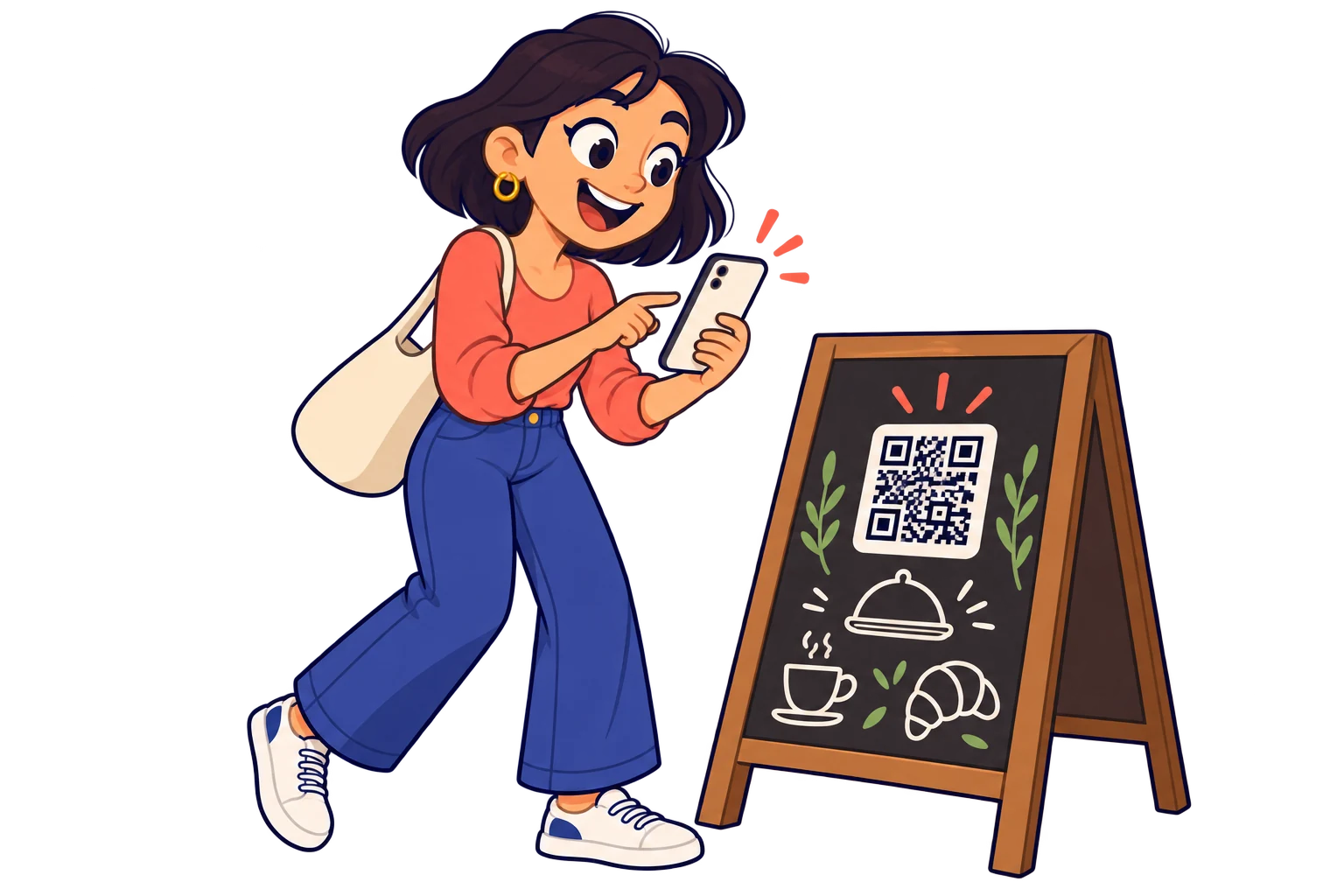
In the window. Let passers-by browse the menu and open your existing reservation service before coming inside.
04 / 10

At the right time

Save time explaining today's menu

Schedule breakfast, lunch and dinner destinations with time rules. Help guests reach the relevant menu.
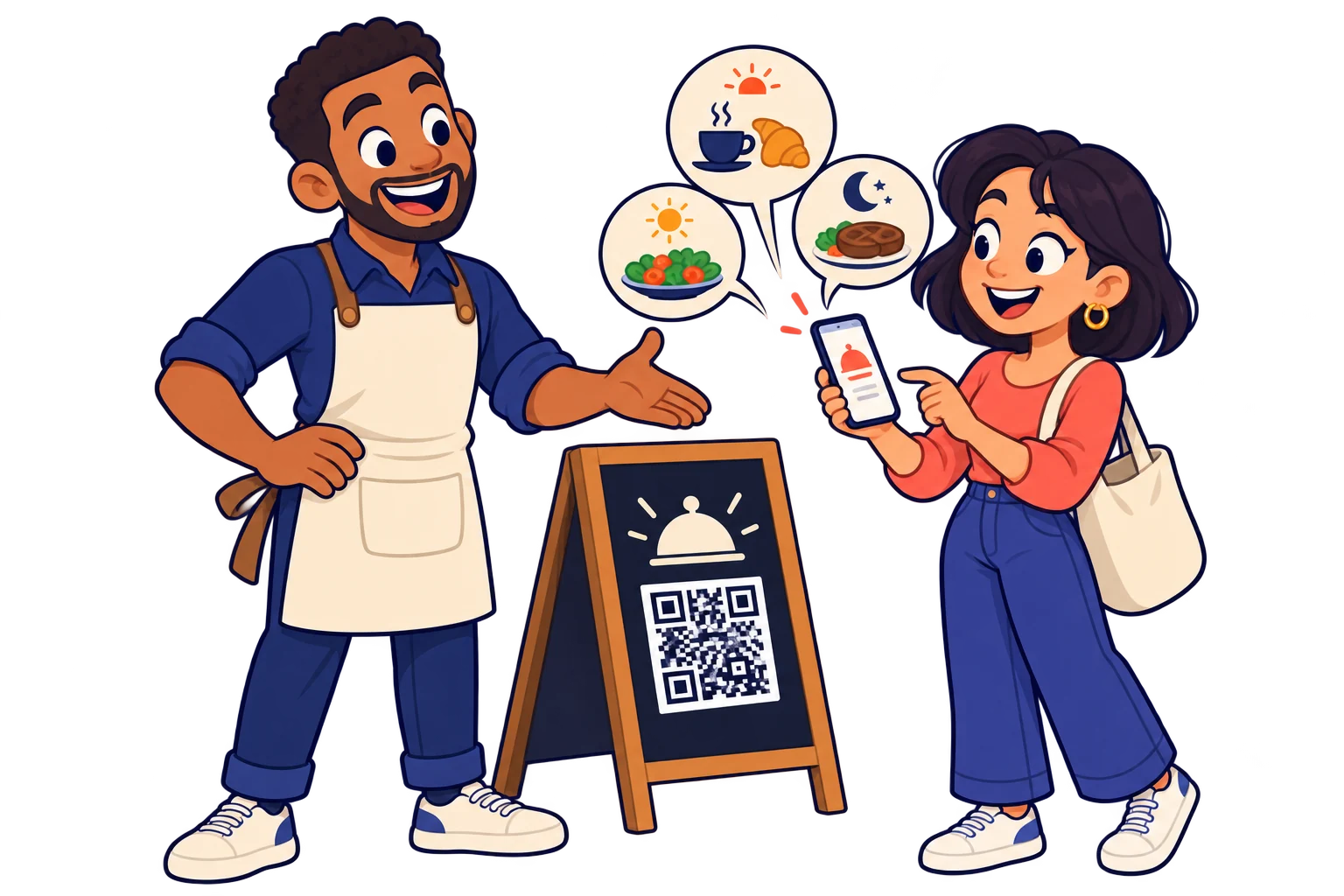
At the right time. Schedule breakfast, lunch and dinner destinations with time rules. Help guests reach the relevant menu.
05 / 10

On a coaster

Give customers a reason to come back

Share tastings, live music or seasonal specials. Keep an everyday object useful for your next event.
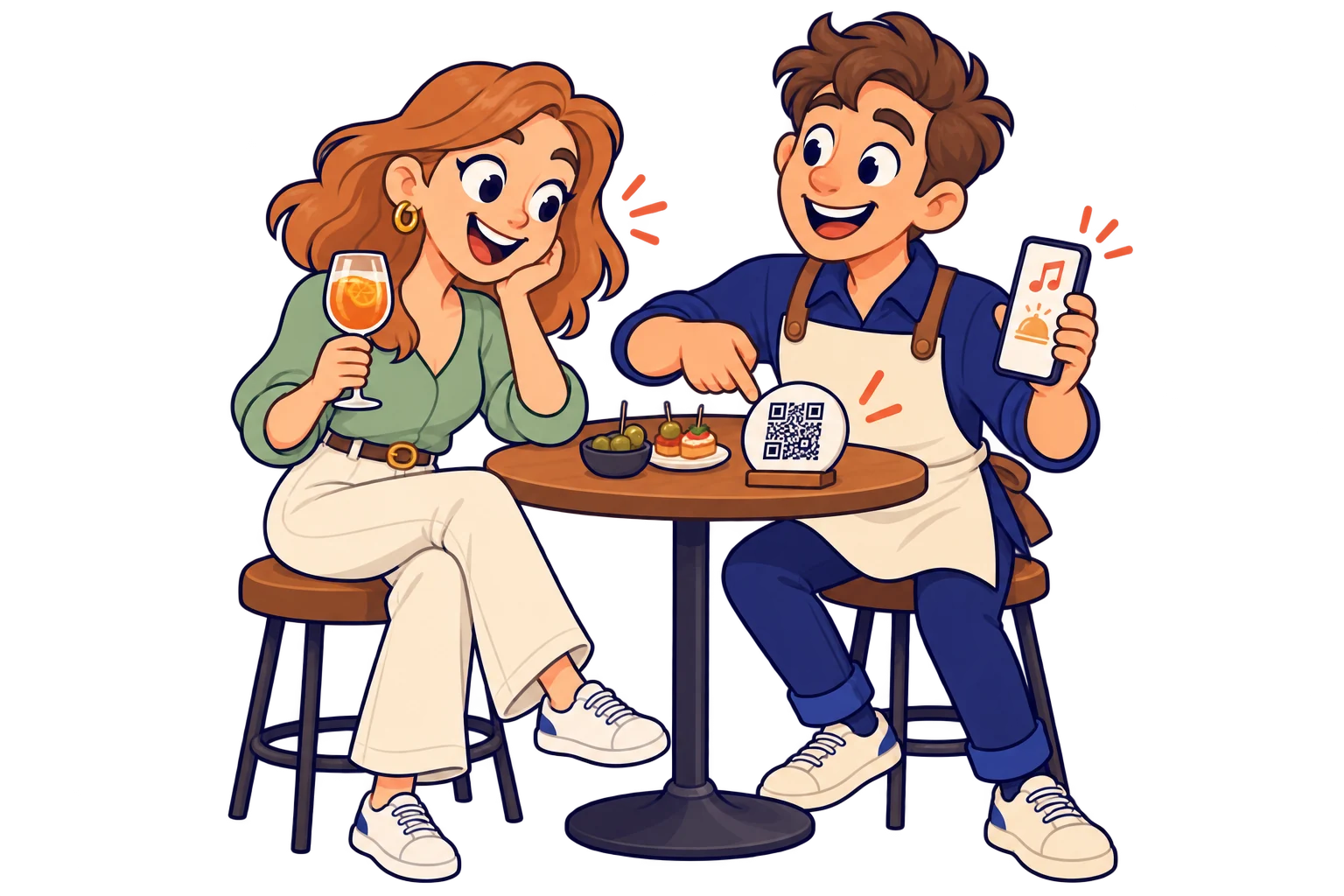
On a coaster. Share tastings, live music or seasonal specials. Keep an everyday object useful for your next event.
06 / 10

With the receipt

Make it easier to collect reviews

Link to your external review page, making it easier for diners to share their experience.

With the receipt. Link to your external review page, making it easier for diners to share their experience.
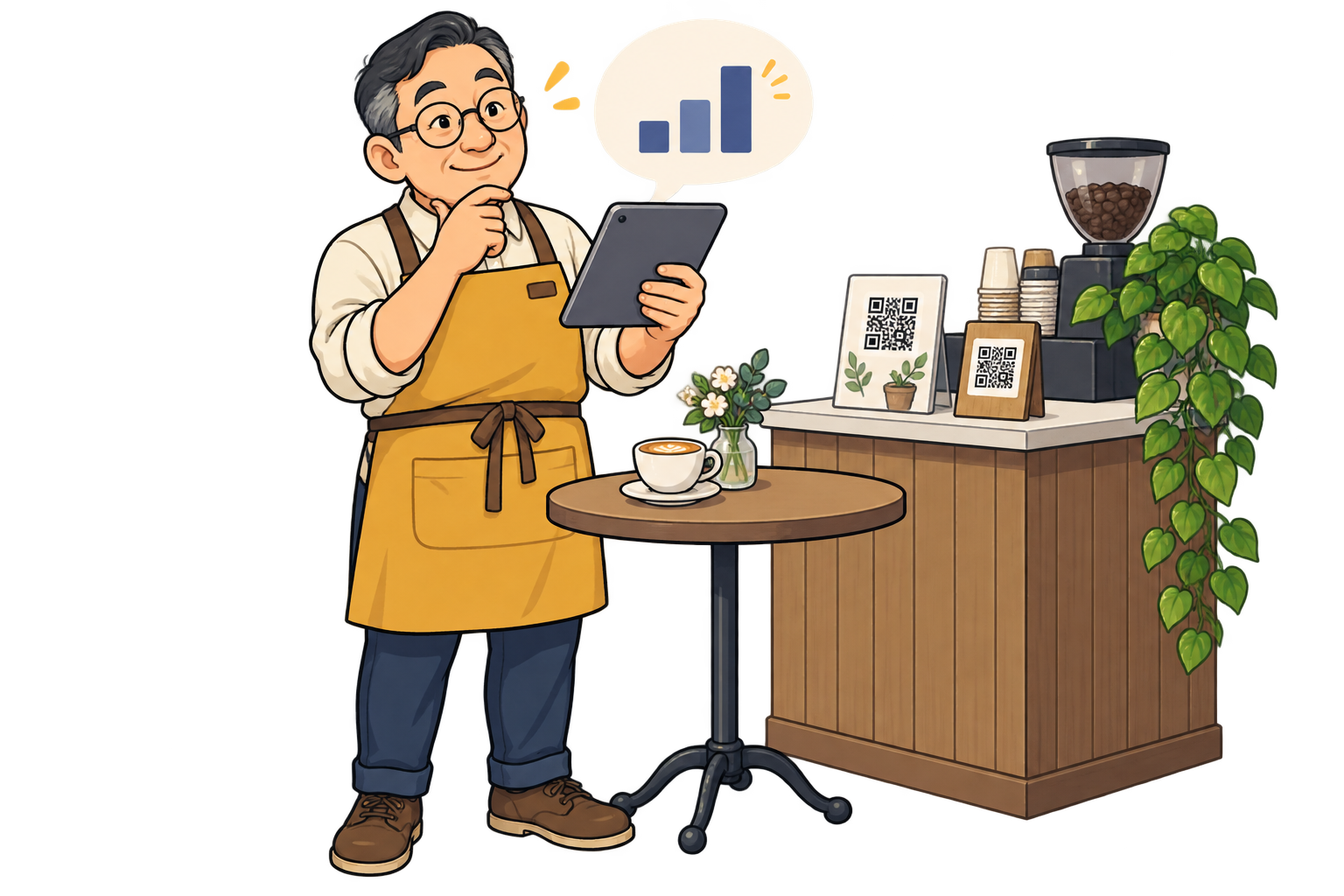
Across tables and the counter. Use a separate SmartLink for each area and compare scans over the same period. Put clearer signs where use is low before printing more.
07 / 10

Across tables and the counter

Find where your menu gets noticed

Use a separate SmartLink for each area and compare scans over the same period. Put clearer signs where use is low before printing more.

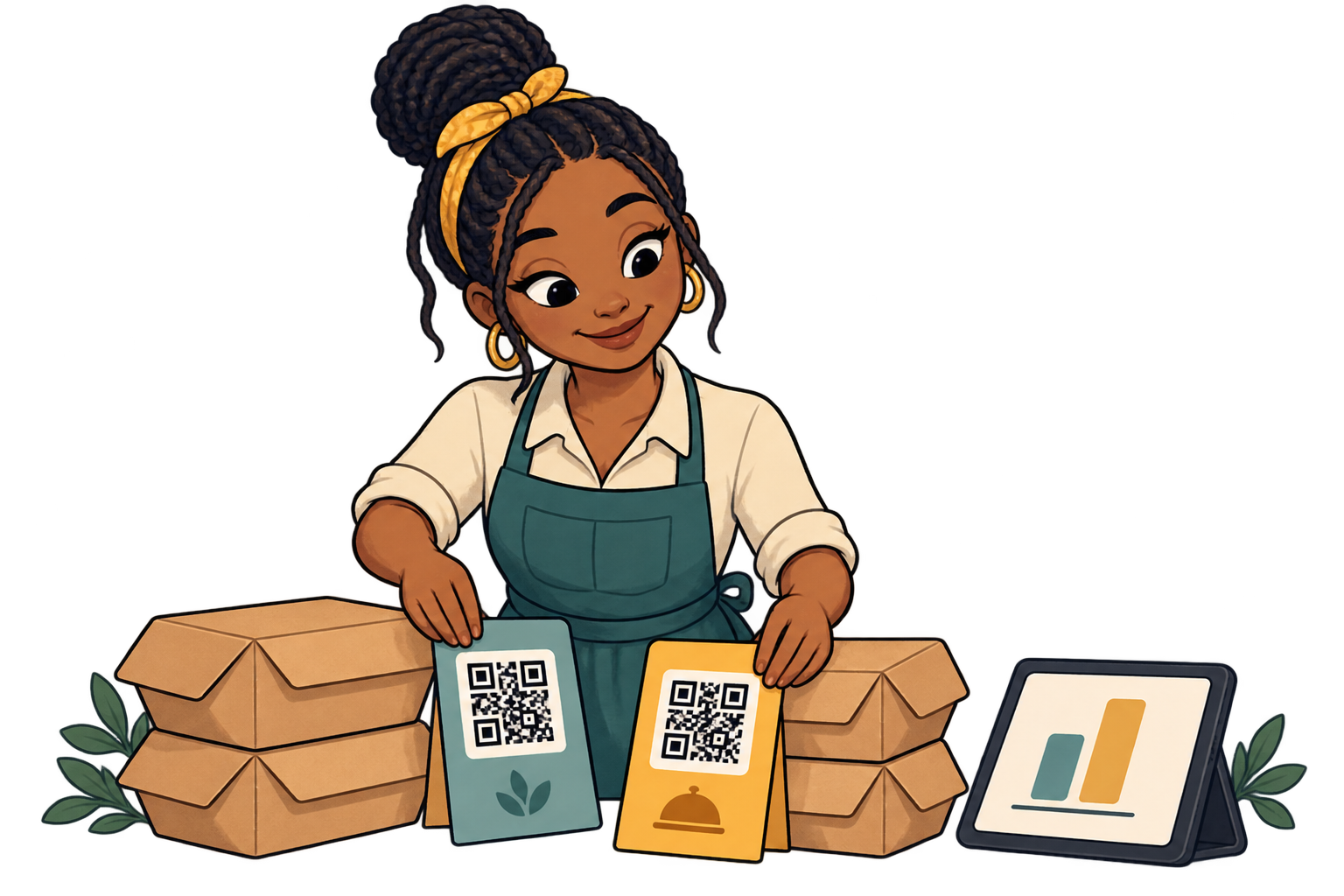
On takeaway inserts. Give each insert design its own SmartLink to your ordering site. Compare scans from similar distribution volumes to decide which message to use next.
08 / 10

On takeaway inserts

Choose the insert worth repeating

Give each insert design its own SmartLink to your ordering site. Compare scans from similar distribution volumes to decide which message to use next.

Before a seasonal launch. Change the destination of your printed QR to the seasonal menu. Review scan activity before and after the launch to decide when to give it more visibility.
09 / 10

Before a seasonal launch

Renew the offer without replacing signs

Change the destination of your printed QR to the seasonal menu. Review scan activity before and after the launch to decide when to give it more visibility.

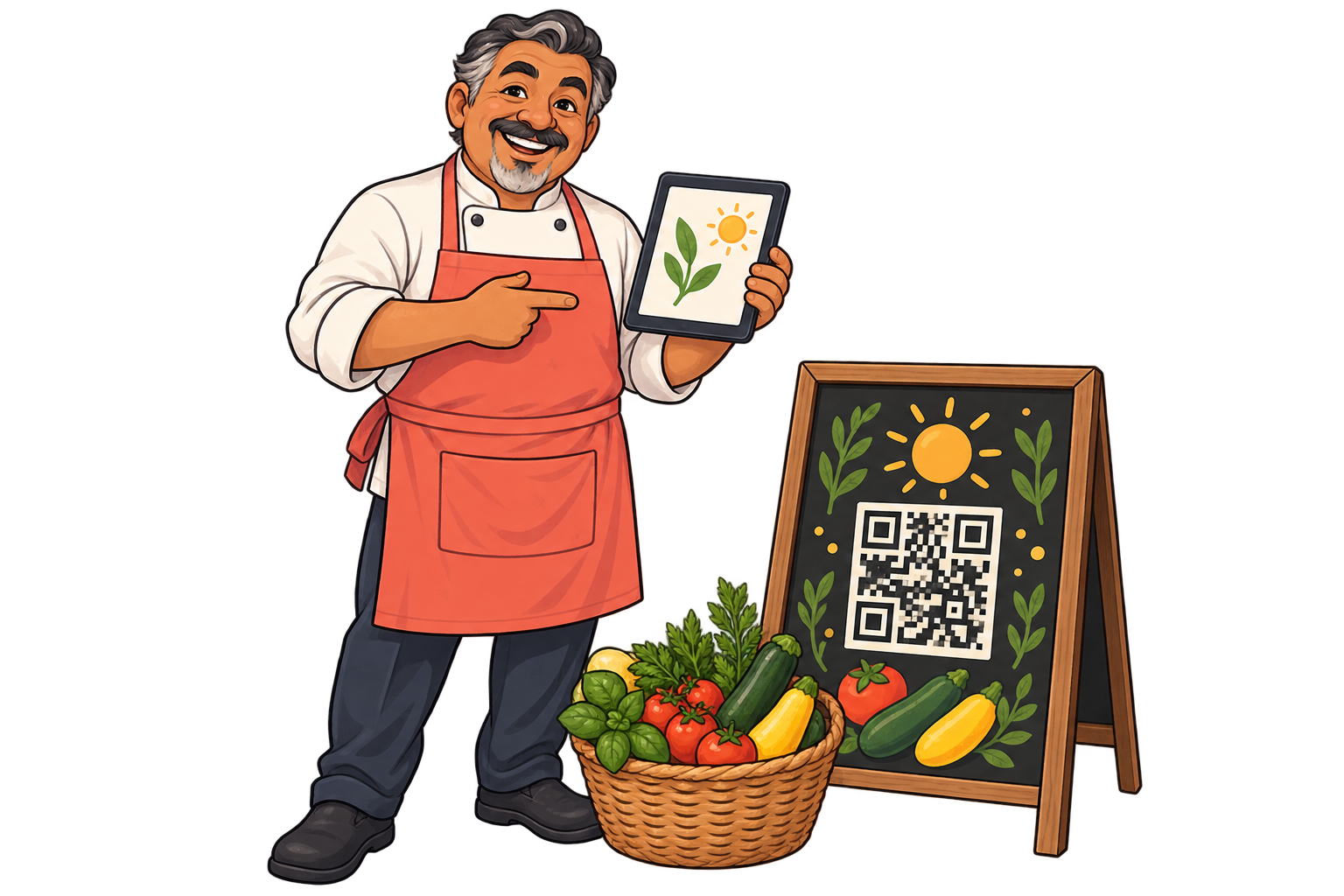
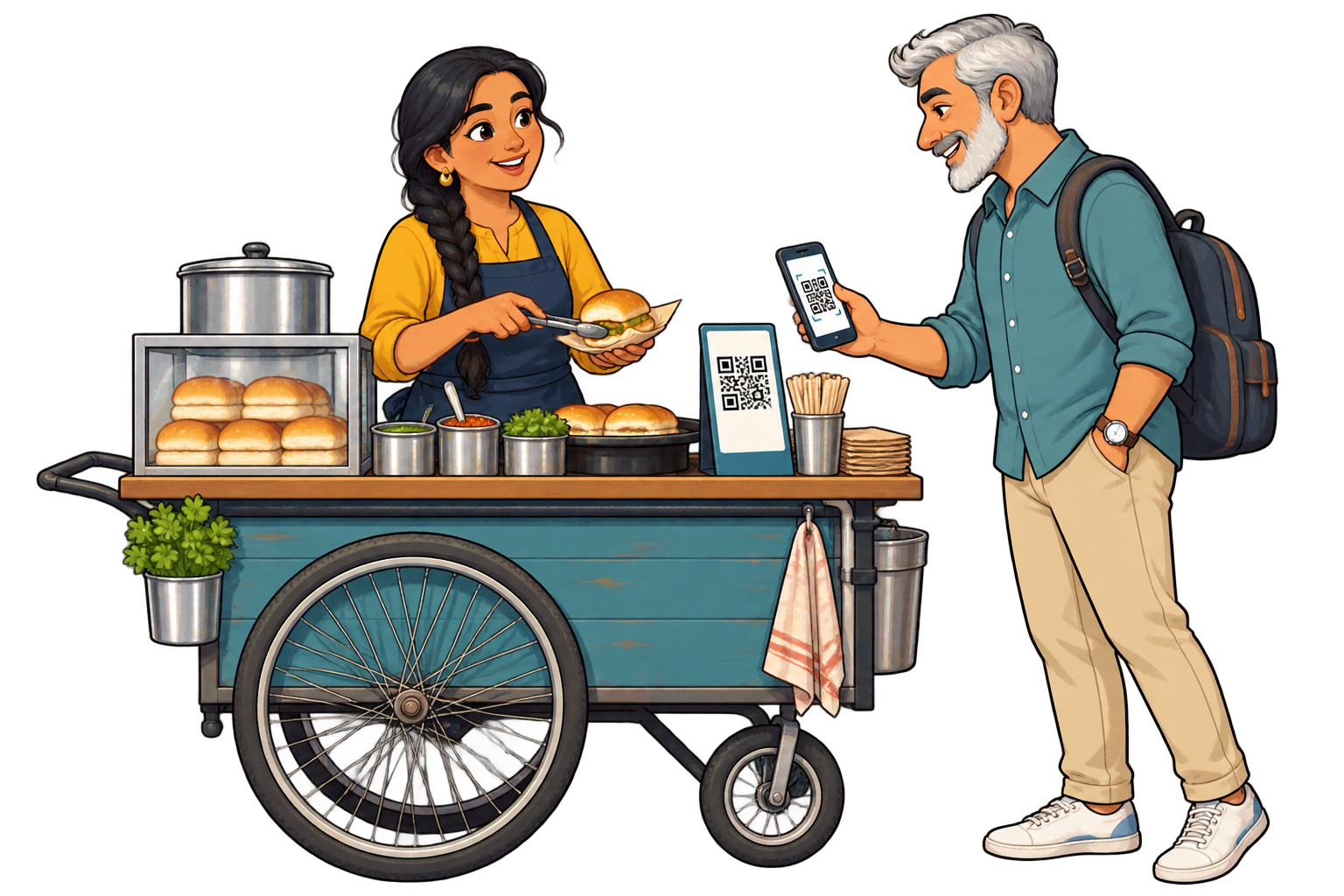
At a food fair. Link your stall QR to the fair menu, then to your shop or next event. Its scan history helps you see whether the printed material keeps attracting interest afterwards.
10 / 10

At a food fair

Keep interest alive after the fair

Link your stall QR to the fair menu, then to your shop or next event. Its scan history helps you see whether the printed material keeps attracting interest afterwards.

Analytics for your business

Put your promotions where diners notice them

Example data · 7 days

Where do scans come from?

Tables120 scans
Delivery boxes80 scans
Window40 scans

Each bar represents a different SmartLink. Compare placements over the same period.

Example data · 7 days

When does interest pick up?

0306018Mon24Tue20Wed32Thu46Fri58Sat42Sun

Daily scans across these three links. Use peaks to investigate what happened that day.

  1. 01 / Measure

    Use separate SmartLinks on tables, takeaway boxes and the window, even when they open the same menu.

  2. 02 / Compare

    Compare scans over the same period and look at when each placement gets activity.

  3. 03 / Improve

    Try a clearer invitation on the least-scanned sign and measure again. Compare with your order records to assess the business result.

Explore analytics

FAQ

Questions from your sector

Yes. Upload your PDF and use it as a destination. Storage and retained versions count toward your plan allowance.

You can link your existing reservation service or WhatsApp. The reservation is handled by that service or your team.

Yes. Configure time rules and a time zone, with a default destination for other hours. Availability and limits follow your plan.

Yes. The same QR can open your website today, a specific social media post or video tomorrow, and a payment link later. Paste the public URL of the content you want, not just your profile feed. Keep the SmartLink active; deleting it is permanent.

No. They can scan with a compatible phone camera and open the link. Online content needs an internet connection; external services may have their own requirements.

Restaurants & cafés

Put your next QR to work for your business.

Choose a destination, customise your QR and test it before printing. Start free and choose more capacity when you need it.

Find your plan
All use cases