01 / 10
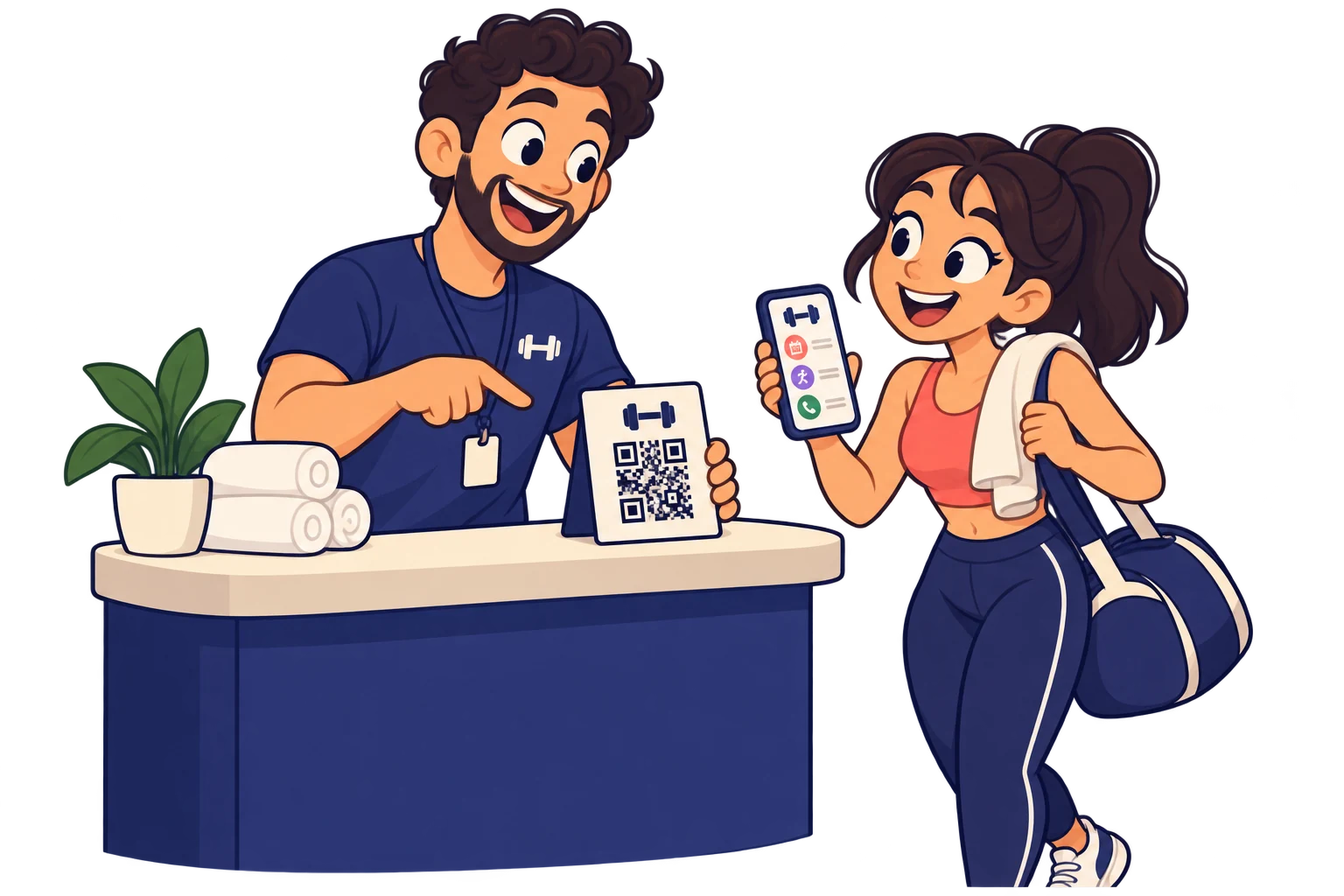
At reception
Spend less time repeating your timetable
Share class times, activities and contacts in one page to help members find everyday information.
MelodyQR / Gyms & wellbeing
Connect reception, rooms and equipment to class times, demonstrations and your booking channels.
Use cases
At reception
Share class times, activities and contacts in one page to help members find everyday information.
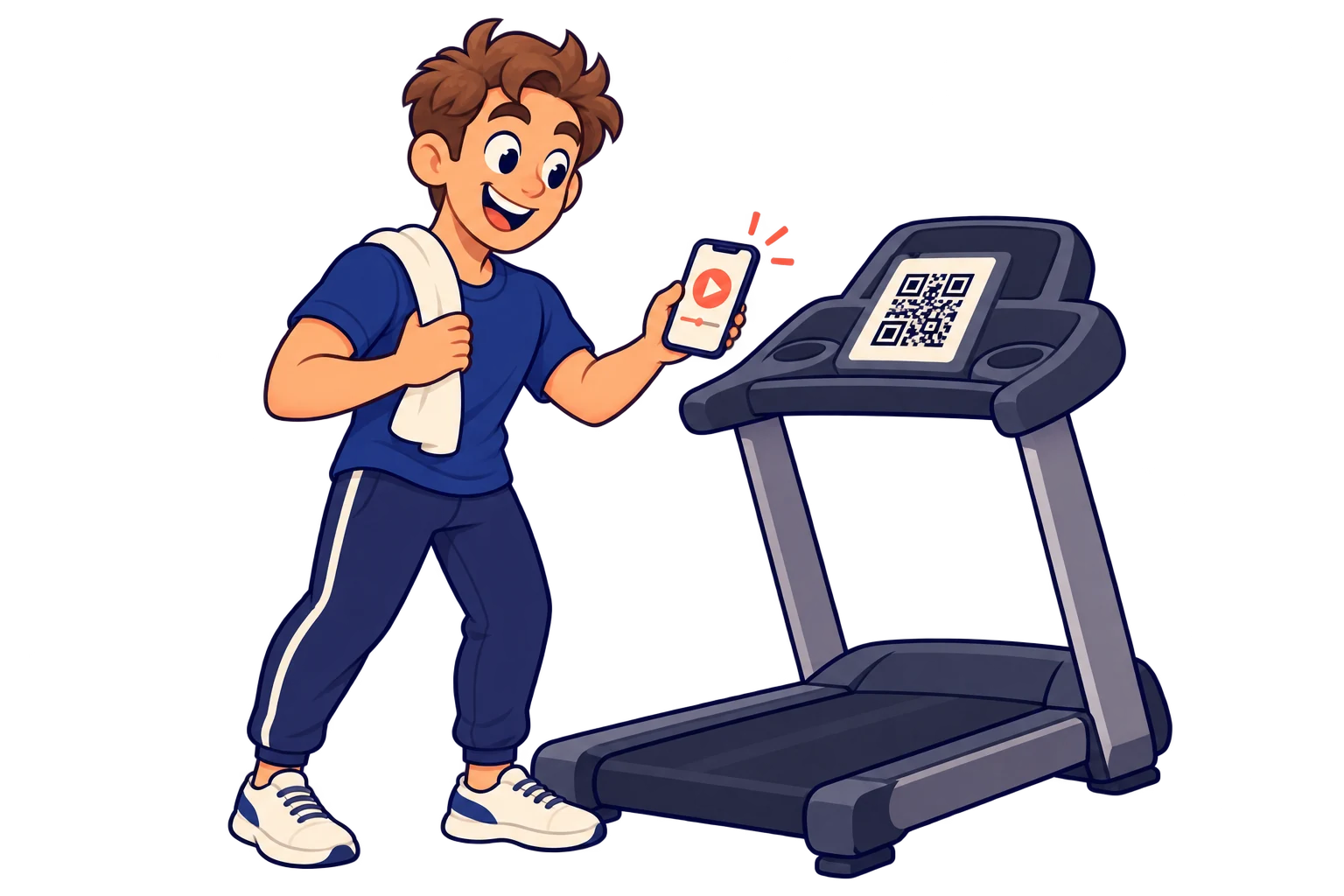
On equipment
Place a QR on each machine that opens your team’s demonstration video on Instagram, YouTube or another social network. Link straight to the specific video instead of the profile feed, and change it when you publish a better explanation.
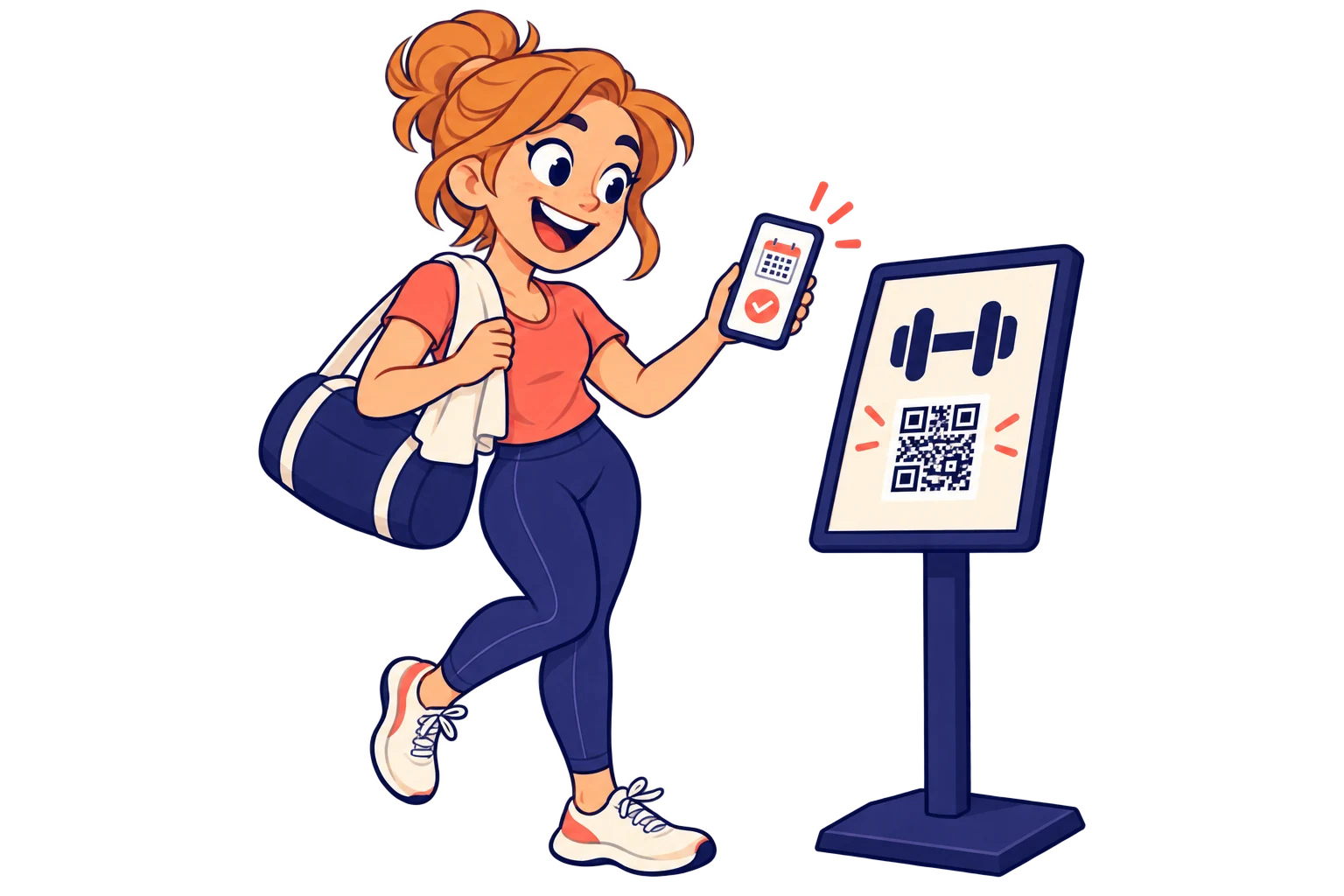
At each room
Connect a current timetable and your external class-booking service to help members plan ahead.
On flyers
Link your contact channel for a trial class, giving interested newcomers a clear next step.
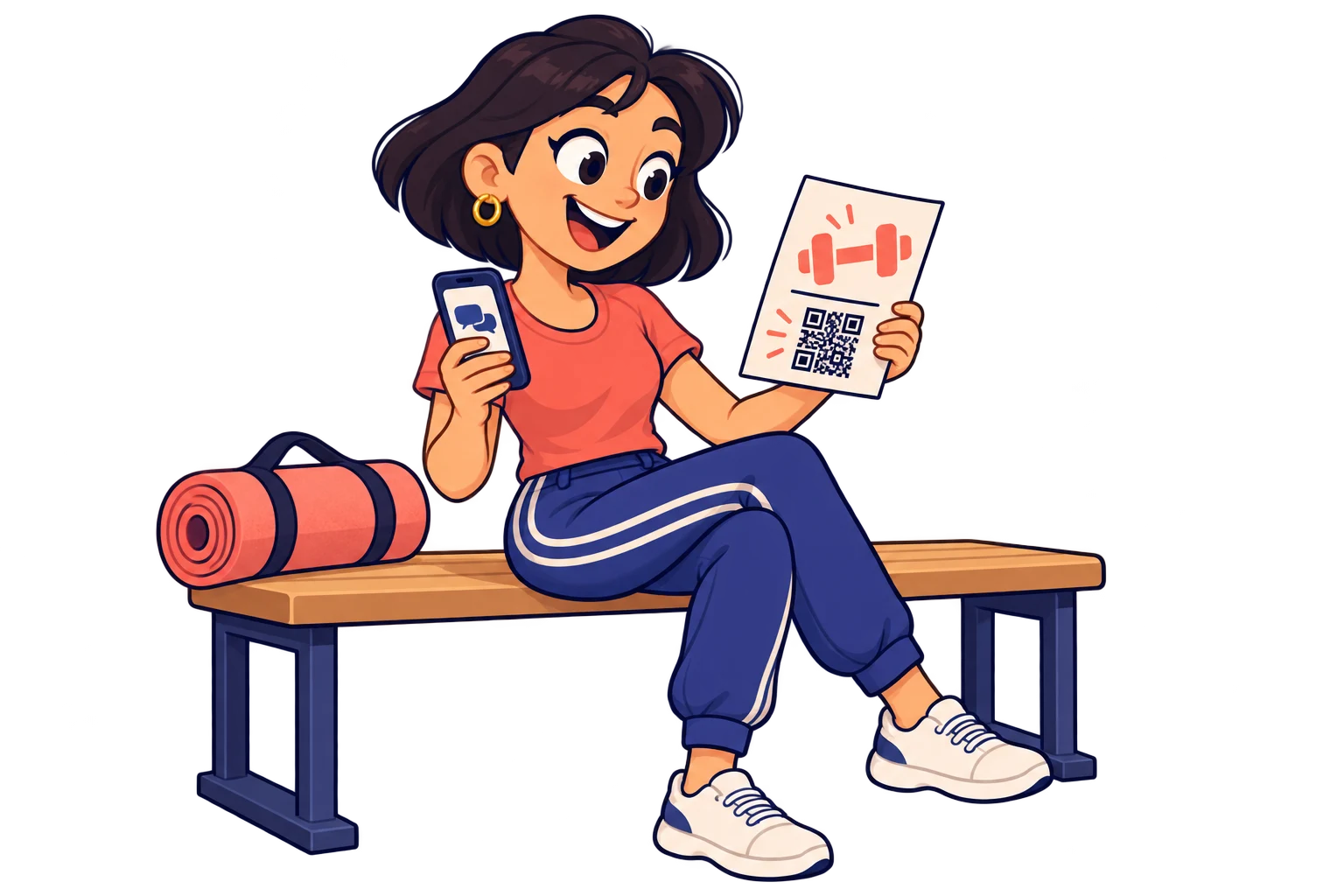
On membership material
Share workshops and new activities so members can discover more of what your studio offers.
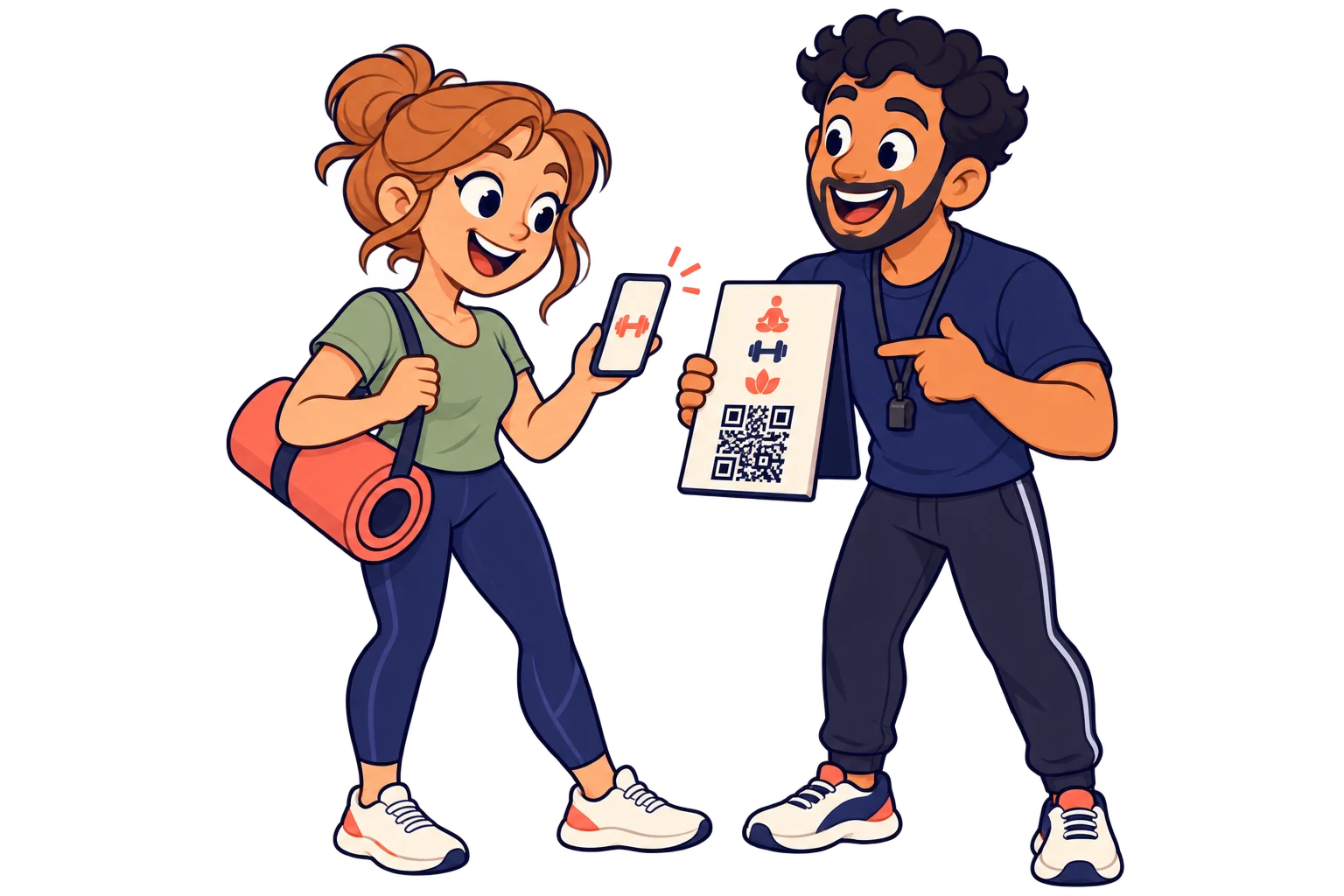
On internal signs
Update seasonal programmes behind the same printed QR. Keep announcements useful as activities change.
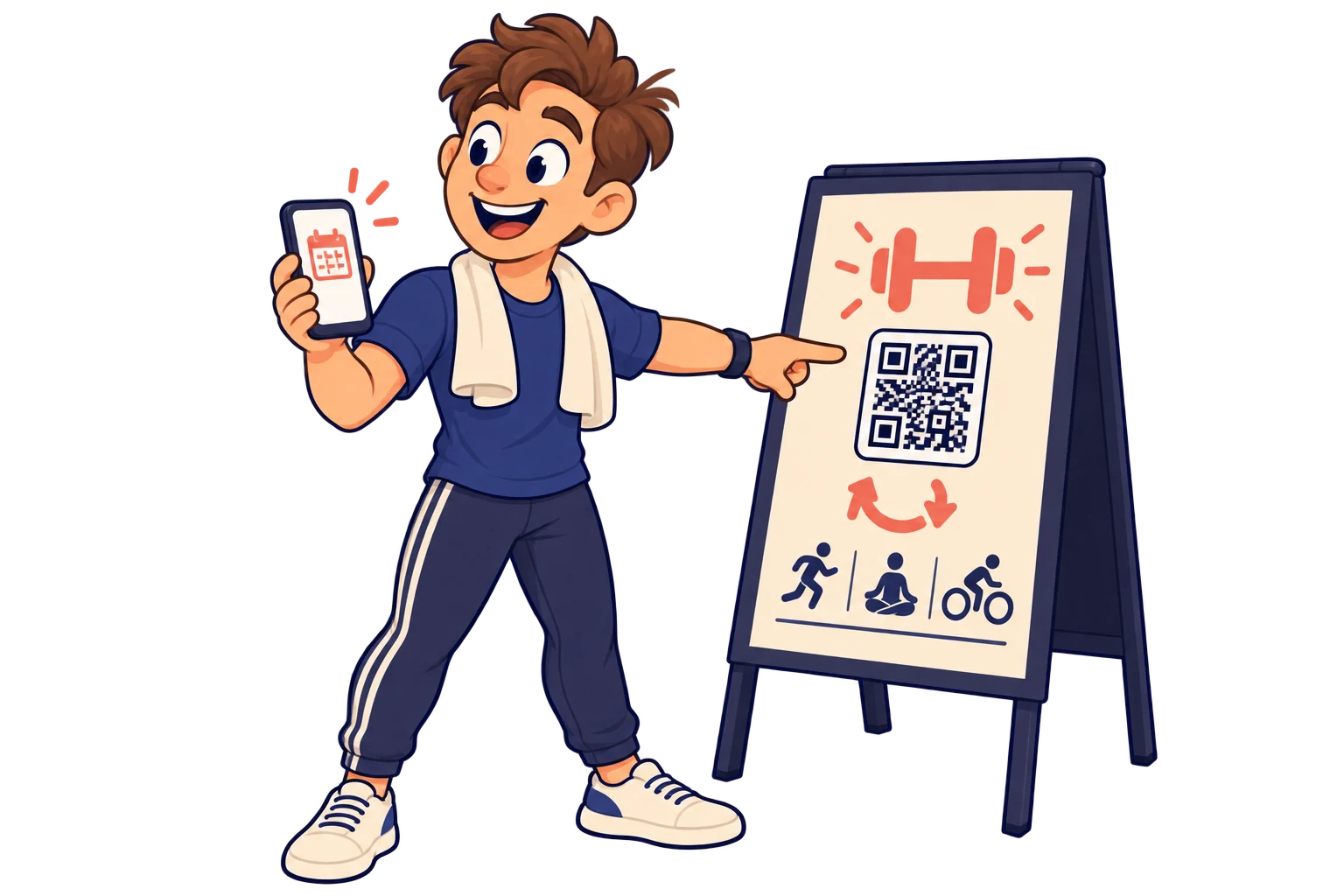
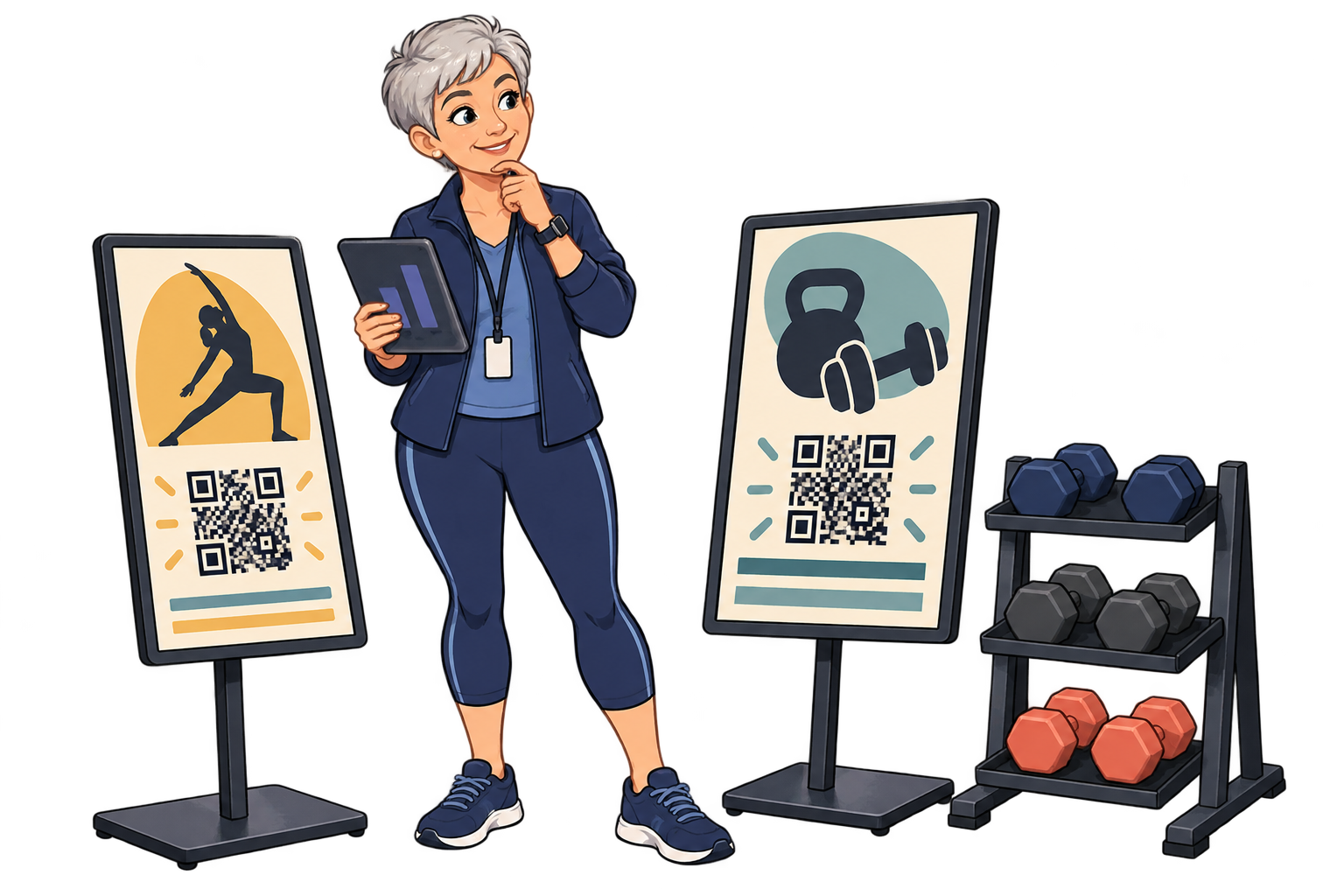
Across activity areas
Use different SmartLinks in the weights area, studios and reception. Compare scans to decide where the timetable needs a clearer sign or better placement.
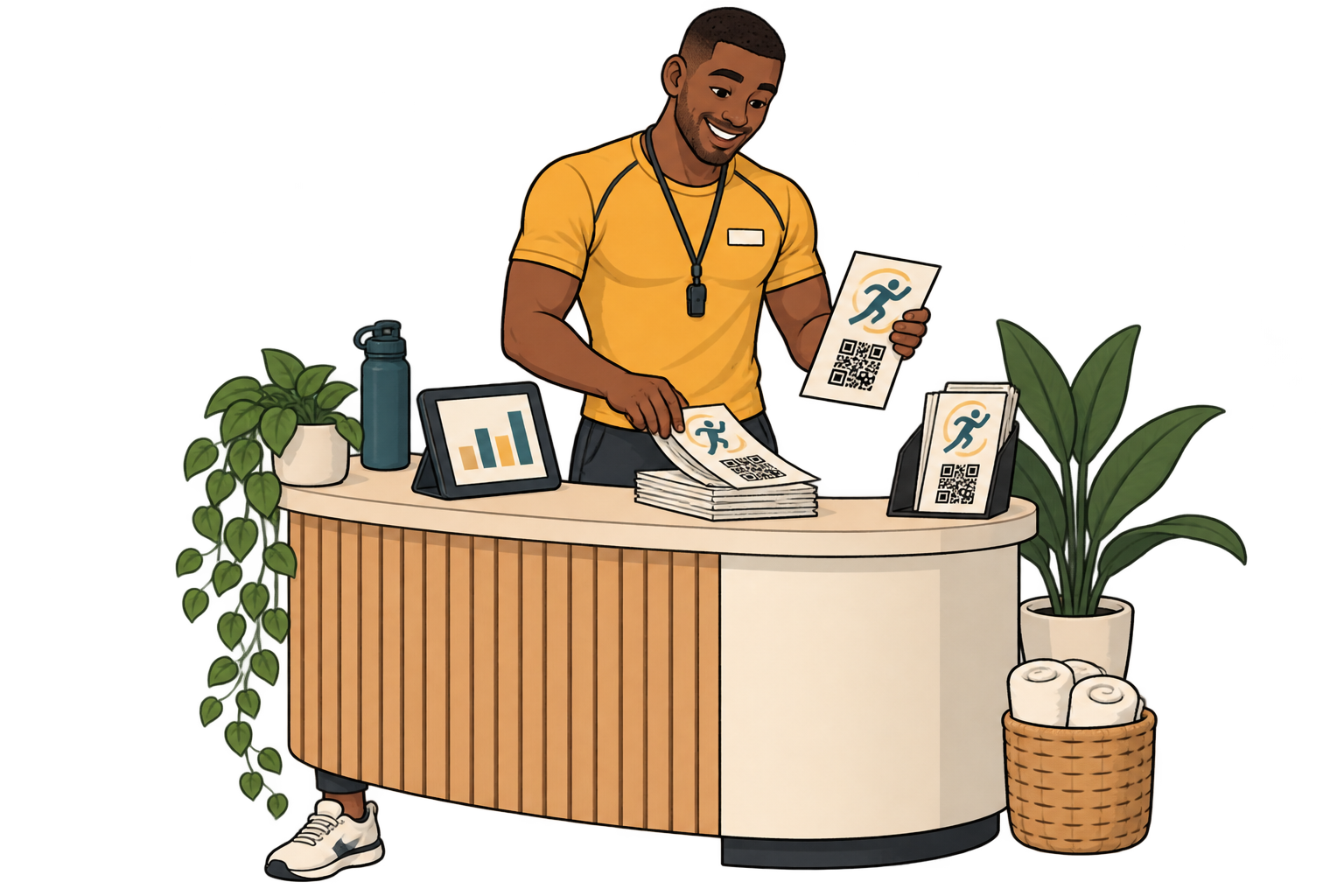
For trial sessions
Give each flyer distribution point its own SmartLink to your booking channel. Compare scans with flyers distributed and actual bookings before repeating the campaign.
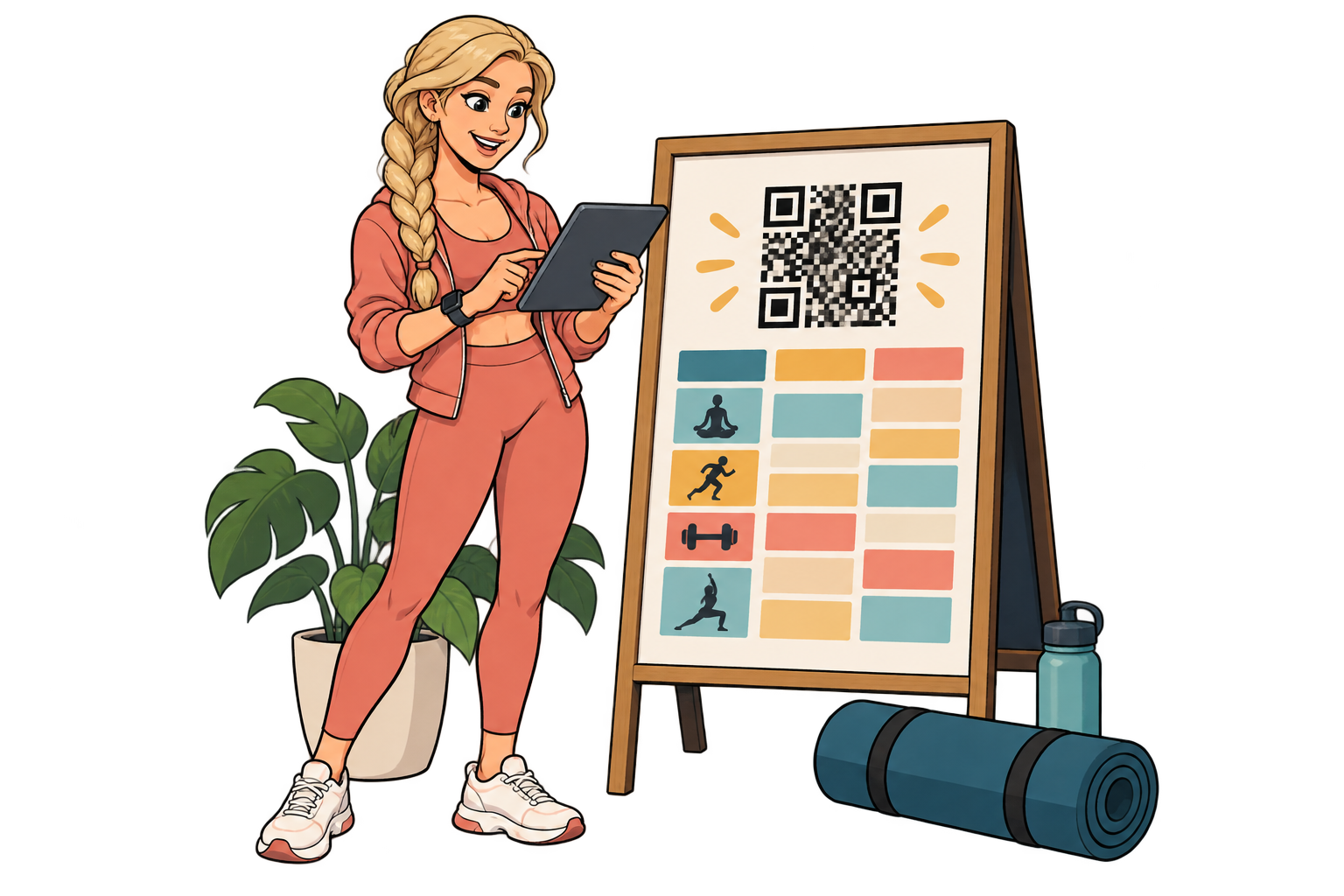
When the timetable changes
Keep the same printed QR and point it to the current timetable. Review its scan activity to decide where to remind members that the updated schedule is available.
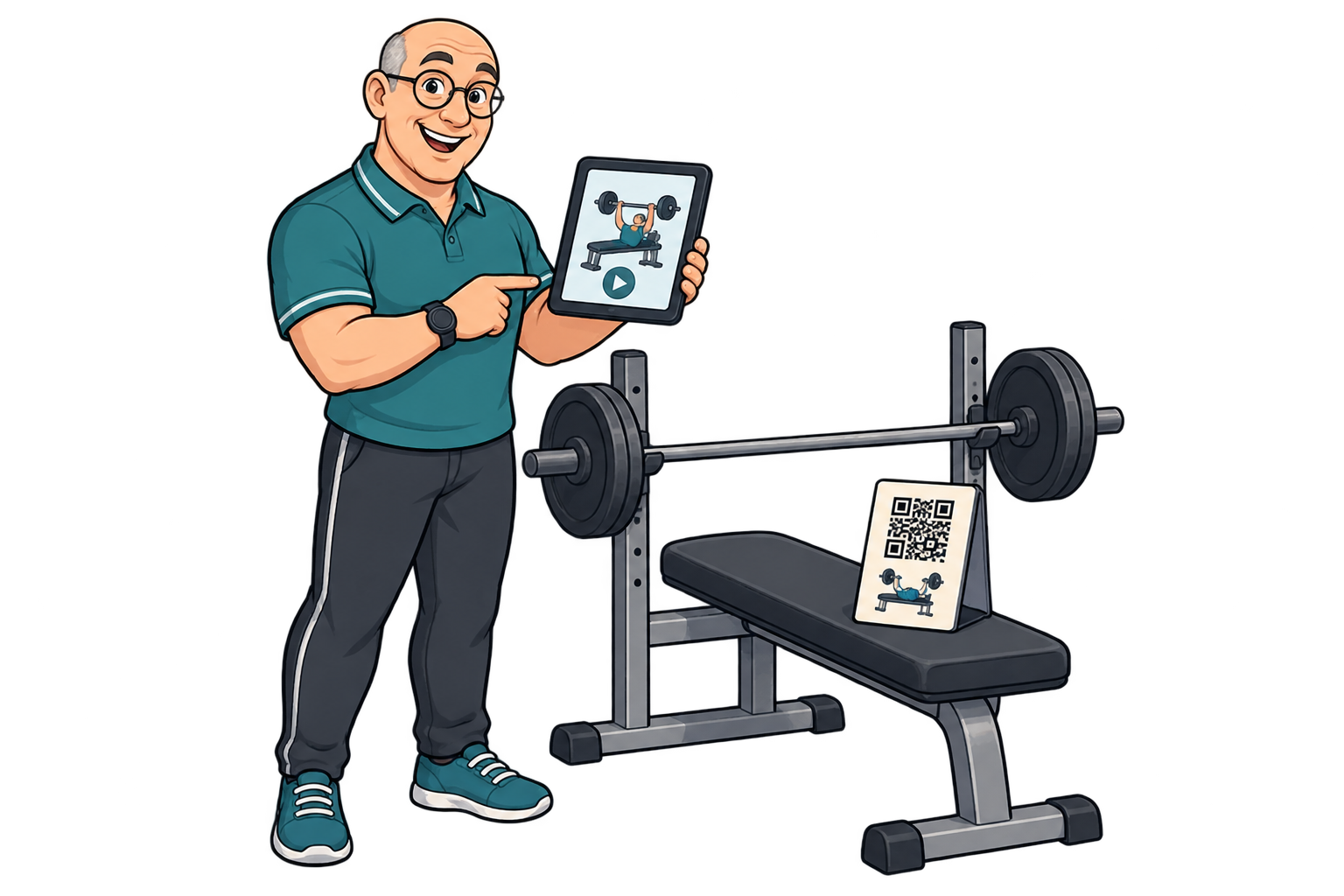
In technique guides
Link separate SmartLinks to trainer-approved videos for each equipment group. Compare scans to identify guides worth clarifying with your team; a scan does not confirm correct exercise technique.
Analytics for your business
Each bar represents a different SmartLink. Compare placements over the same period.
Daily scans across these three links. Use peaks to investigate what happened that day.
Give each machine or equipment group its own SmartLink to its demonstration video.
Compare scans to see which instructions people access most. Scans do not measure machine use or whether someone watched the whole video.
Improve those explanations with your trainers, update the linked video and watch how scan activity and in-person questions change.
FAQ
Gyms & wellbeing
Choose a destination, customise your QR and test it before printing. Start free and choose more capacity when you need it.