01 / 10
In the room
Spend less time answering routine questions
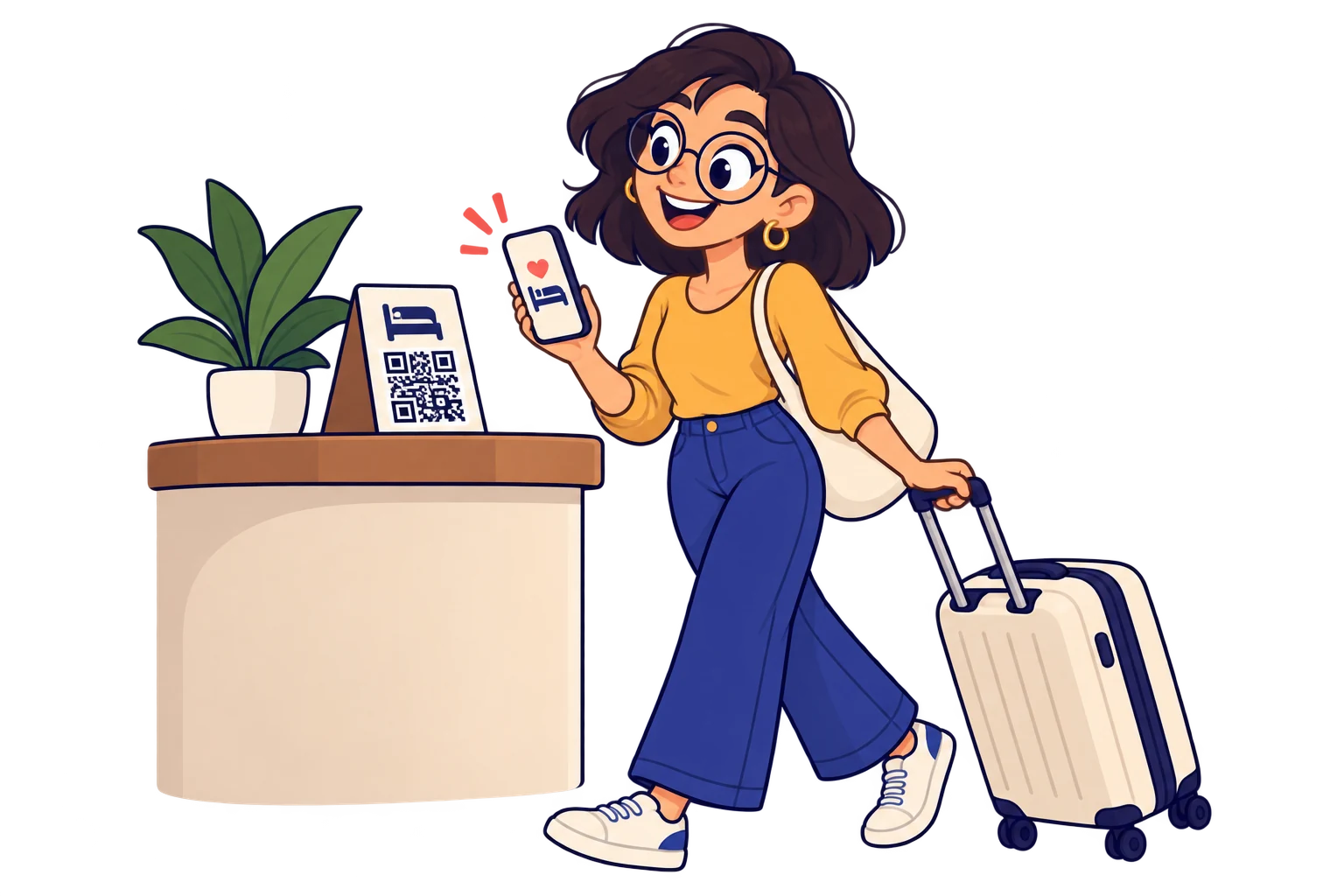
Bring Wi-Fi instructions, breakfast times and reception contact together to reduce repeated questions.
MelodyQR / Hotels & stays
Turn rooms and reception into easy access points for practical information, recommendations and your team.

Use cases
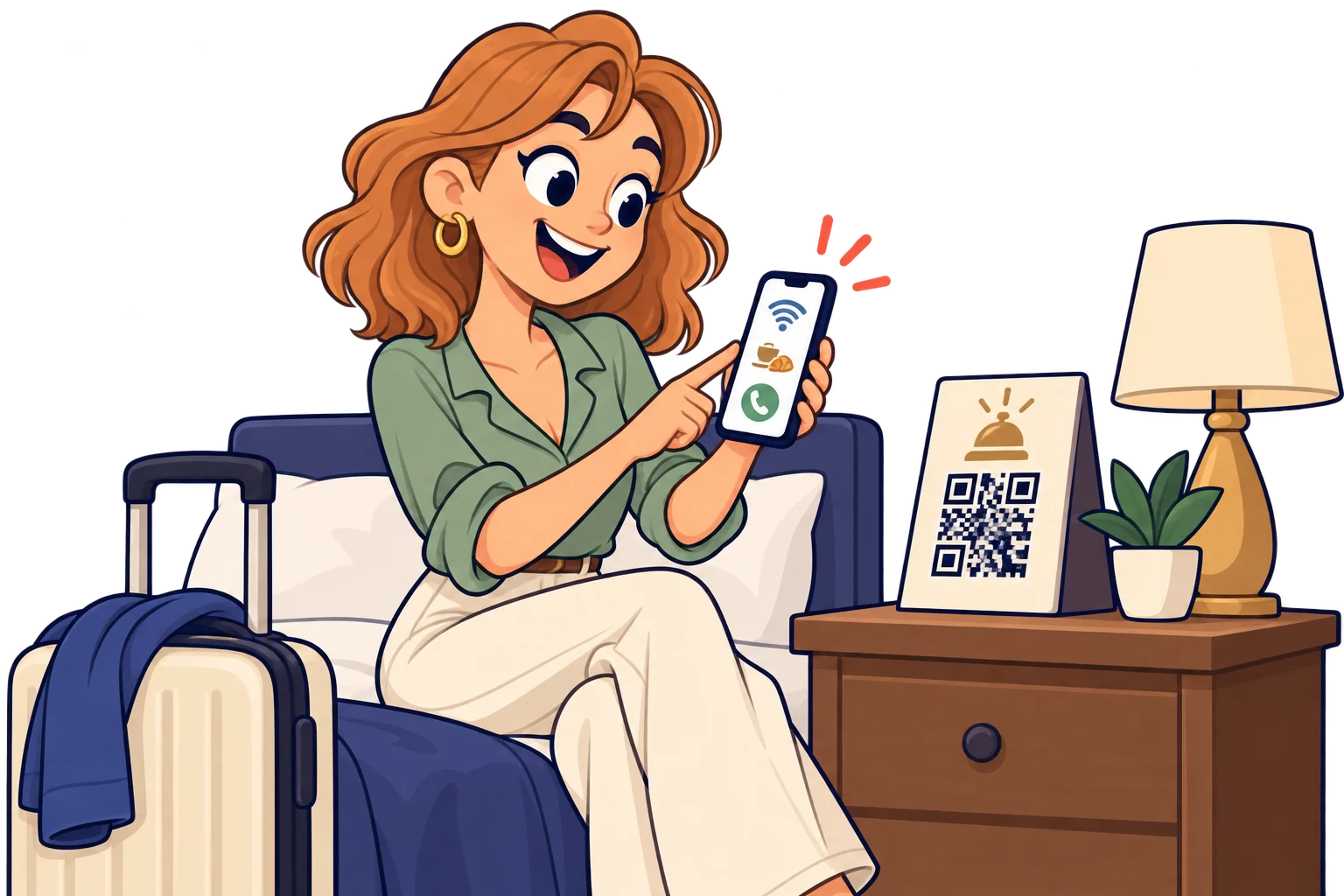
In the room
Bring Wi-Fi instructions, breakfast times and reception contact together to reduce repeated questions.
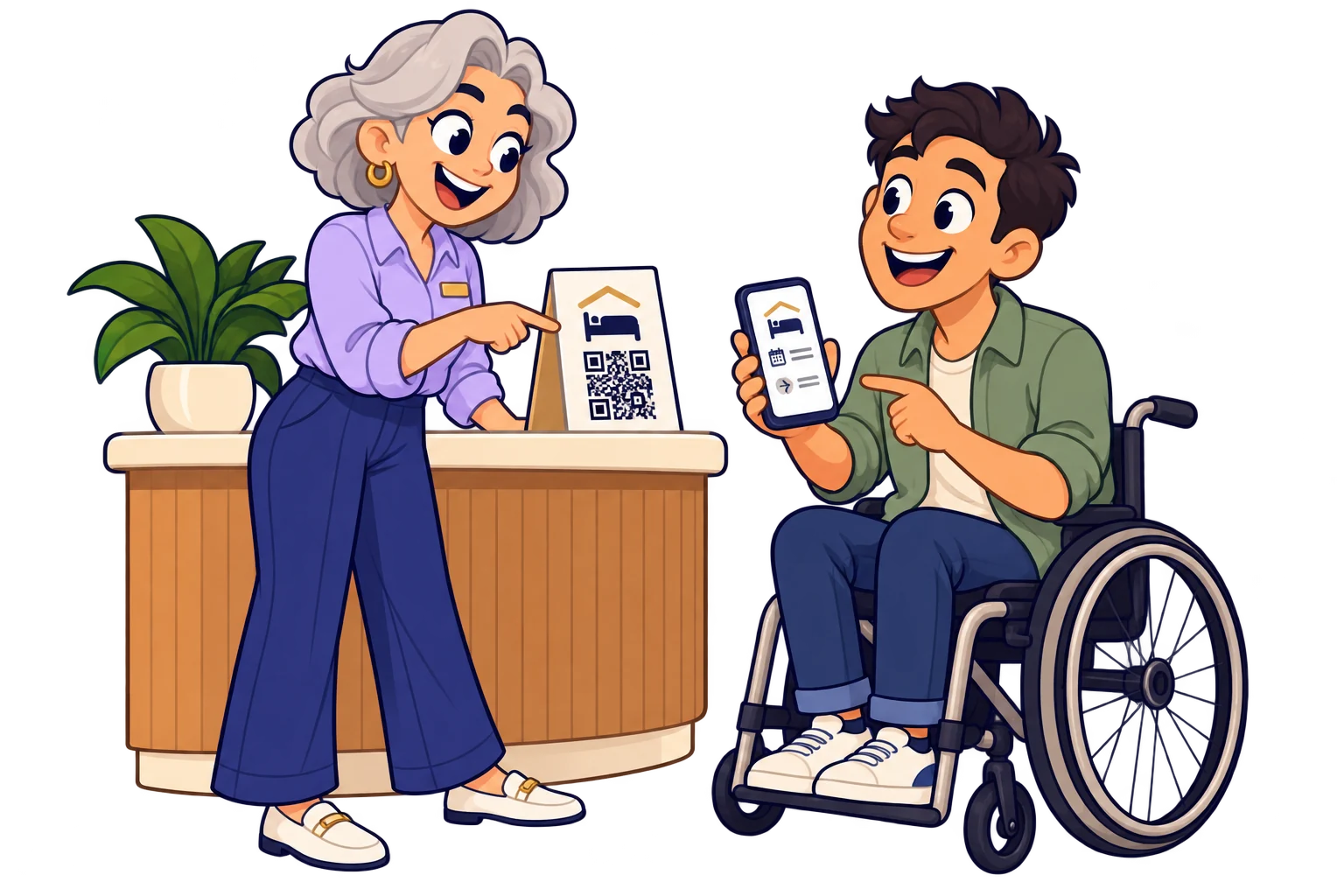
At reception
Offer a welcome page with arrival and departure information. Update it when your procedures change.
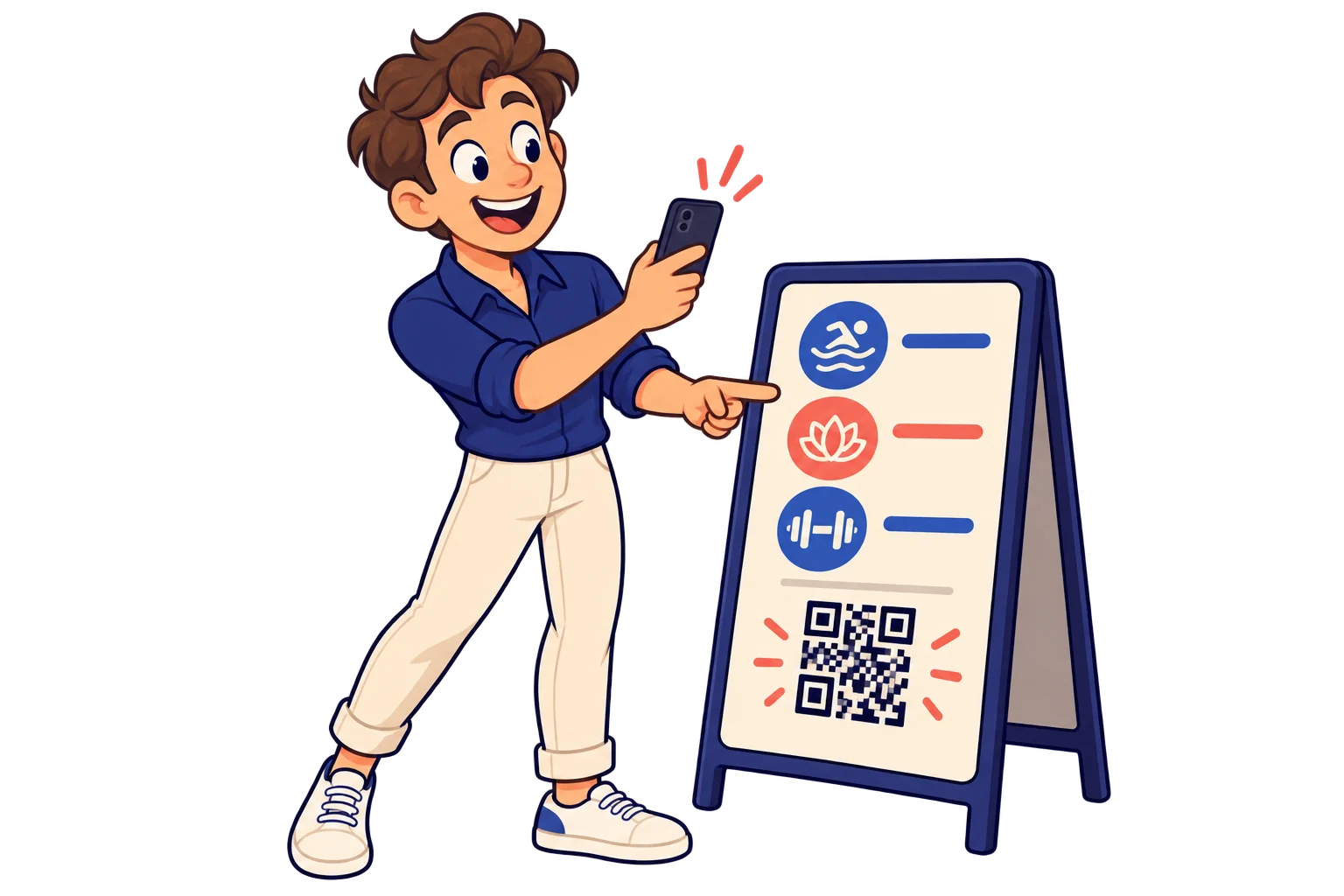
In shared spaces
Display pool, spa and gym hours where guests need them, with links to your existing booking channel.
On the welcome card
Share local maps, excursions and recommendations so guests can plan their day.

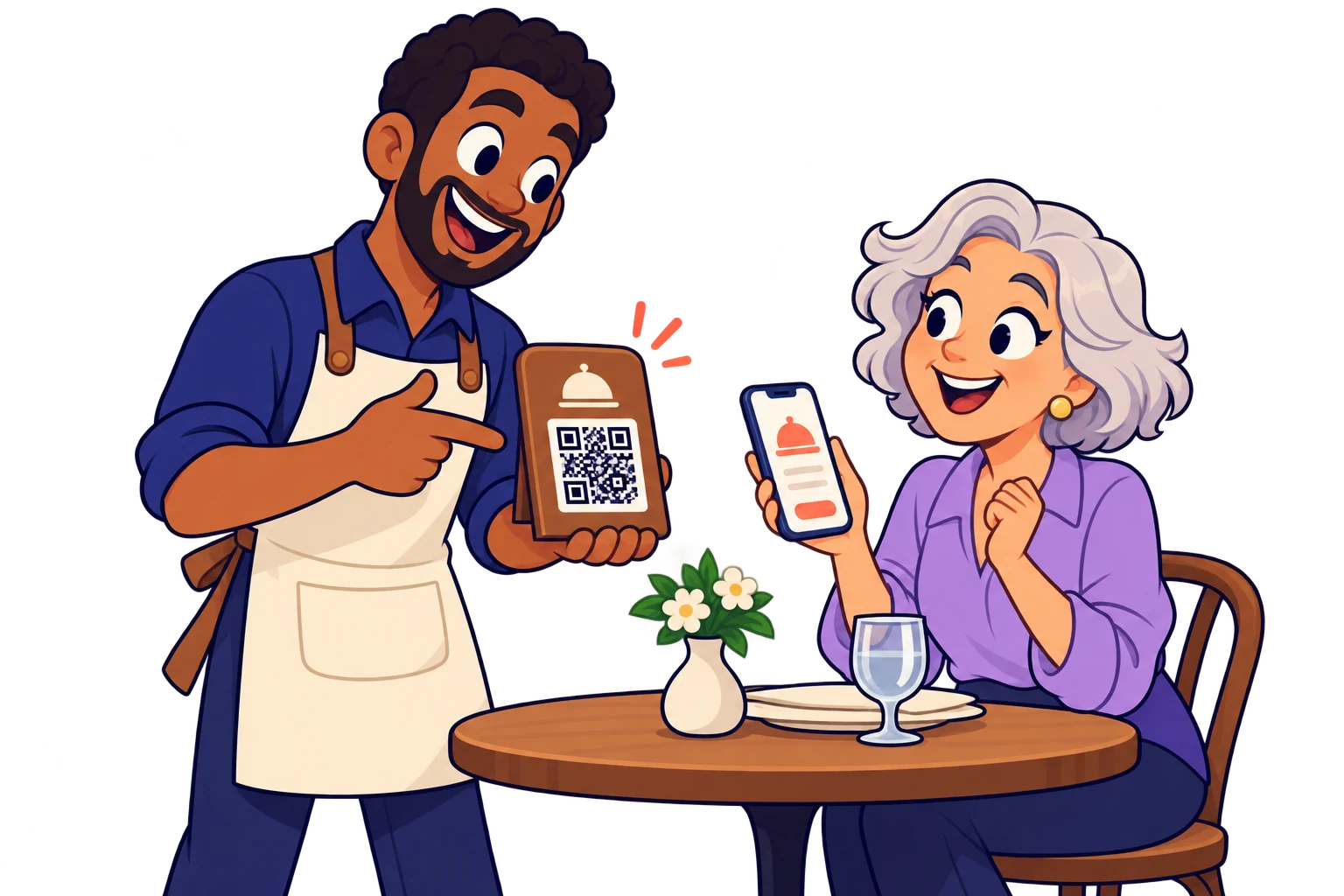
At the restaurant
Connect the menu and your hotel's ordering channel. Make on-site dining easier to discover.
At departure
Link a review page and your direct booking website, keeping the next visit within reach.
Across guest information points
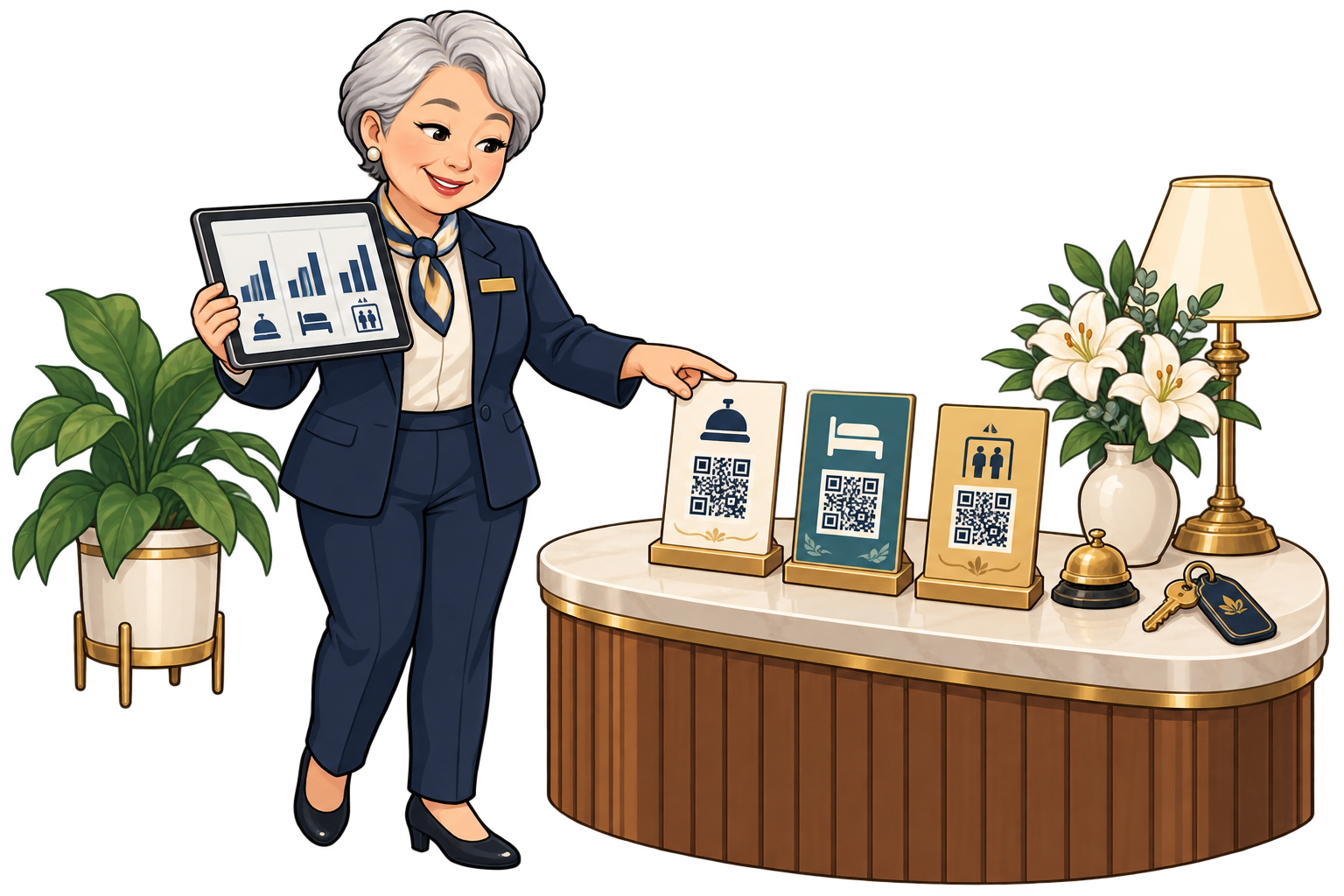
Use different SmartLinks for reception, lifts and rooms. Compare scans in the same period to decide where a clearer welcome guide could help.
At the spa or pool
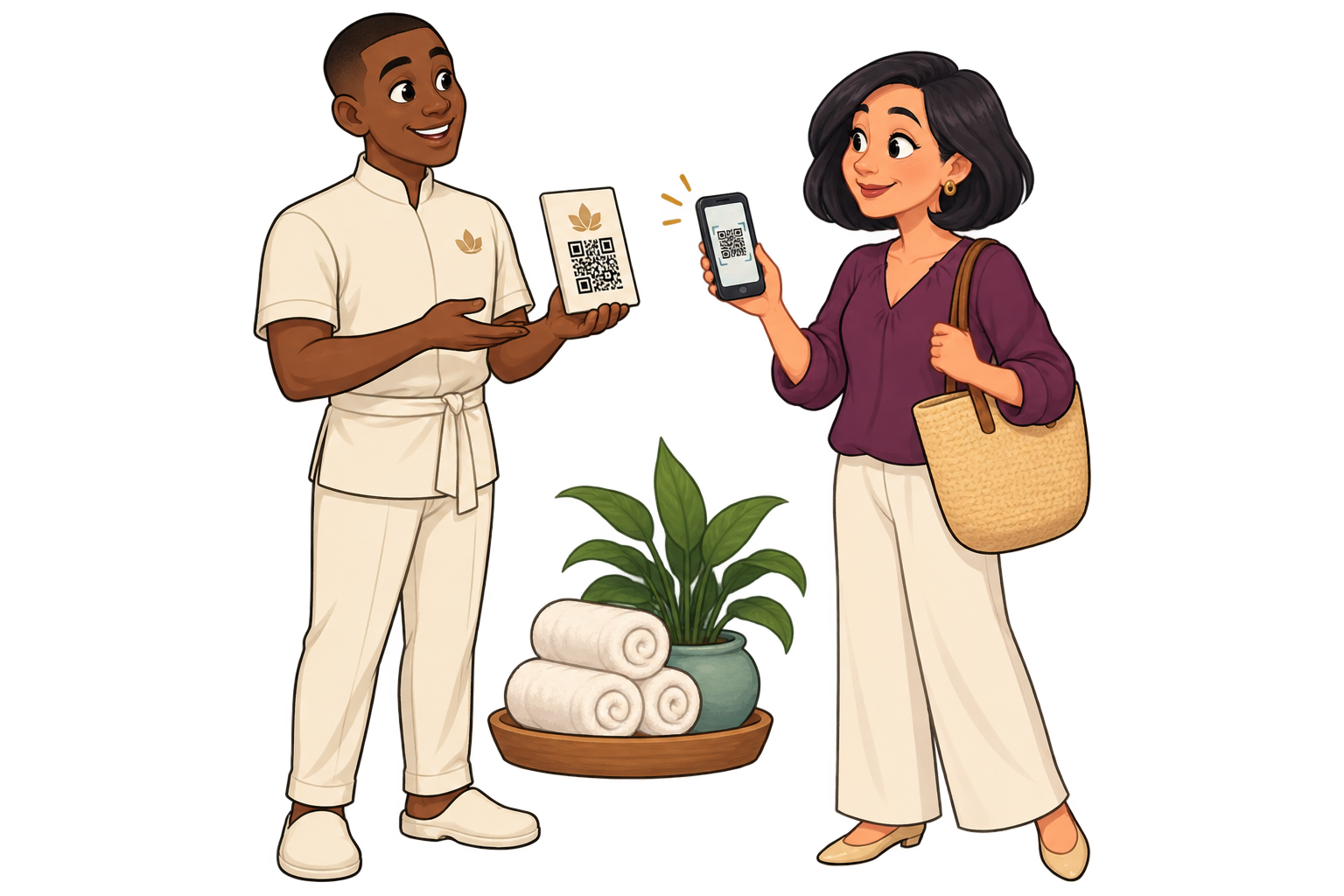
Link a sign to your service list and booking channel. Review scans by location to choose where to explain treatments, opening hours or reservation instructions better.
In seasonal recommendations
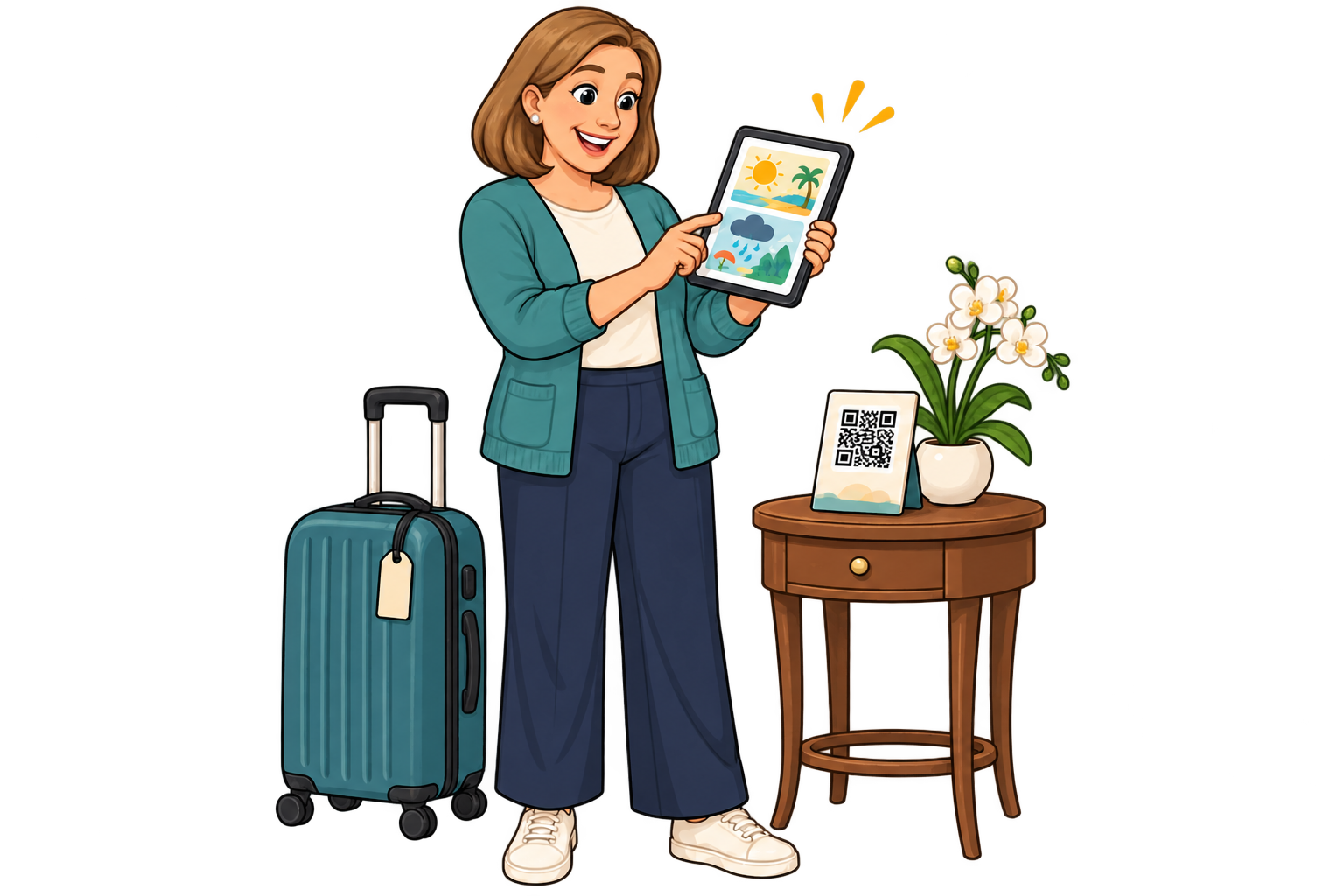
Keep the room QR and change its destination to summer activities or rainy-day plans. Review scan activity to decide when to refresh the recommendations.
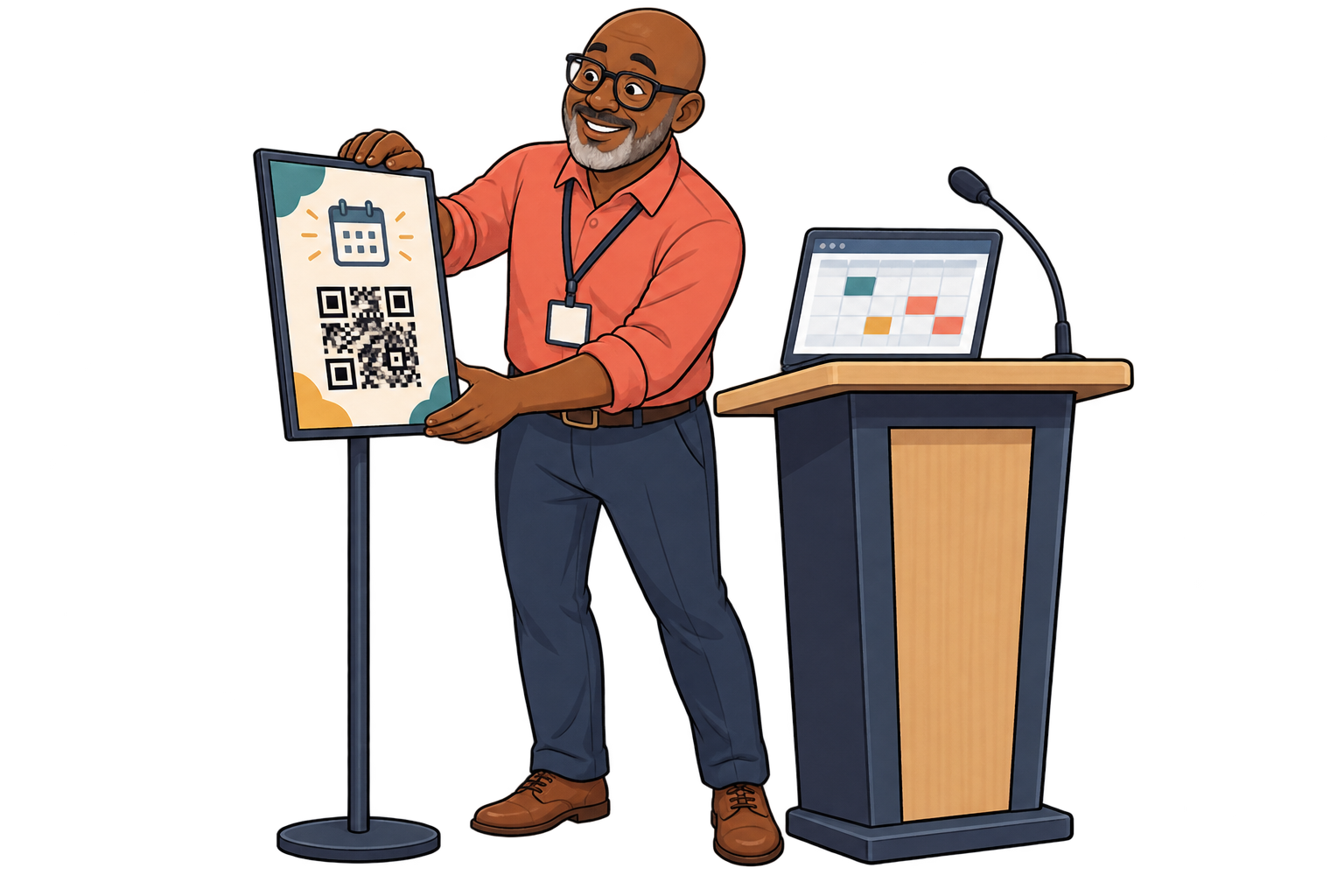
At conference rooms
A room QR can open this week’s agenda and next week’s event information. Compare scans by room to improve placement of schedules and practical instructions.
Analytics for your business
Each bar represents a different SmartLink. Compare placements over the same period.
Daily scans across these three links. Use peaks to investigate what happened that day.
Give reception, rooms and breakfast areas separate SmartLinks so you can compare their scan activity.
Review which links receive more scans and when. This shows which access points guests use, without revealing what they read inside a linked page.
Improve sign placement and update the linked information. Compare the next period with reception enquiries to see whether everyday assistance becomes simpler.
FAQ
Hotels & stays
Choose a destination, customise your QR and test it before printing. Start free and choose more capacity when you need it.