01 / 10
On the sale sign
Turn your signs into property enquiries
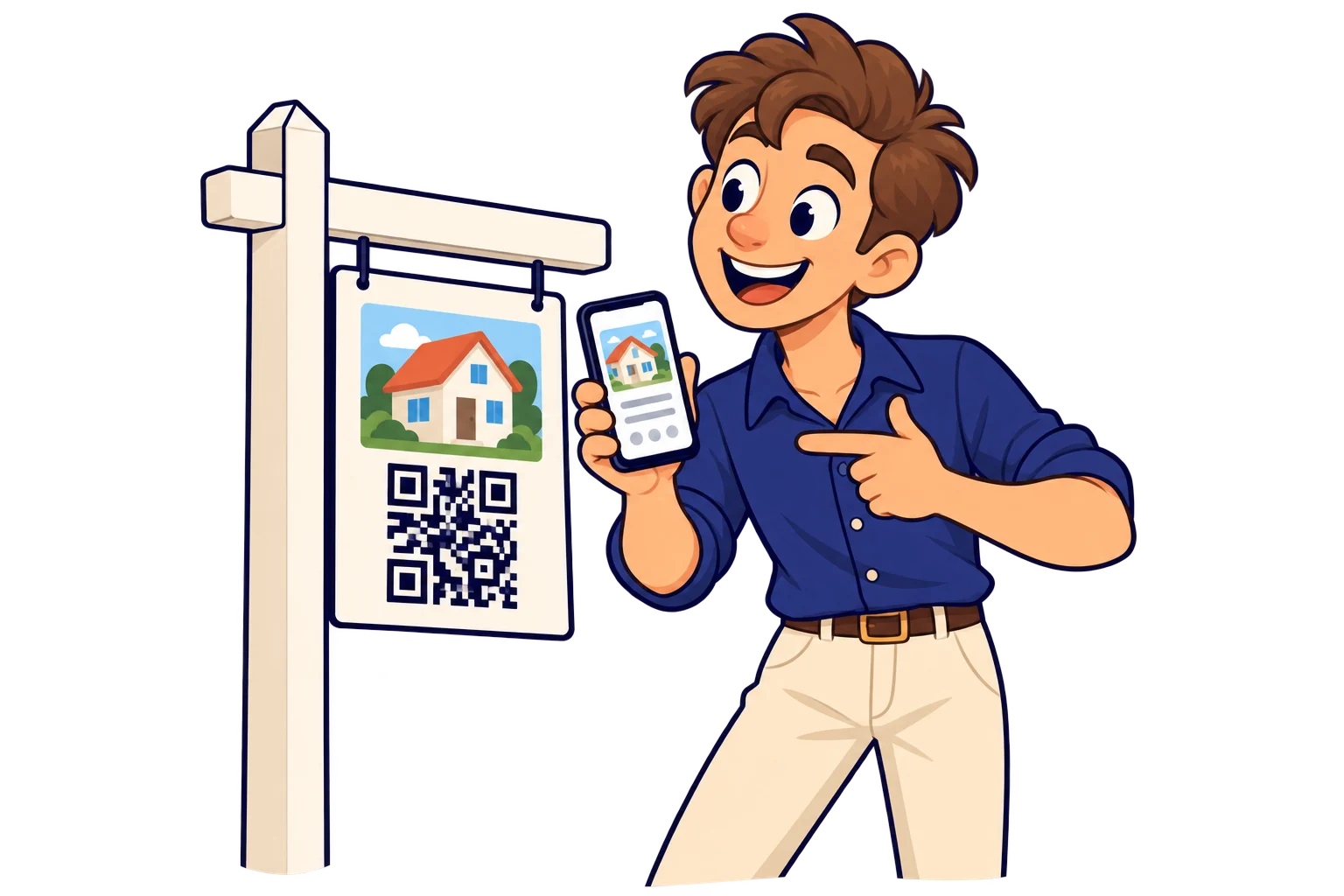
Link the property listing with photos, features and contact so interest can become an enquiry.
MelodyQR / Real estate
Give every interested passer-by a route to photos, property details and your agent's contact.

Use cases
On the sale sign
Link the property listing with photos, features and contact so interest can become an enquiry.
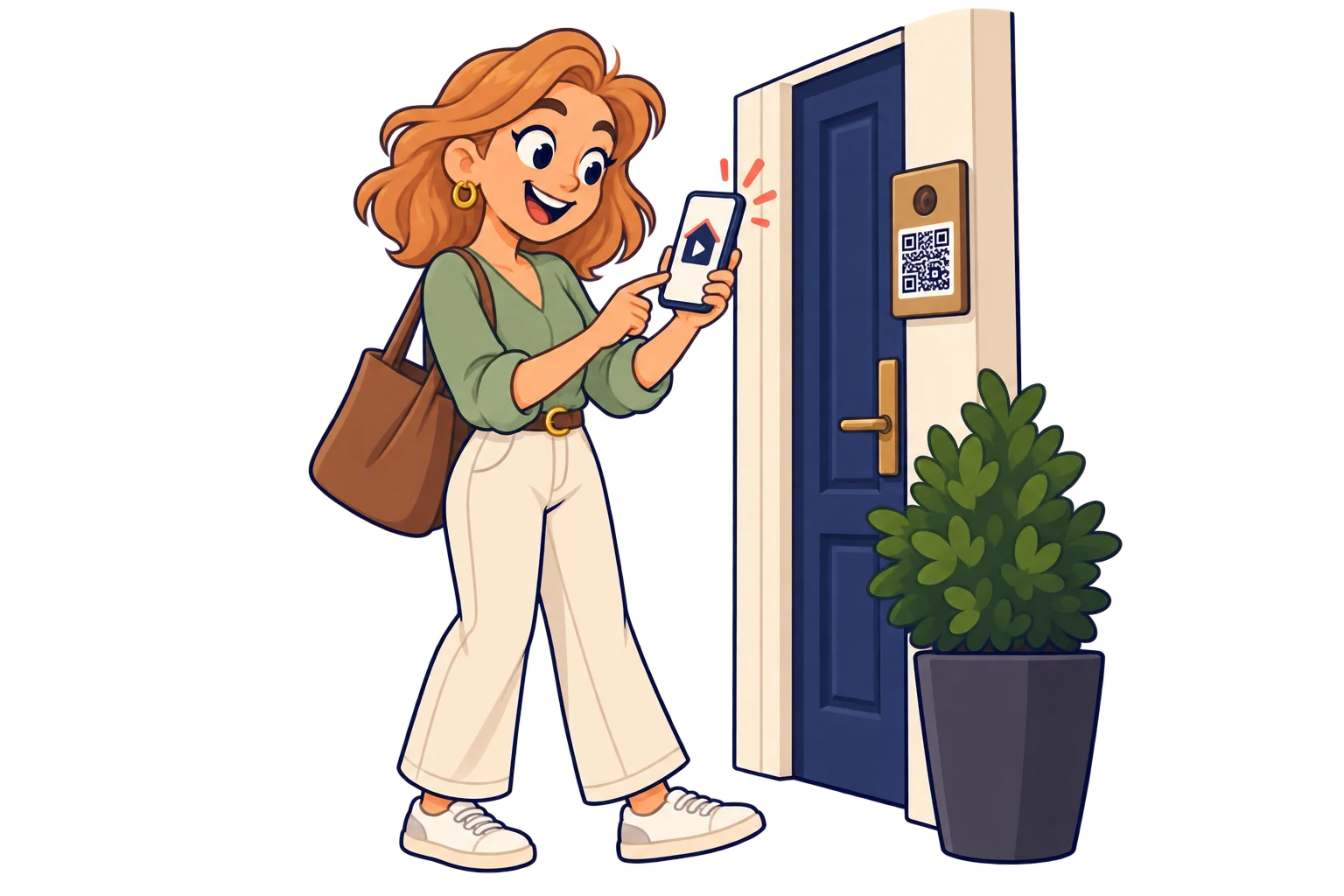
At the entrance
Open an externally hosted video or virtual tour to help people explore beyond the façade.
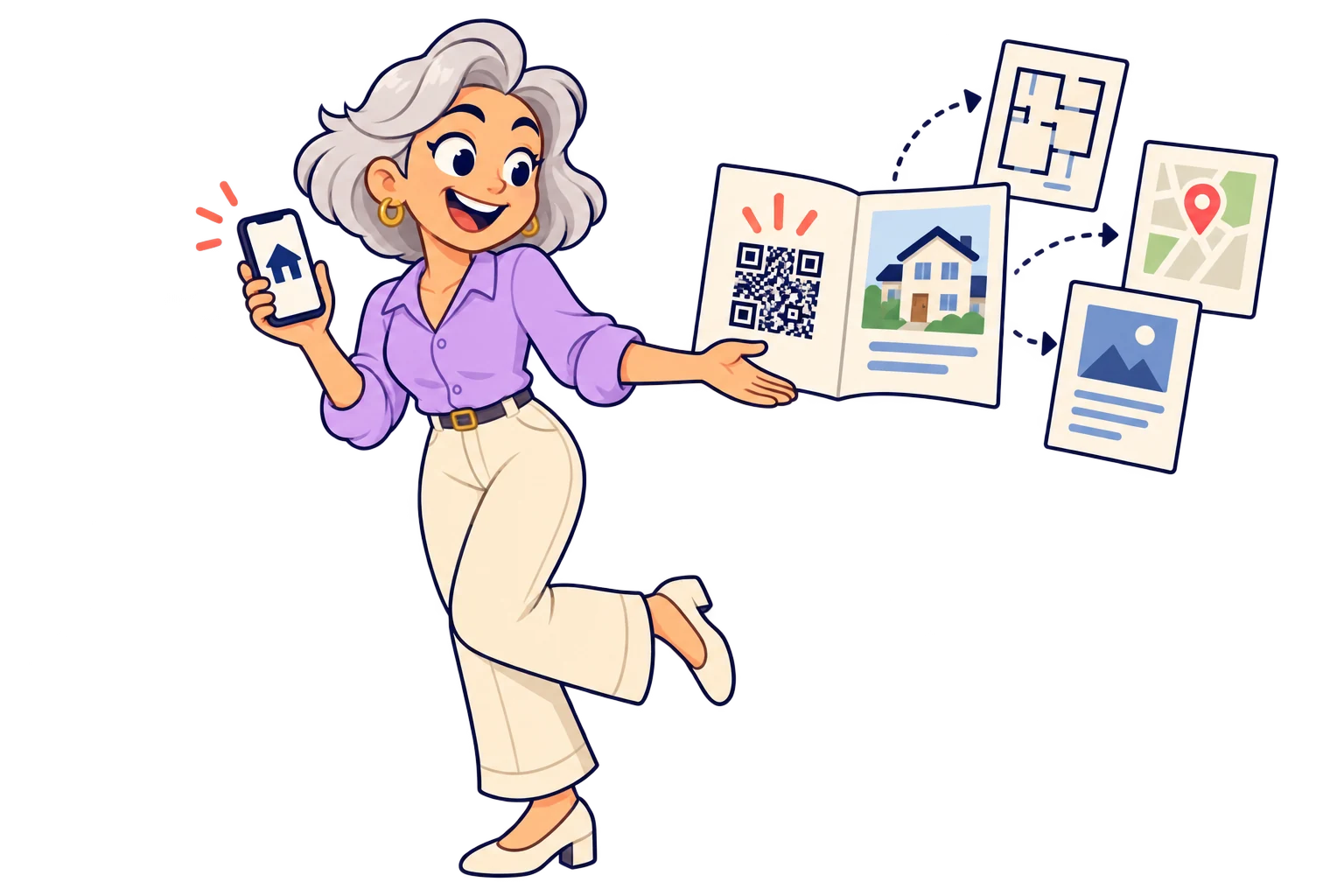
On brochures
Share floor plans, maps and a PDF brochure without squeezing everything onto the printed page.
On the agent's card
Use a digital contact card so a potential buyer can open and save your professional details.

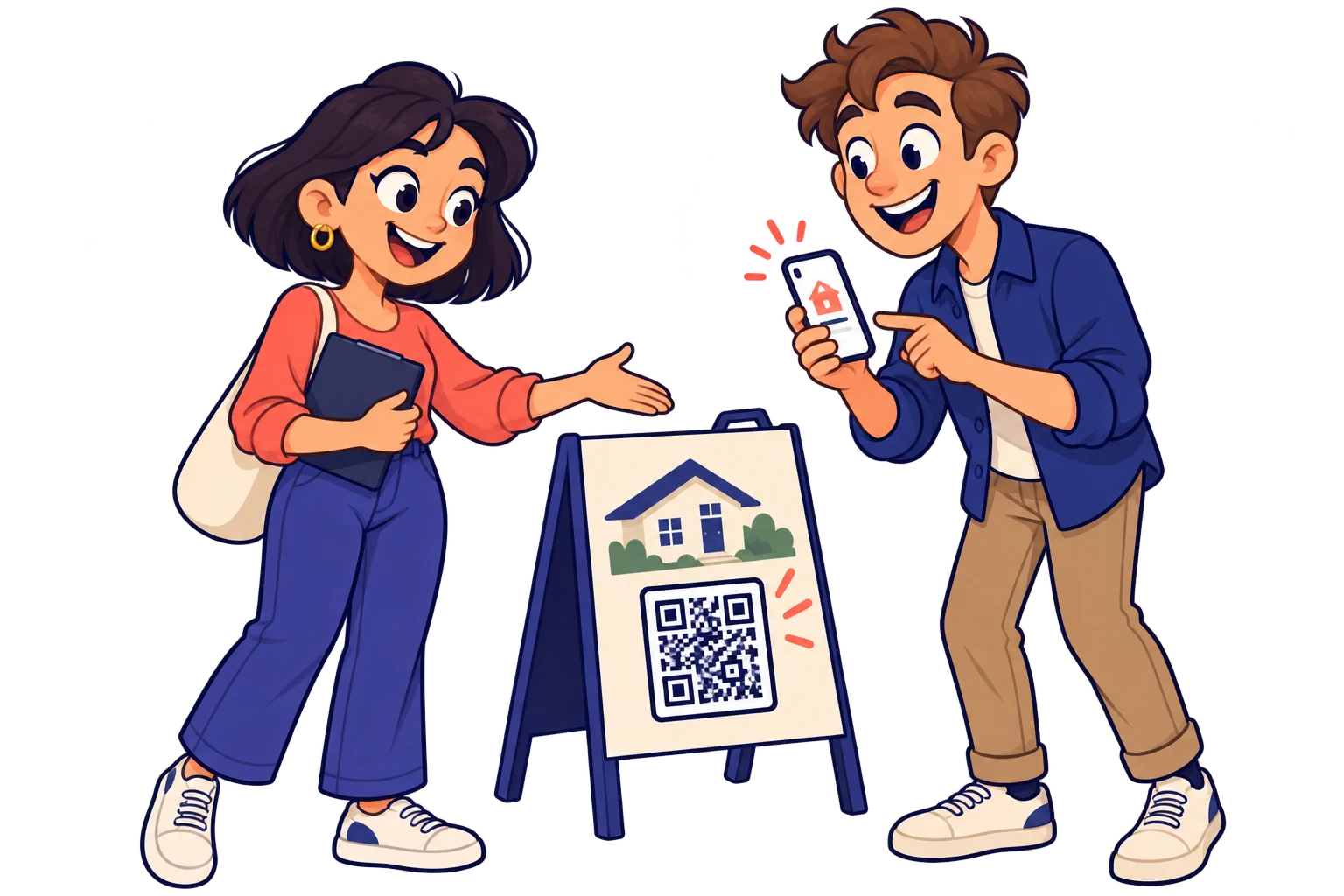
During an open house
Give visitors property information and a link to request another viewing through your existing channel.
When availability changes
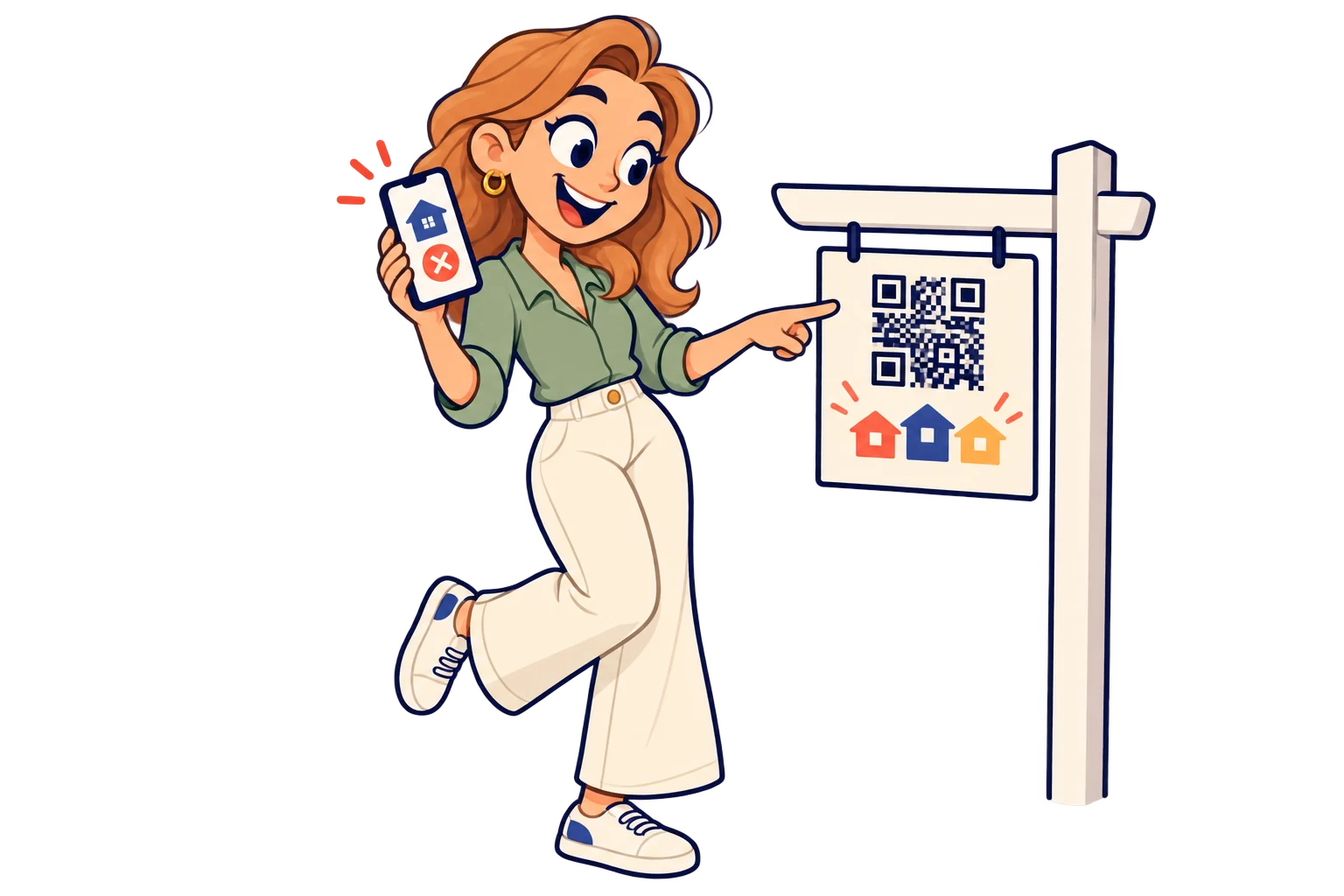
When a property sells, move the same generic sign to your next listing and change the QR destination to its photos and details. Save on printing; keep any address or price printed on the sign accurate too.
Across property signs
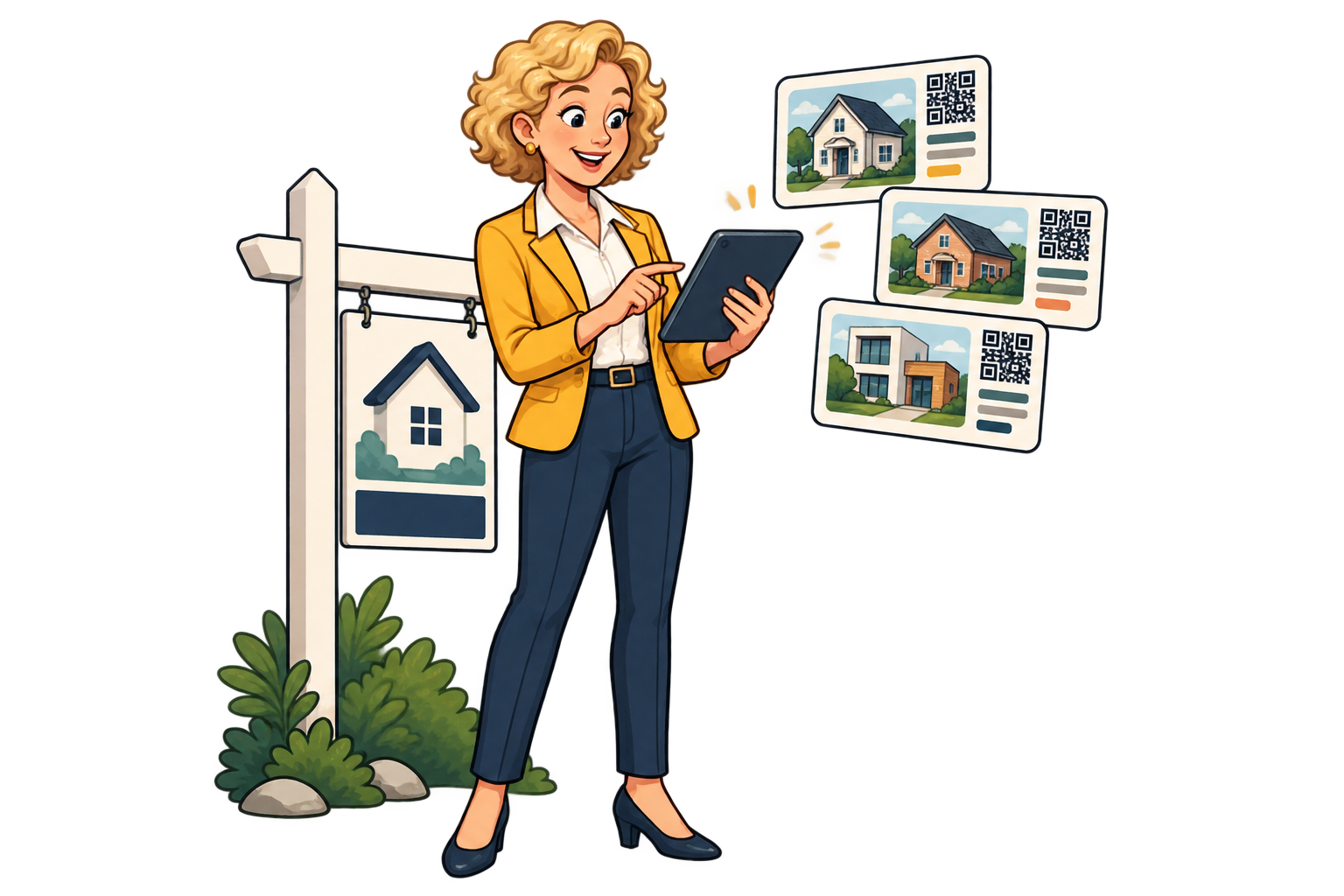
Use a SmartLink per property and compare scans during the same period. Use that signal alongside enquiries to decide which listing needs fresh photos or more promotion.
In local advertising
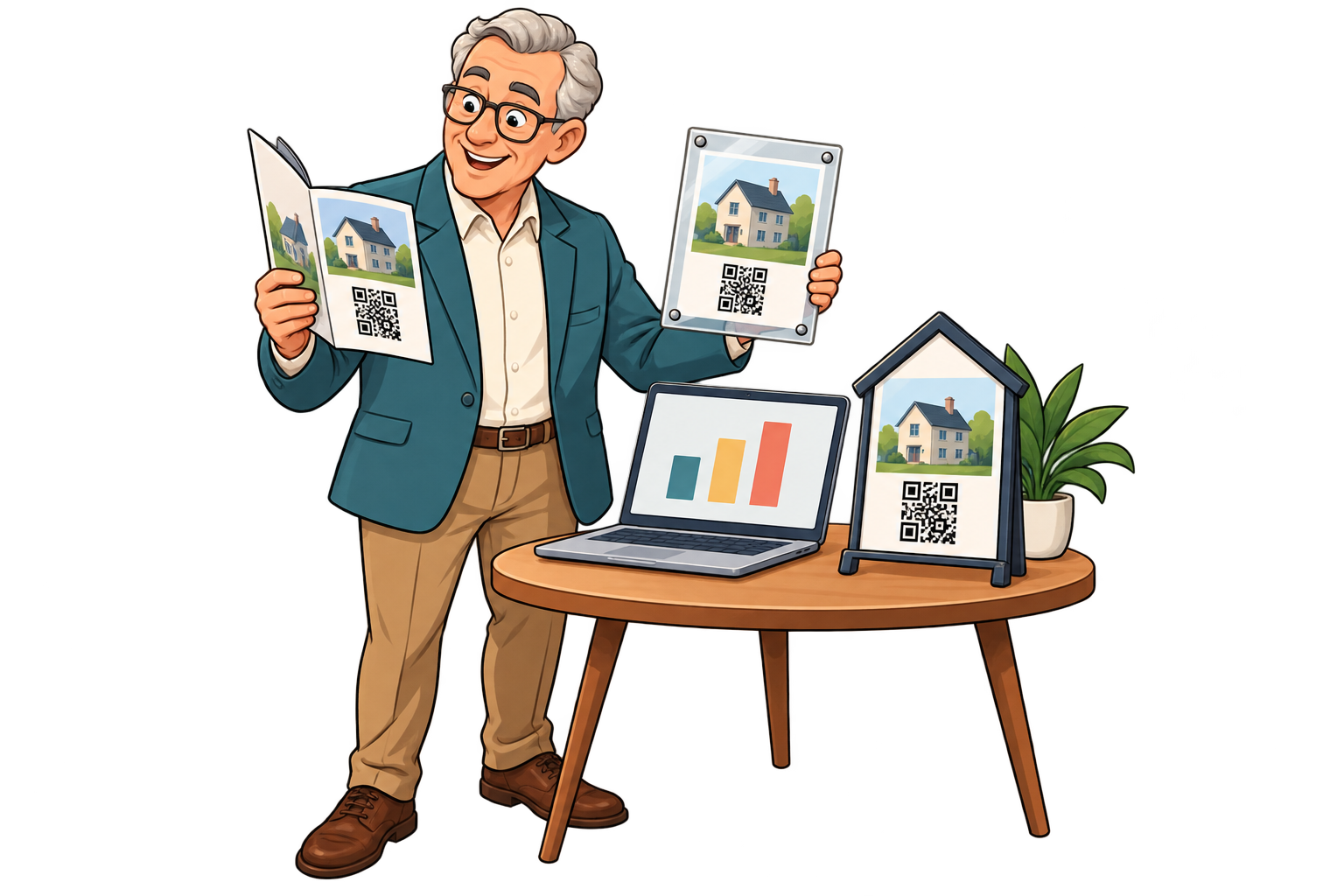
Give the brochure, window and property sign different SmartLinks. Compare scans to focus your next print run on the placements that bring more visits.
On a development brochure
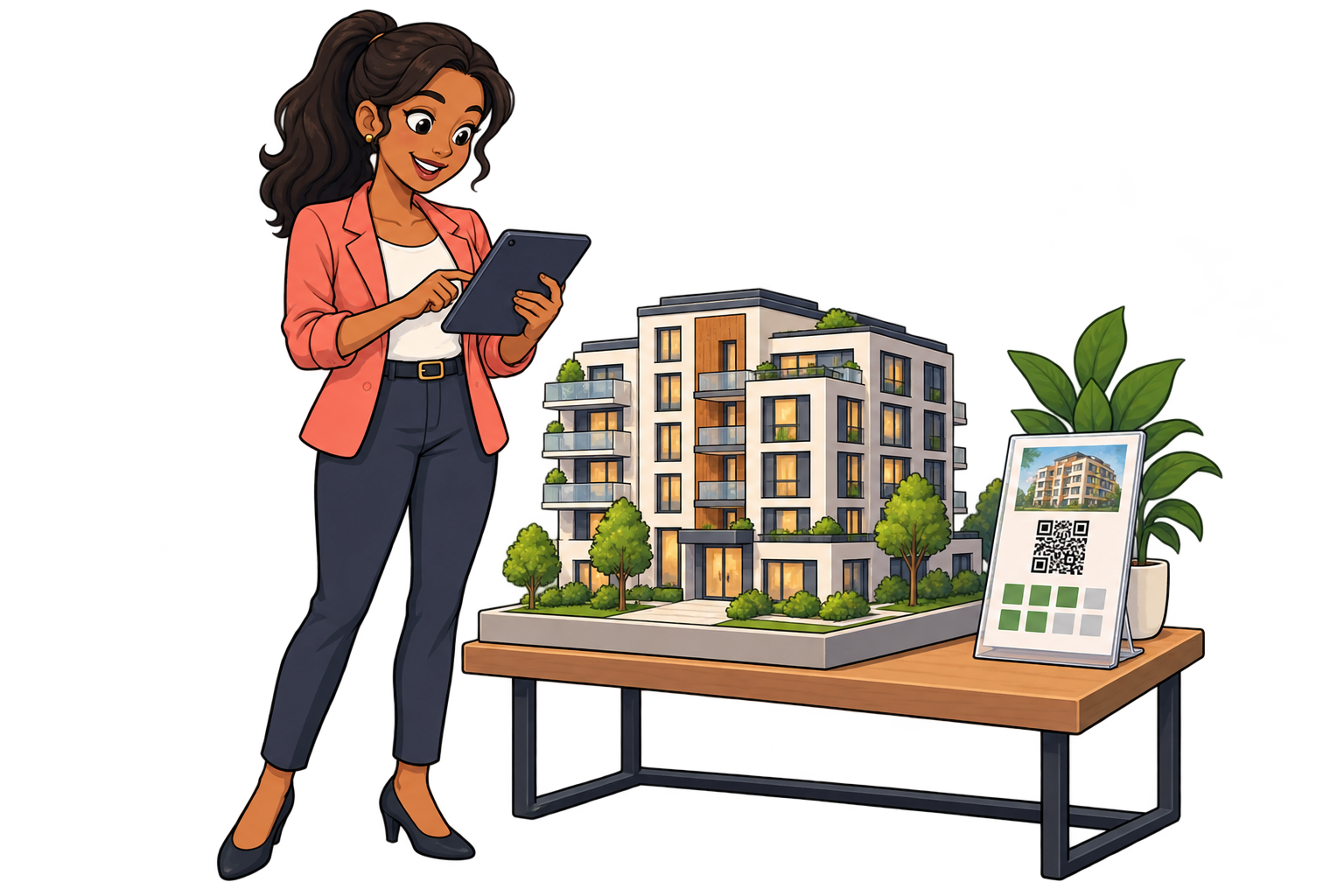
Link to the current availability sheet and replace the destination as units change. Avoid distributing stale details and review scan history before ordering more brochures.
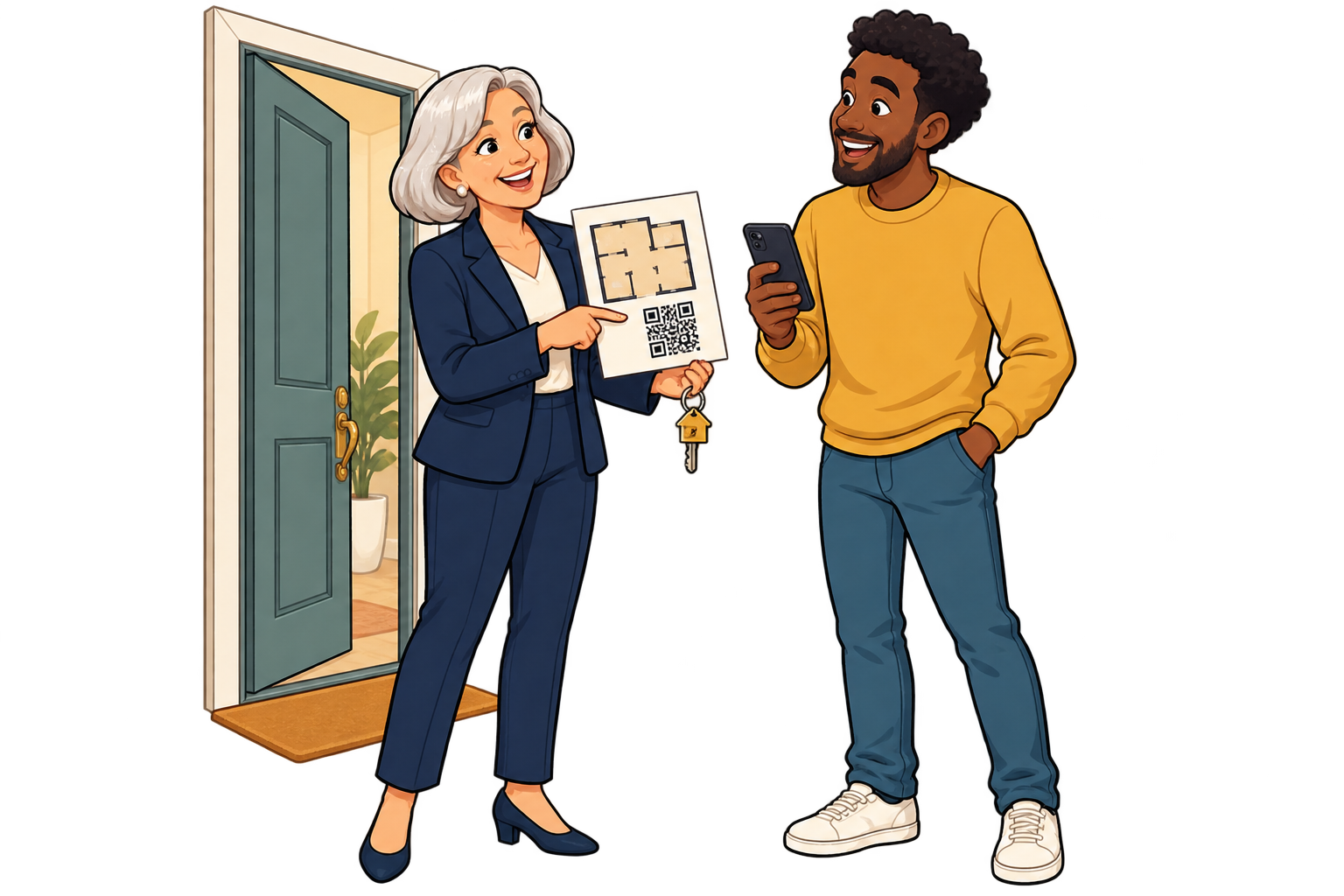
After a property viewing
Leave a card linking to the floor plan, tour or agent. Review that SmartLink’s activity after viewing days to decide when to refresh the follow-up information.
Analytics for your business
Each bar represents a different SmartLink. Compare placements over the same period.
Daily scans across these three links. Use peaks to investigate what happened that day.
Give each sign its own SmartLink to compare scan activity across properties.
Review scans by period alongside enquiries and viewings recorded by your team. A scan alone does not mean a qualified lead.
Improve photos or contact details on listings that get scans but few enquiries. When reusing a sign, note the destination-change date and compare separate periods for each property.
FAQ
Real estate
Choose a destination, customise your QR and test it before printing. Start free and choose more capacity when you need it.