Skip to content
MelodyQR.

MelodyQR / Products & packaging

Make every package a path to the next purchase.

Print the QR directly on your packaging, from a first production run to a large brand’s product ranges. Connect every unit to instructions, campaigns and repeat purchases.

Products & packaging

Use cases

Ideas to bring customers back and reduce daily work.

01 / 10

On the coffee bag

Turn a first purchase into the next order

Print the QR as part of the coffee bag design. Open a recipe, your online shop or a payment link for the next order, without asking customers to search for your brand.
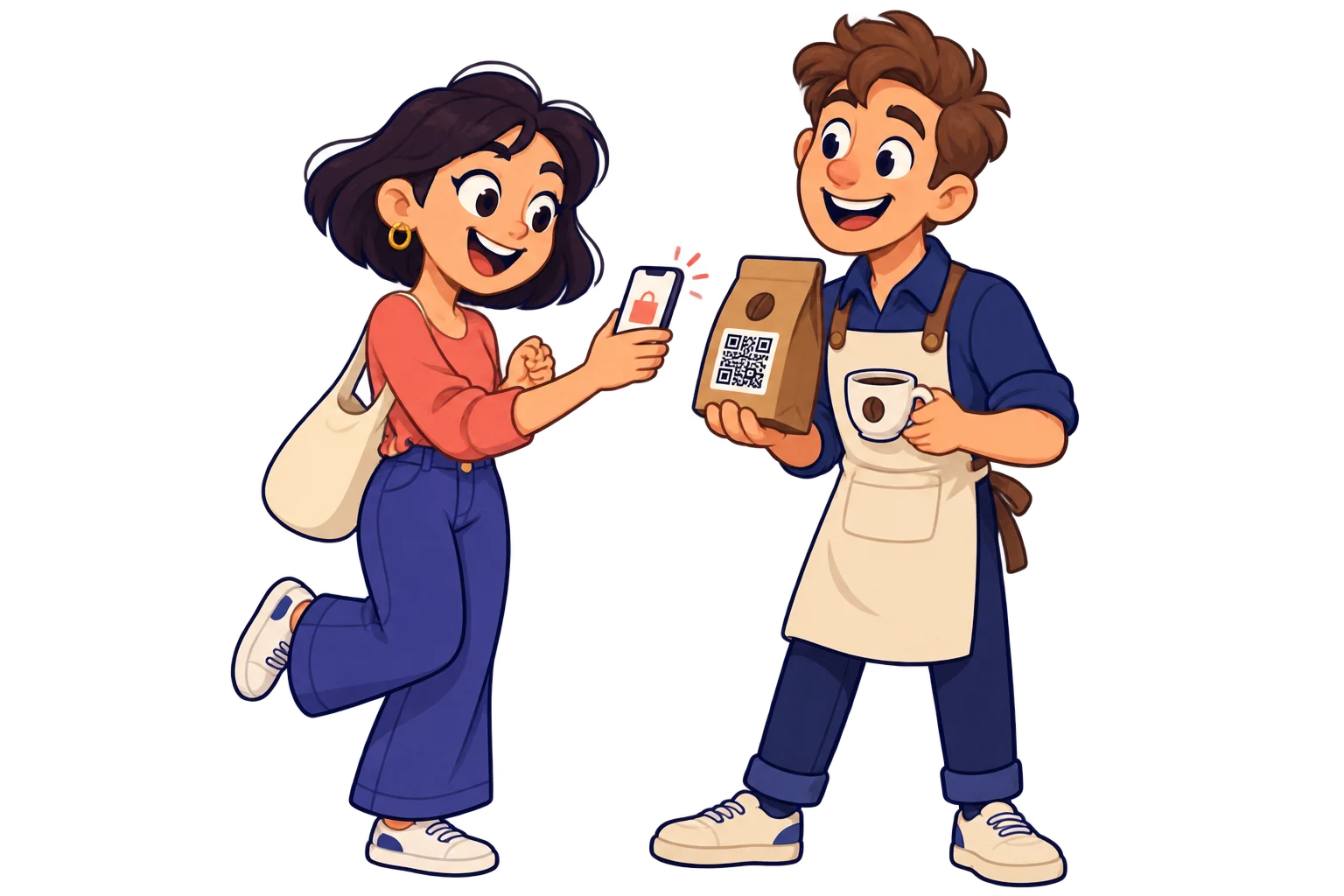
On the coffee bag. Print the QR as part of the coffee bag design. Open a recipe, your online shop or a payment link for the next order, without asking customers to search for your brand.
02 / 10

Inside the box

Reduce assembly support questions

Link assembly videos and manuals to help customers get started with fewer support questions.
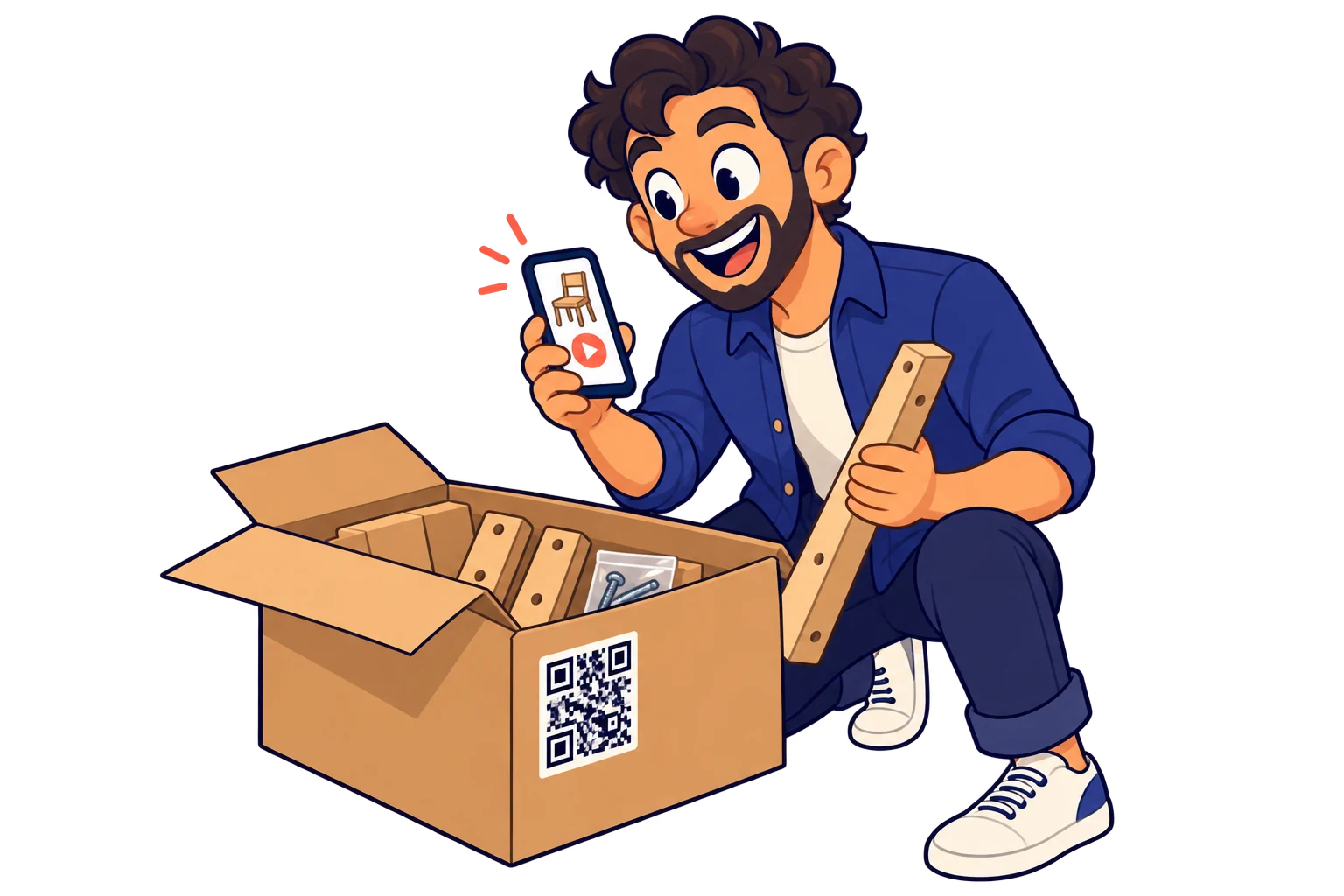
Inside the box. Link assembly videos and manuals to help customers get started with fewer support questions.
03 / 10

On clothing tags

Help customers choose and care for their clothes

Share care instructions, size guides and matching products from your shop.
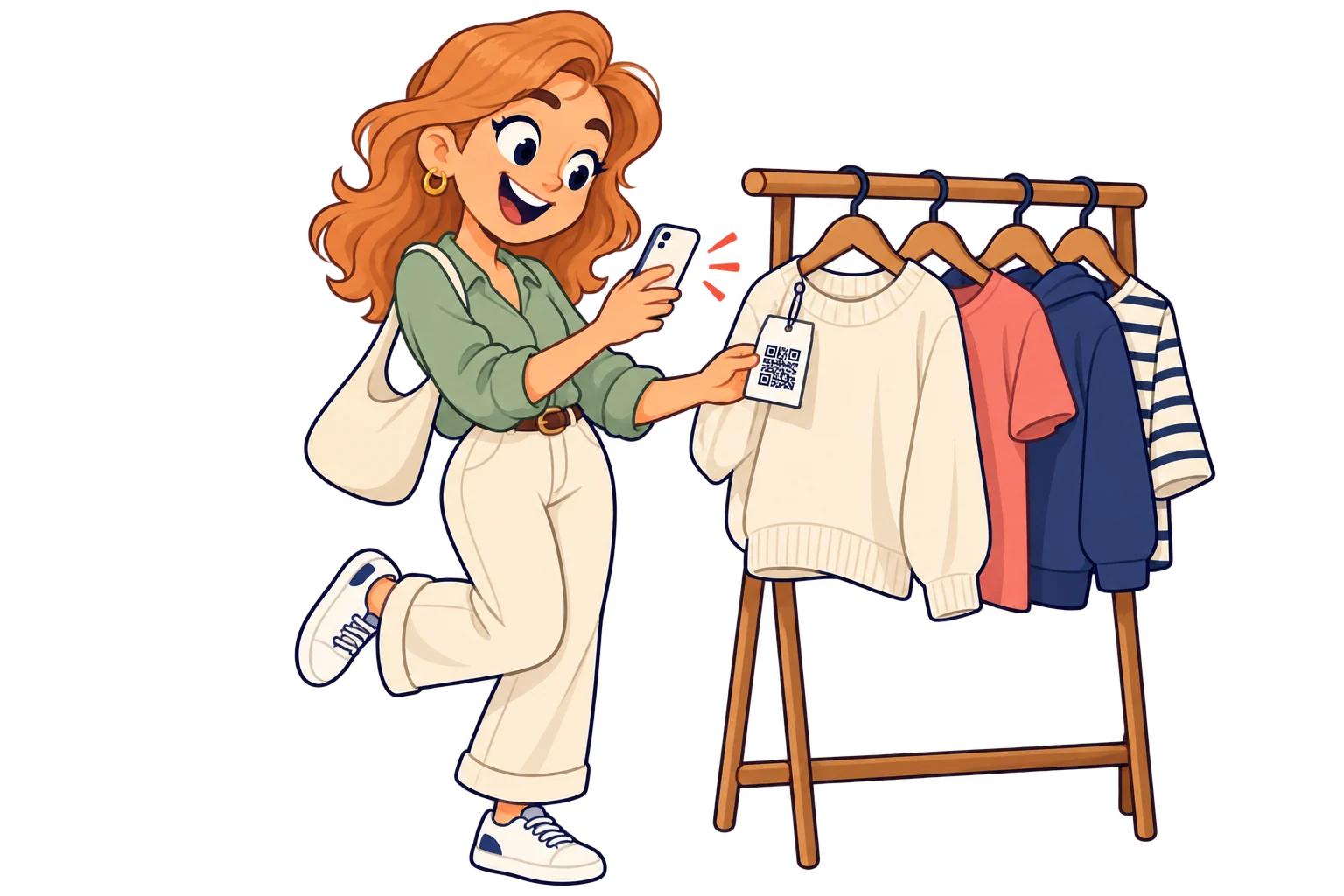
On clothing tags. Share care instructions, size guides and matching products from your shop.
04 / 10

On food packaging

Give customers more reasons to use your product

Take shoppers directly to a recipe video or a specific social media post. Change the linked post whenever you want: the QR on the package stays the same.
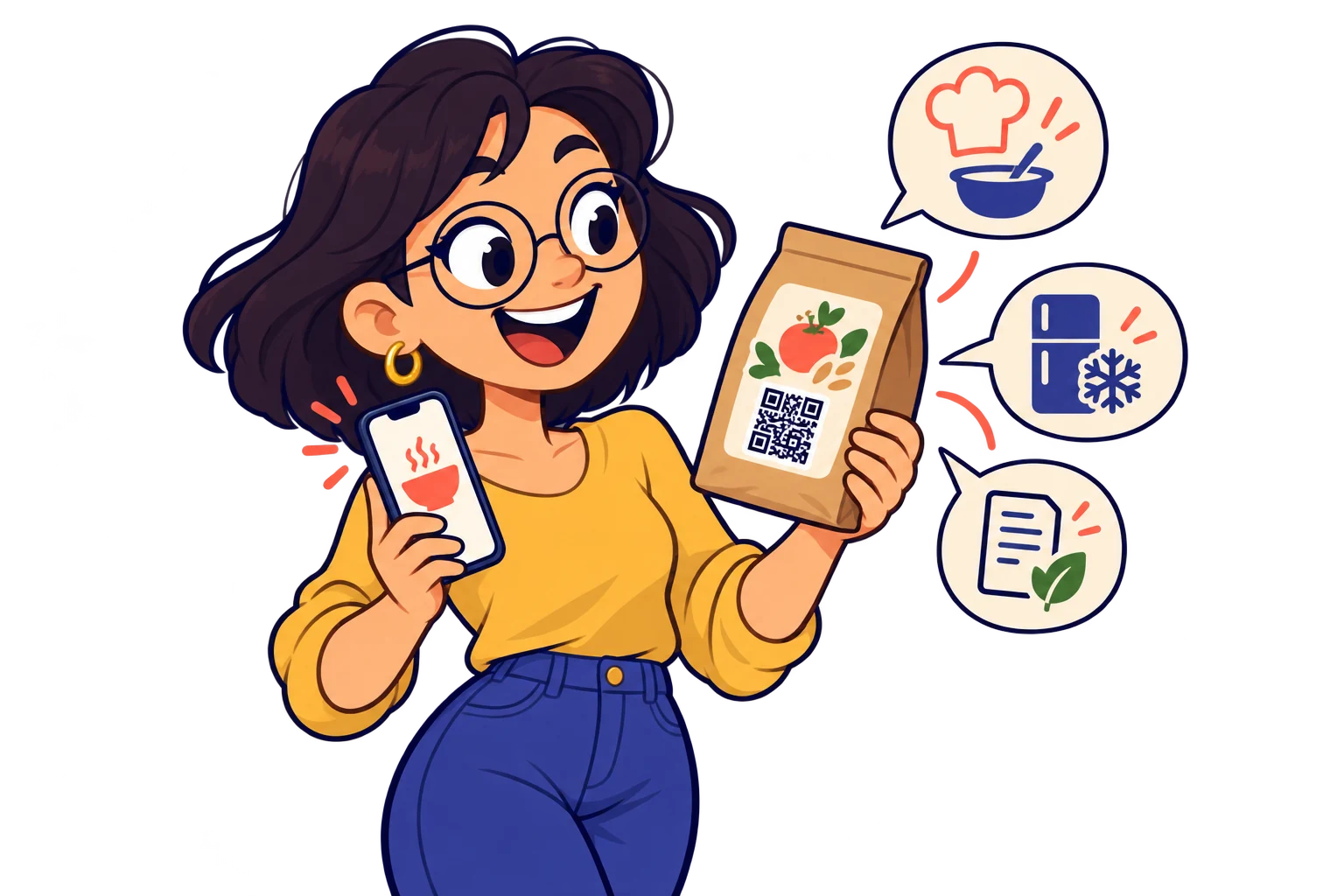
On food packaging. Take shoppers directly to a recipe video or a specific social media post. Change the linked post whenever you want: the QR on the package stays the same.
05 / 10

With spare parts

Make after-sales support easier

Link maintenance instructions, compatible accessories and your support channel to make after-sales help easier.
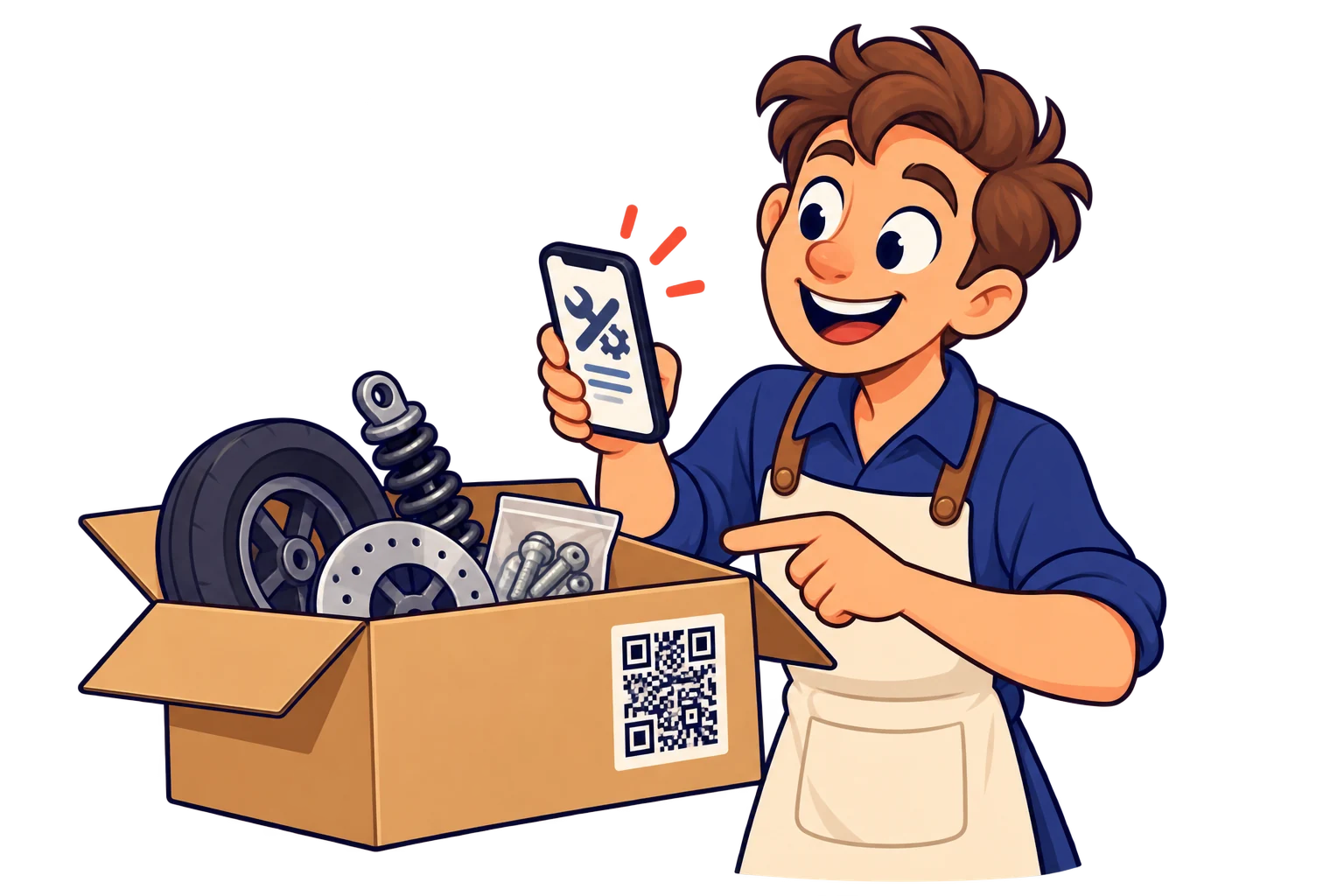
With spare parts. Link maintenance instructions, compatible accessories and your support channel to make after-sales help easier.
06 / 10

Across large production runs

Launch new campaigns without new packaging

For large brands: include a dynamic QR in the packaging artwork before production. Update the campaign even after distribution, without replacing the packaging in stock. Use separate SmartLinks by product line or market when each needs its own content and scan reporting.
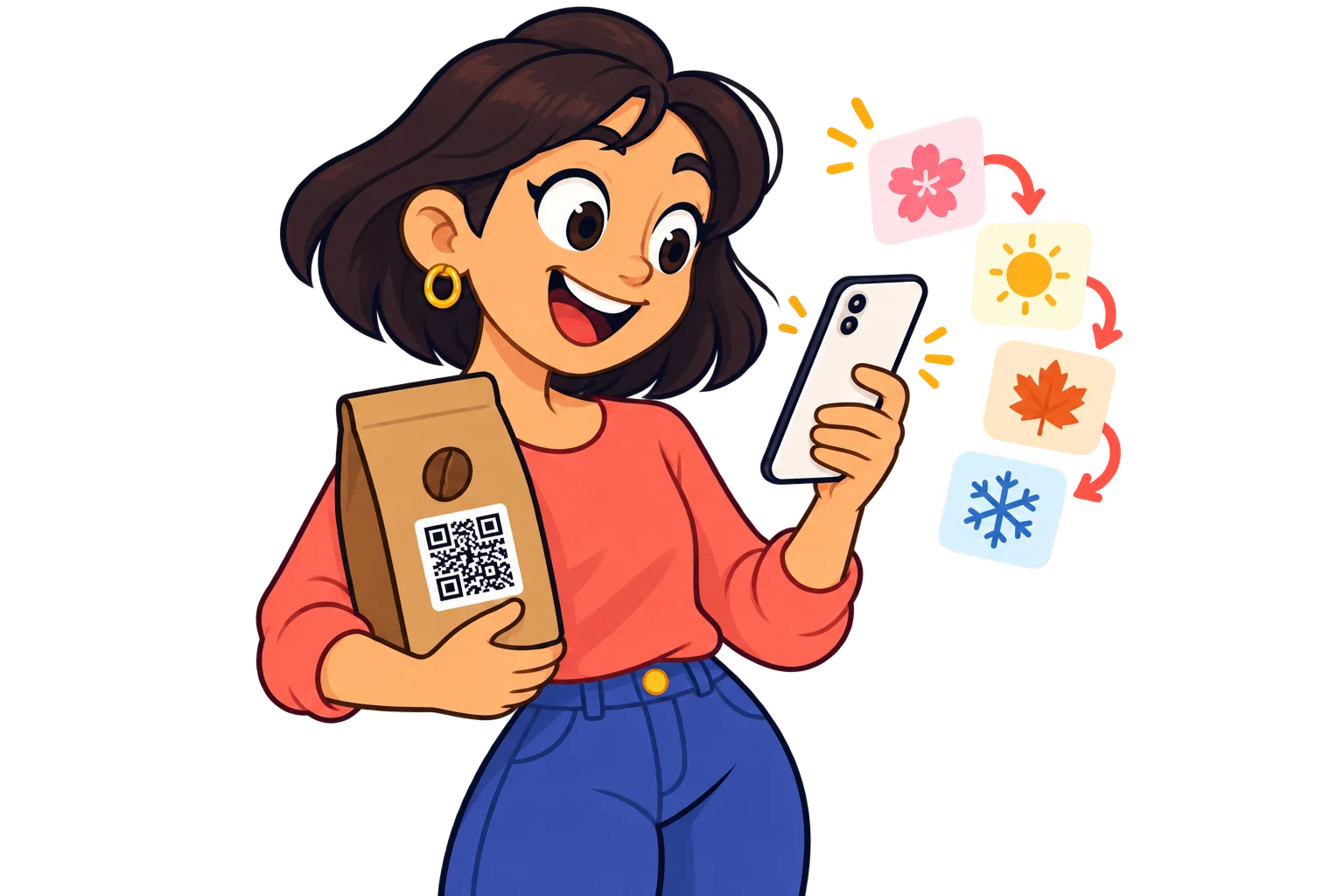
Across large production runs. For large brands: include a dynamic QR in the packaging artwork before production. Update the campaign even after distribution, without replacing the packaging in stock. Use separate SmartLinks by product line or market when each needs its own content and scan reporting.
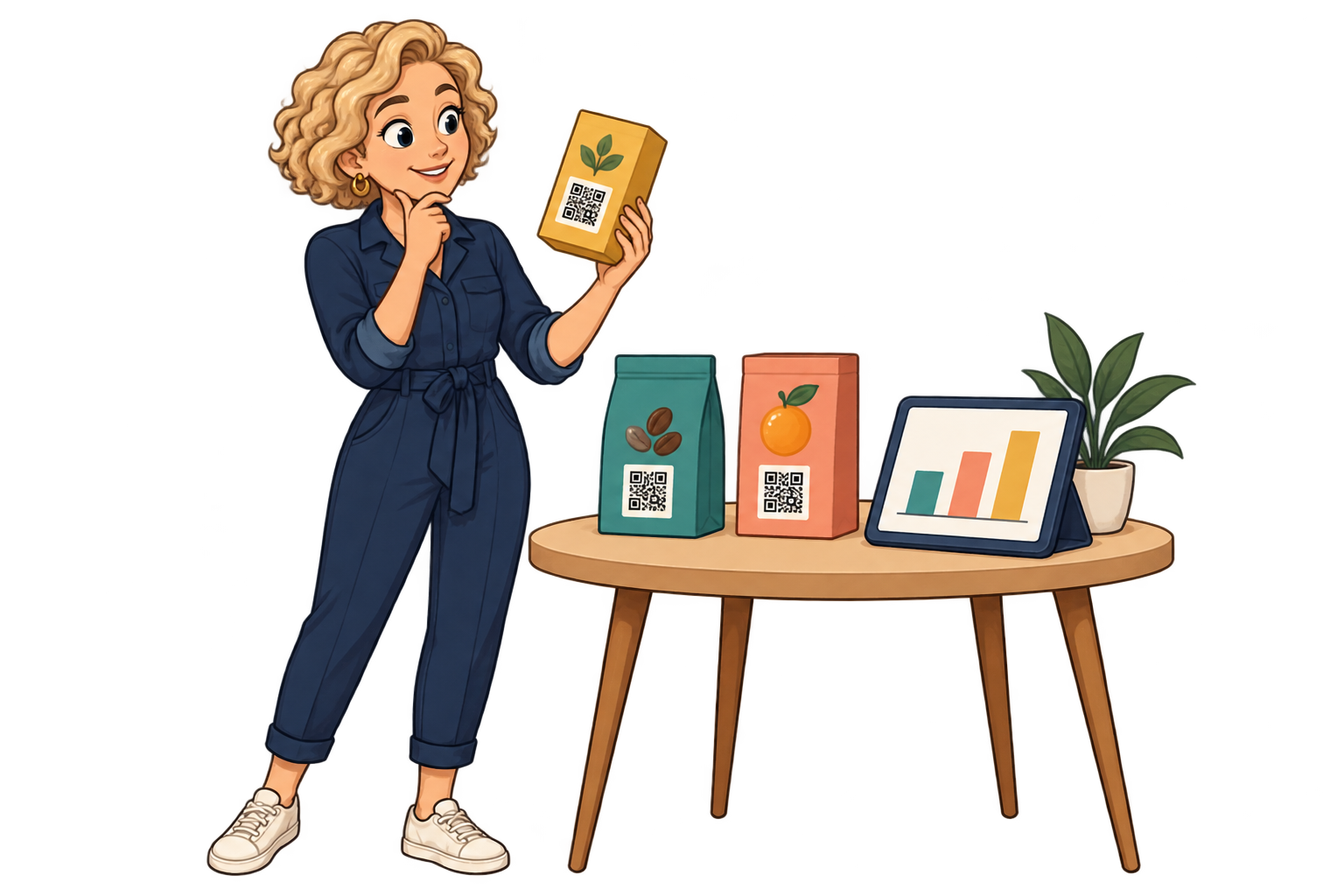
Across product lines. Give each line its own SmartLink to instructions or recipes. Compare scans alongside units distributed to decide which guides deserve more attention.
07 / 10

Across product lines

Prioritise the content people open

Give each line its own SmartLink to instructions or recipes. Compare scans alongside units distributed to decide which guides deserve more attention.

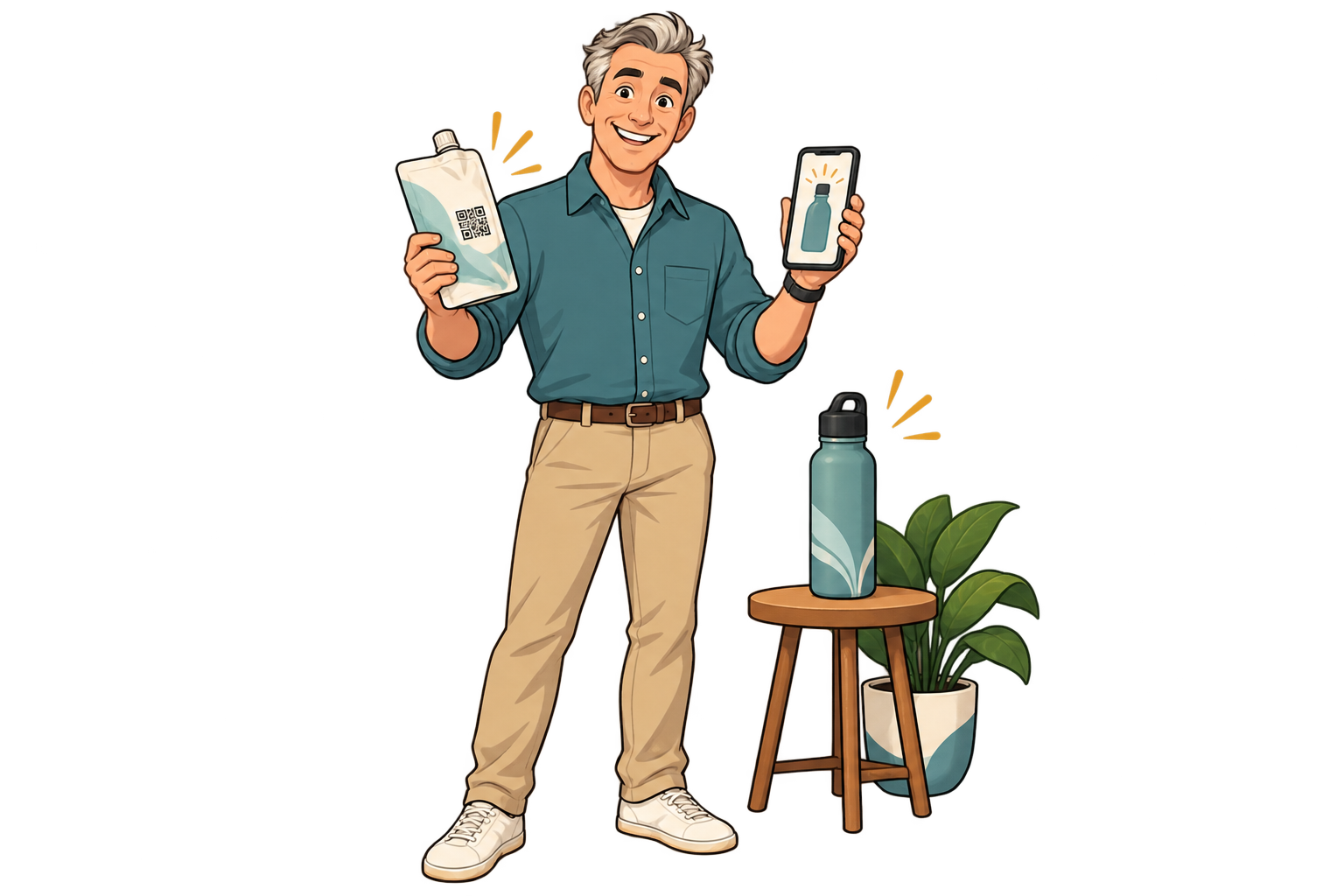
On a refill pouch. Link the QR to compatible refills or your shop. Update that destination when the range changes and watch scan activity to plan clearer reorder instructions.

08 / 10

On a refill pouch

Make replenishment easier

Link the QR to compatible refills or your shop. Update that destination when the range changes and watch scan activity to plan clearer reorder instructions.

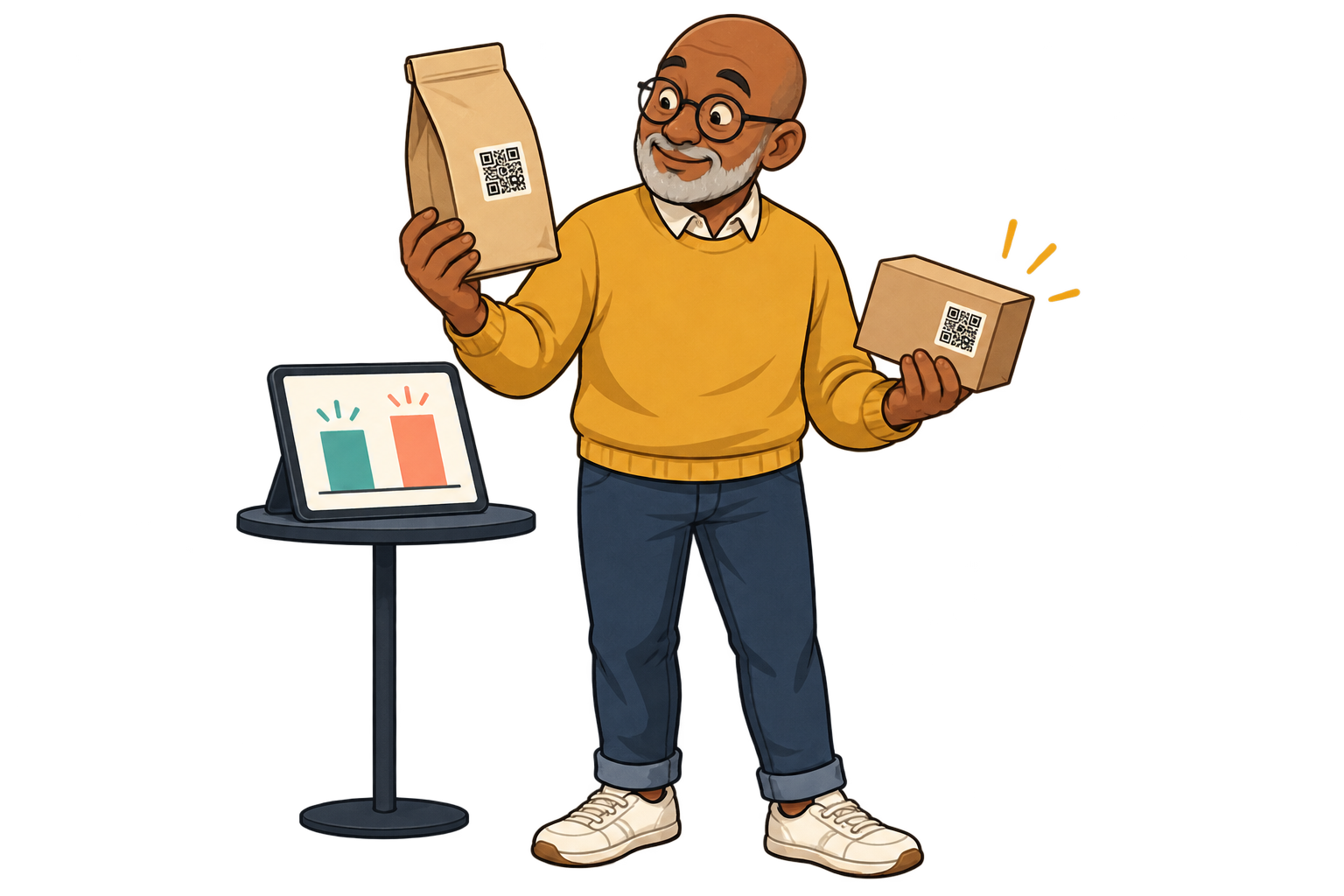
On promotional batches. During the campaign, open the offer; afterwards, change the same SmartLink to useful product information. Compare scan periods to see how long the packaging keeps generating visits.
09 / 10

On promotional batches

Keep packaging useful after the promotion

During the campaign, open the offer; afterwards, change the same SmartLink to useful product information. Compare scan periods to see how long the packaging keeps generating visits.

On trial packaging. Use separate SmartLinks for two placements on small, comparable batches. Scan counts give you a signal about visibility before committing to a larger print run.
10 / 10

On trial packaging

Test the QR placement before a large run

Use separate SmartLinks for two placements on small, comparable batches. Scan counts give you a signal about visibility before committing to a larger print run.

Analytics for your business

Invest in packaging that sparks more interest

Example data · 7 days

Where do scans come from?

Coffee range120 scans
Tea range80 scans
Accessories40 scans

Each bar represents a different SmartLink. Compare placements over the same period.

Example data · 7 days

When does interest pick up?

0306018Mon24Tue20Wed32Thu46Fri58Sat42Sun

Daily scans across these three links. Use peaks to investigate what happened that day.

  1. 01 / Measure

    Print a different SmartLink for each product line, packaging design or market you want to compare. One shared QR cannot distinguish those placements on its own.

  2. 02 / Compare

    Compare scans over the same period. Consider how many units you distributed: more scans may also reflect a larger production run.

  3. 03 / Improve

    Test the QR placement or invitation on your next run. Keep the existing QR and update its campaign; use sales data from your shop to assess repeat purchases.

Explore analytics

FAQ

Questions from your sector

Use one for shared information, or separate SmartLinks when products need different content or scan reporting. Plan capacity applies.

Yes. Link a video hosted on your chosen service and share PDF manuals. You can bring both together on a page of links.

Test the exported QR at its final size on the actual material, with several phones and realistic lighting. Keep contrast and clear space around the code.

Yes. The same QR can open your website today, a specific social media post or video tomorrow, and a payment link later. Paste the public URL of the content you want, not just your profile feed. Keep the SmartLink active; deleting it is permanent.

No. They can scan with a compatible phone camera and open the link. Online content needs an internet connection; external services may have their own requirements.

Products & packaging

Put your next QR to work for your business.

Choose a destination, customise your QR and test it before printing. Start free and choose more capacity when you need it.

Find your plan
All use cases