Skip to content
MelodyQR.

MelodyQR / Professionals & services

Make it easier to hire you. Spend less time coordinating.

Connect cards, vehicles and printed proposals to your work, contact details and existing booking tools.

Professionals & services

Use cases

Ideas to bring customers back and reduce daily work.

01 / 10

On business cards

Make your next enquiry easier

Share a digital contact card so people can save your details using the options supported by their device.

On business cards. Share a digital contact card so people can save your details using the options supported by their device.
02 / 10

On a work vehicle

Turn your parked vehicle into a contact point

Show services, coverage areas and WhatsApp so someone seeing your parked vehicle can contact you.
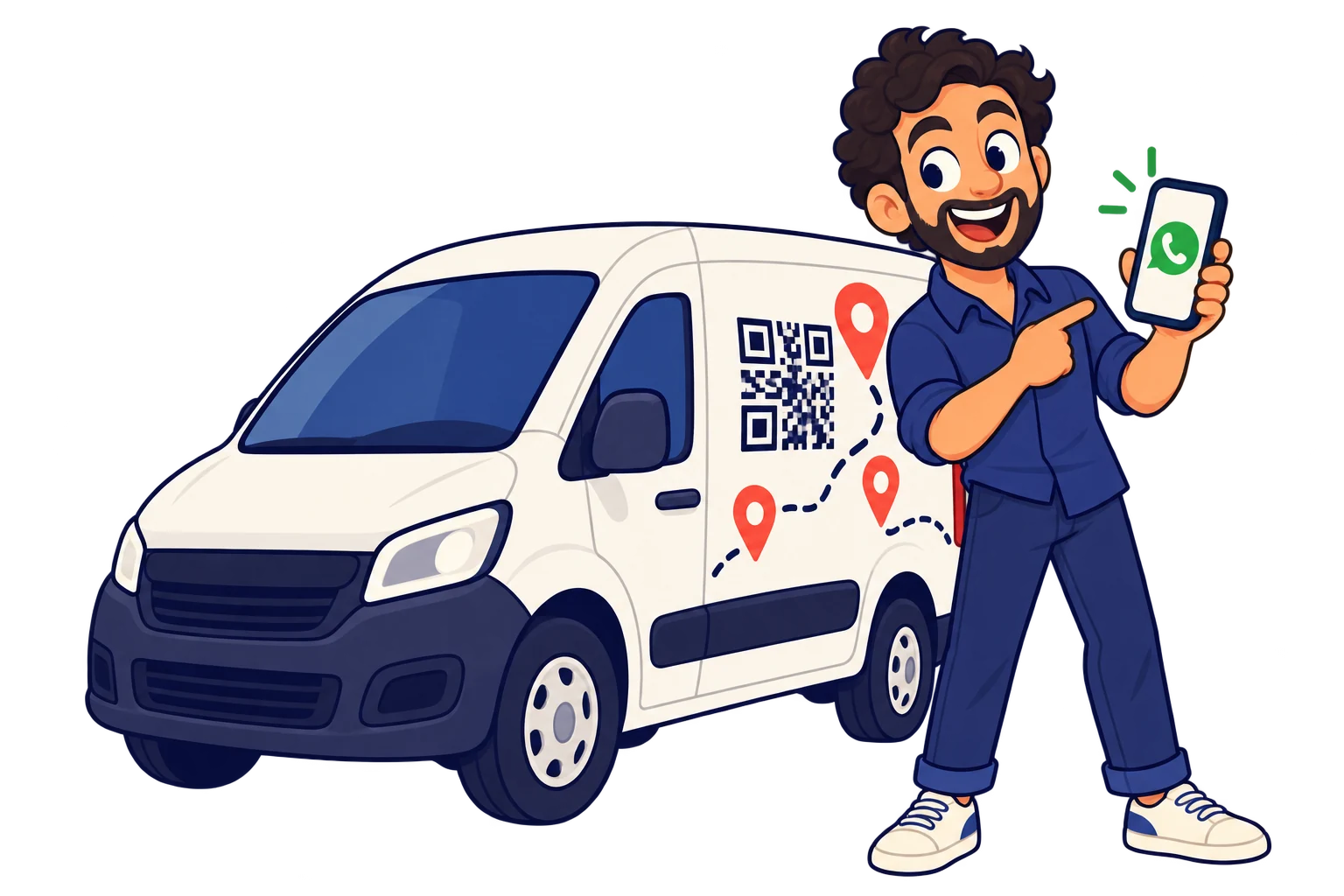
On a work vehicle. Show services, coverage areas and WhatsApp so someone seeing your parked vehicle can contact you.
03 / 10

On printed proposals

Help your work win the next job

Link a portfolio and previous projects to give potential clients more context before deciding.

On printed proposals. Link a portfolio and previous projects to give potential clients more context before deciding.
04 / 10

At your studio

Spend less time coordinating appointments

Bring service information and your external booking link together, making appointments easier to find.
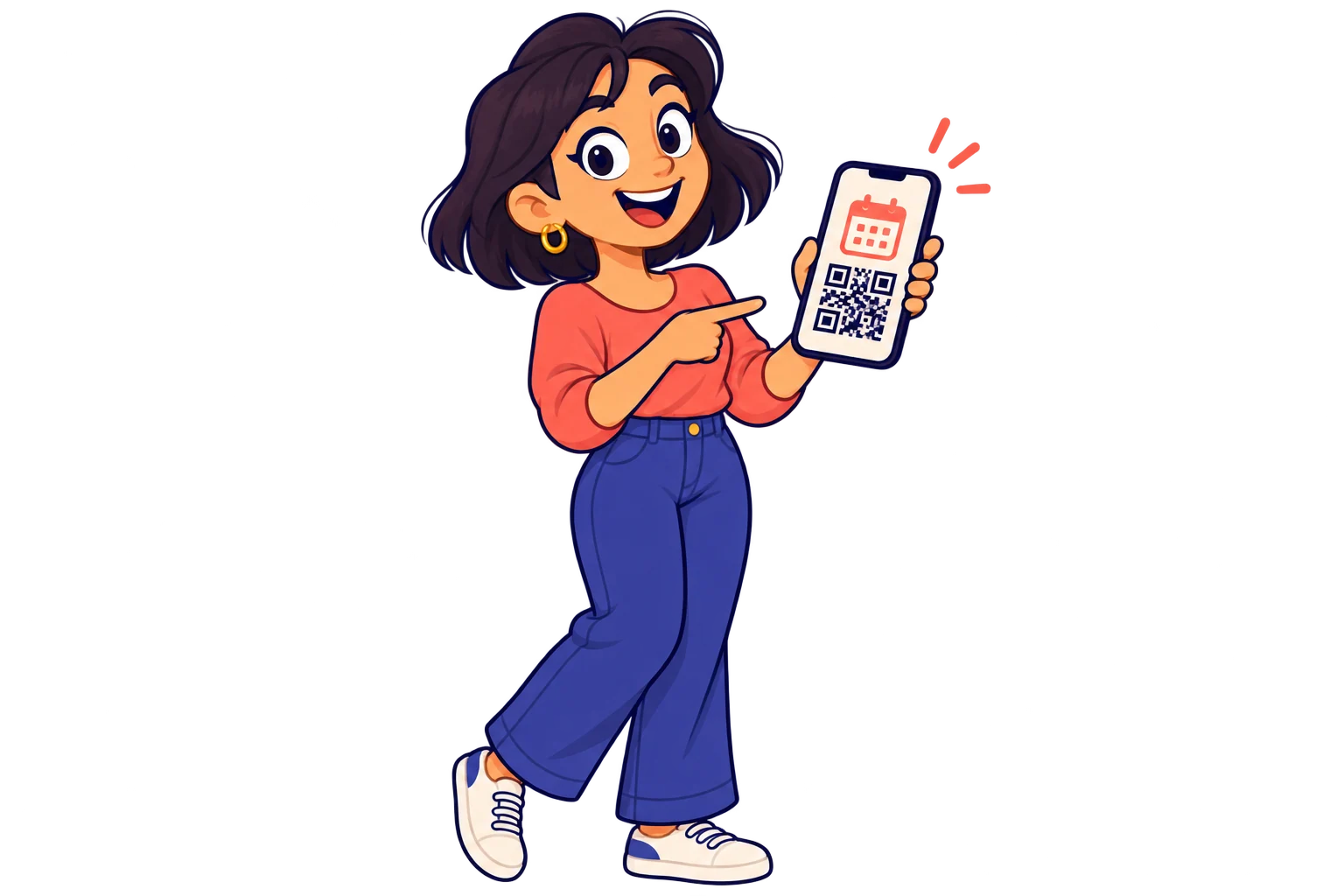
At your studio. Bring service information and your external booking link together, making appointments easier to find.
05 / 10

When delivering your work

Reduce repeated after-service questions

Share care instructions, maintenance advice and your support contact to stay helpful after delivery.
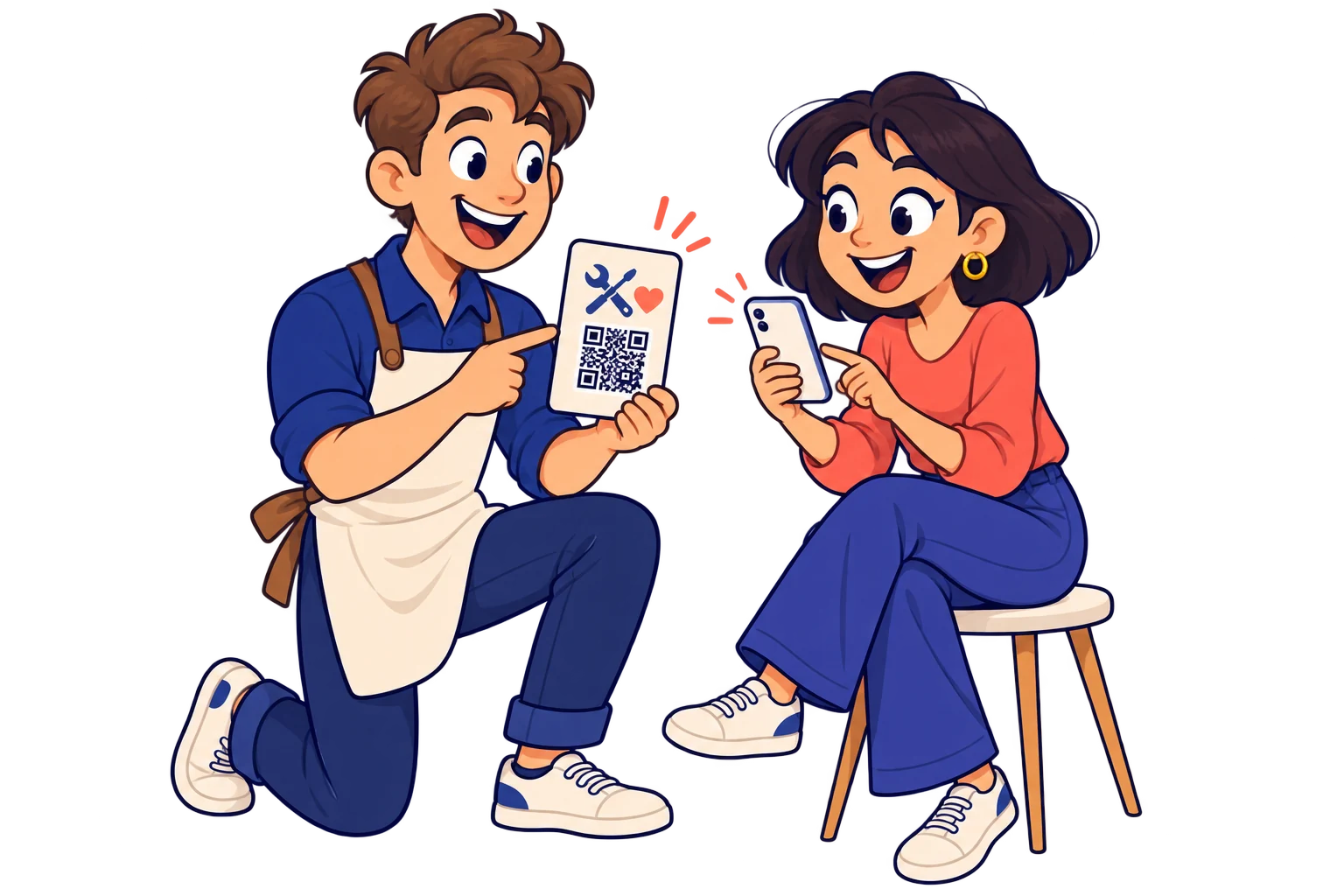
When delivering your work. Share care instructions, maintenance advice and your support contact to stay helpful after delivery.
06 / 10

On promotional material

Get more value from your printed materials

Create a simple presentation page with your work and contact links, even without your own website.


On promotional material. Create a simple presentation page with your work and contact links, even without your own website.
Across referral materials. Use different SmartLinks for cards at partner shops and your own reception. Compare scans alongside distribution volume to guide your next batch.

07 / 10

Across referral materials

Know where to place your next cards

Use different SmartLinks for cards at partner shops and your own reception. Compare scans alongside distribution volume to guide your next batch.

In service brochures. Give each service its own SmartLink to relevant work samples. Compare scans to decide which portfolio needs clearer examples or a more visible contact option.

08 / 10

In service brochures

Focus your portfolio on what draws interest

Give each service its own SmartLink to relevant work samples. Compare scans to decide which portfolio needs clearer examples or a more visible contact option.

When your services evolve. Change your card’s destination to your latest portfolio or booking page. Reuse the cards already in circulation and review scans to see whether they keep bringing visits.
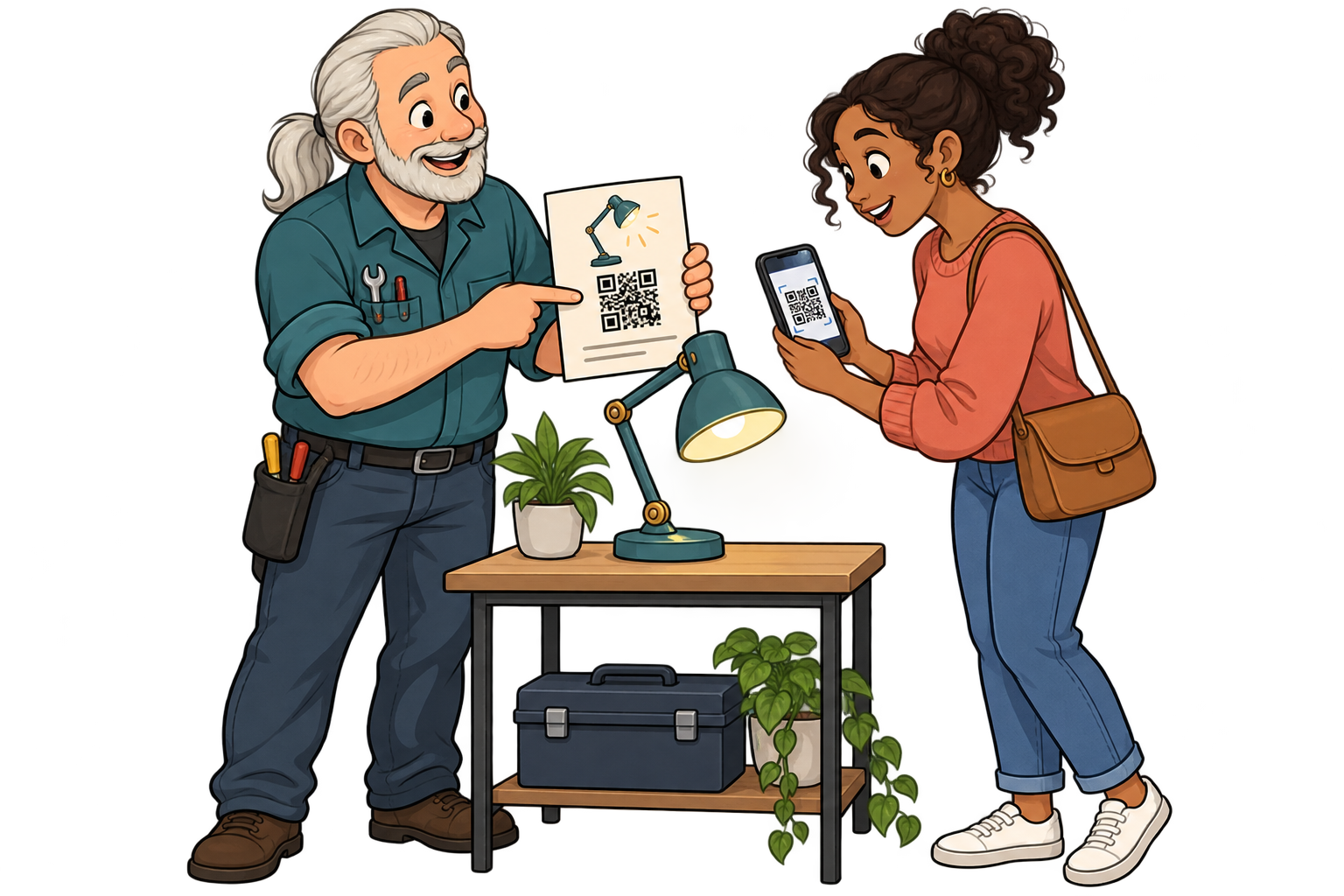
09 / 10

When your services evolve

Keep your printed introduction current

Change your card’s destination to your latest portfolio or booking page. Reuse the cards already in circulation and review scans to see whether they keep bringing visits.

In aftercare instructions. Put a QR on the delivery sheet linking to care instructions or a tutorial. Update the destination when advice changes and compare scans by service to improve the most consulted guides.
10 / 10

In aftercare instructions

Make aftercare easier to find

Put a QR on the delivery sheet linking to care instructions or a tutorial. Update the destination when advice changes and compare scans by service to improve the most consulted guides.

Analytics for your business

Find where interest in your services begins

Example data · 7 days

Where do scans come from?

Business cards120 scans
Vehicle signage80 scans
Proposals40 scans

Each bar represents a different SmartLink. Compare placements over the same period.

Example data · 7 days

When does interest pick up?

0306018Mon24Tue20Wed32Thu46Fri58Sat42Sun

Daily scans across these three links. Use peaks to investigate what happened that day.

  1. 01 / Measure

    Create separate SmartLinks for your business card, vehicle signage and printed proposals.

  2. 02 / Compare

    Compare their scans over the same period and review enquiries in your usual contact channel.

  3. 03 / Improve

    Improve the invitation or linked portfolio where interest is low. Use confirmed jobs from your own records to decide where to invest in printing again.

Explore analytics

FAQ

Questions from your sector

Yes. Create a landing page or digital contact card in MelodyQR and connect it to your SmartLink.

A vCard offers a contact file. Opening and saving it depends on the visitor's device and supported applications.

Yes. Link your public booking page. Your existing service handles availability, confirmations and cancellations.

Yes. The same QR can open your website today, a specific social media post or video tomorrow, and a payment link later. Paste the public URL of the content you want, not just your profile feed. Keep the SmartLink active; deleting it is permanent.

No. They can scan with a compatible phone camera and open the link. Online content needs an internet connection; external services may have their own requirements.

Professionals & services

Put your next QR to work for your business.

Choose a destination, customise your QR and test it before printing. Start free and choose more capacity when you need it.

Find your plan
All use cases