01 / 10
On the care label
Answer care questions after every sale
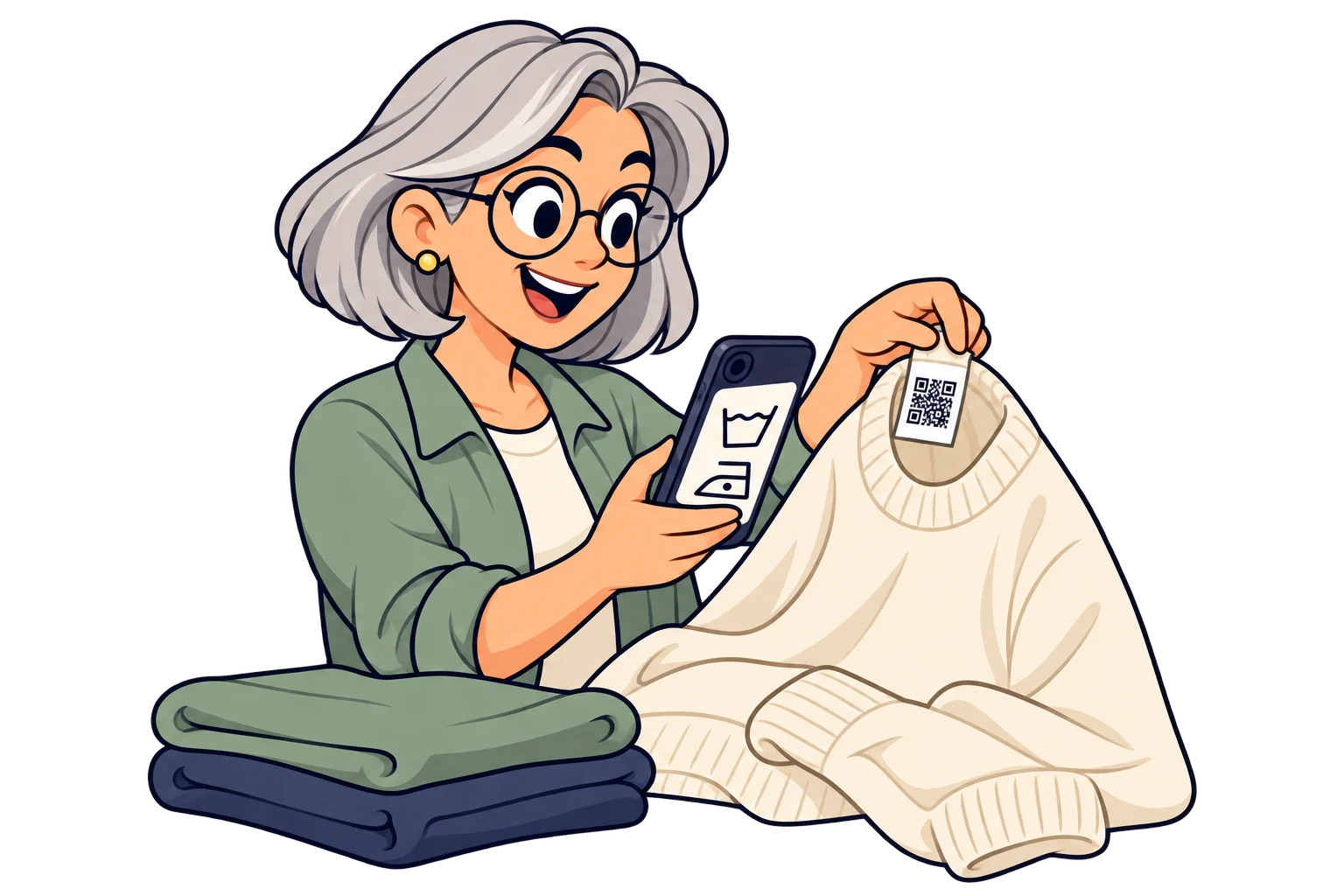
Print a QR on the sewn-in label or hangtag. Link washing, drying and storage instructions, including a demonstration video. Update the guide without replacing labels already produced.
MelodyQR / Textiles & apparel
Connect labels, hangtags and catalogues to care instructions, size guides, styling videos and your next collection. For clothing brands, textile manufacturers and boutiques.

Use cases
On the care label
Print a QR on the sewn-in label or hangtag. Link washing, drying and storage instructions, including a demonstration video. Update the guide without replacing labels already produced.
Before choosing a size
Link the size guide for that model, with garment measurements and fitting advice. Use a separate SmartLink for each range when cuts differ, so shoppers find the relevant guide instead of a generic chart.

On the garment hangtag
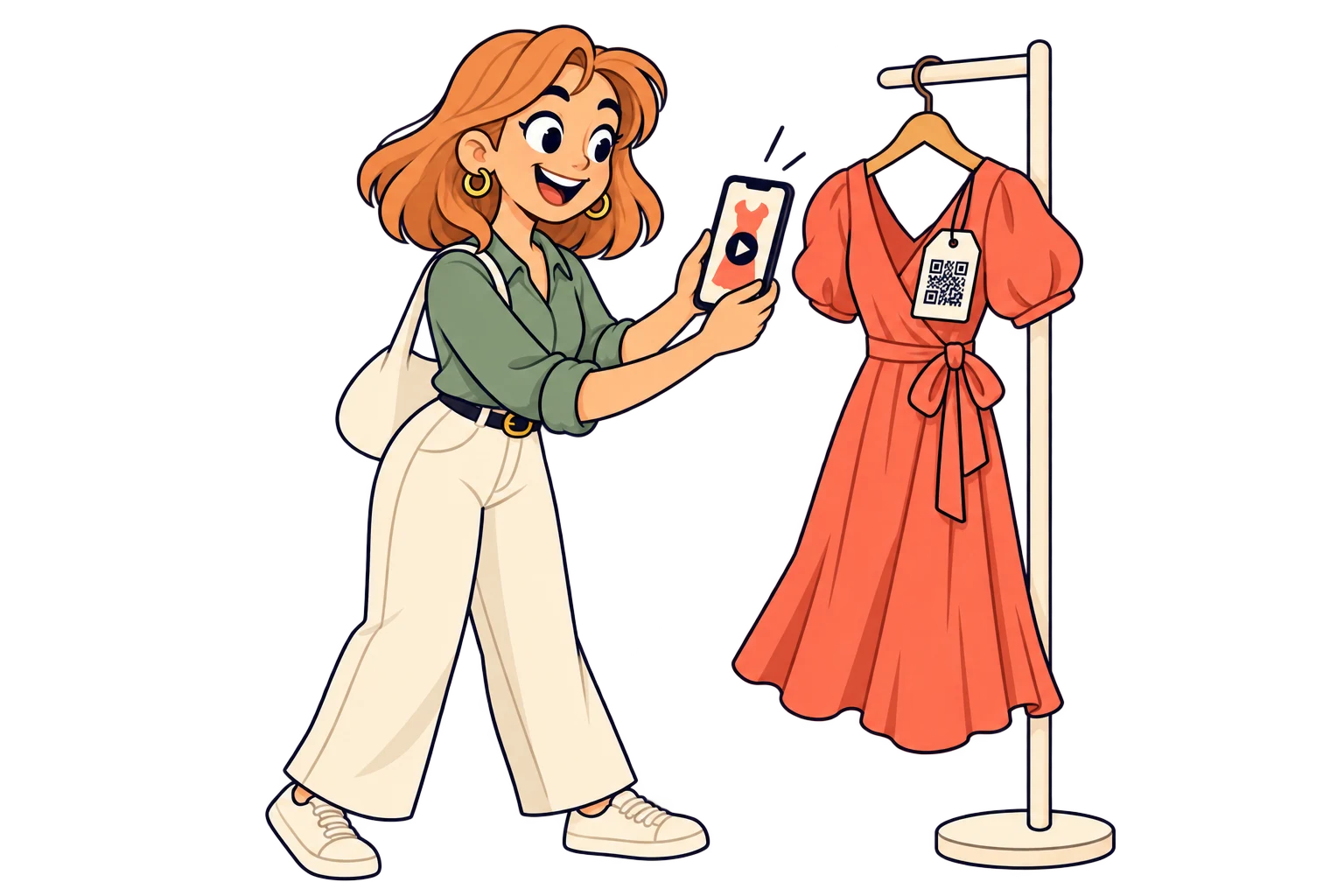
Take the shopper straight to a specific reel or video showing the garment in motion, its fit and details. Replace the linked post when you publish a better demonstration; keep the printed QR.
With matching pieces
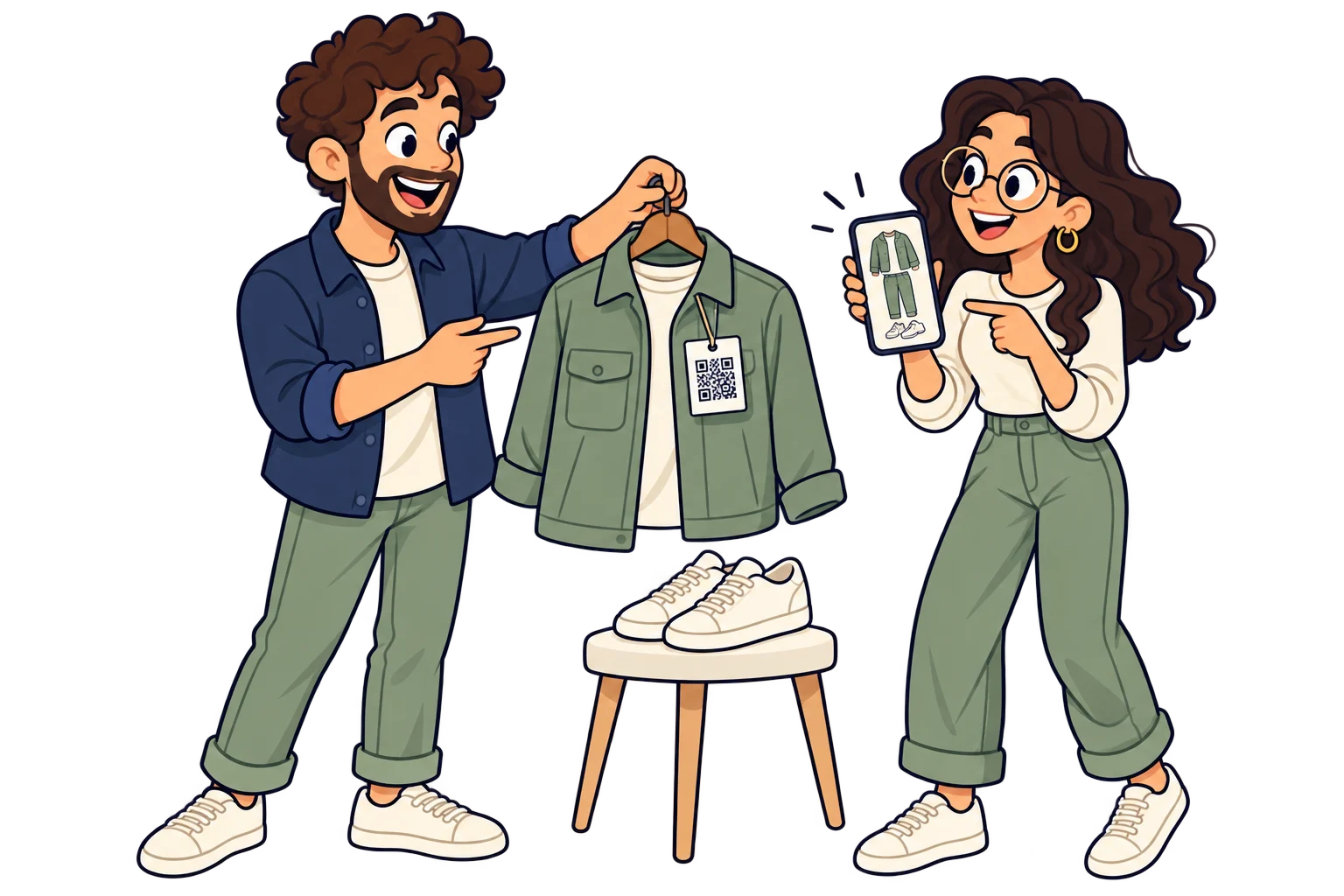
Link a lookbook or a selection of matching pieces in your online shop. From a jacket label, show trousers and accessories that complete the outfit, with current availability managed by your store.
On wholesale sample books
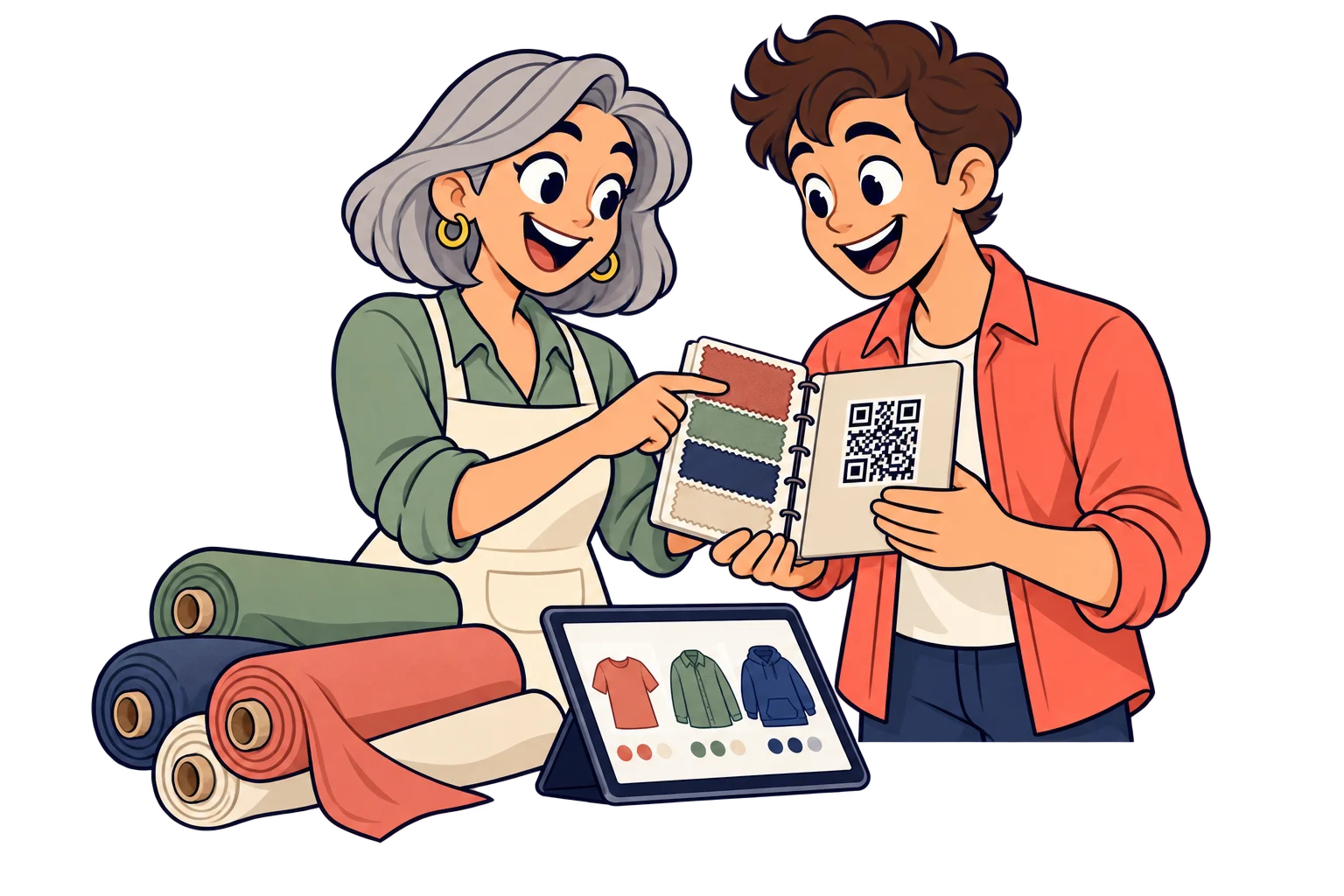
For textile manufacturers and clothing brands: put a QR on fabric swatches and printed catalogues. Open current specifications, colour ranges and your wholesale enquiry channel. Update the linked PDF or page without reprinting the sample book.
Inside the delivery box
Add a QR to the thank-you card that opens your new collection, a launch post or a payment link for a featured item. Change its destination each season without replacing the cards in stock; payments are handled by your payment provider.

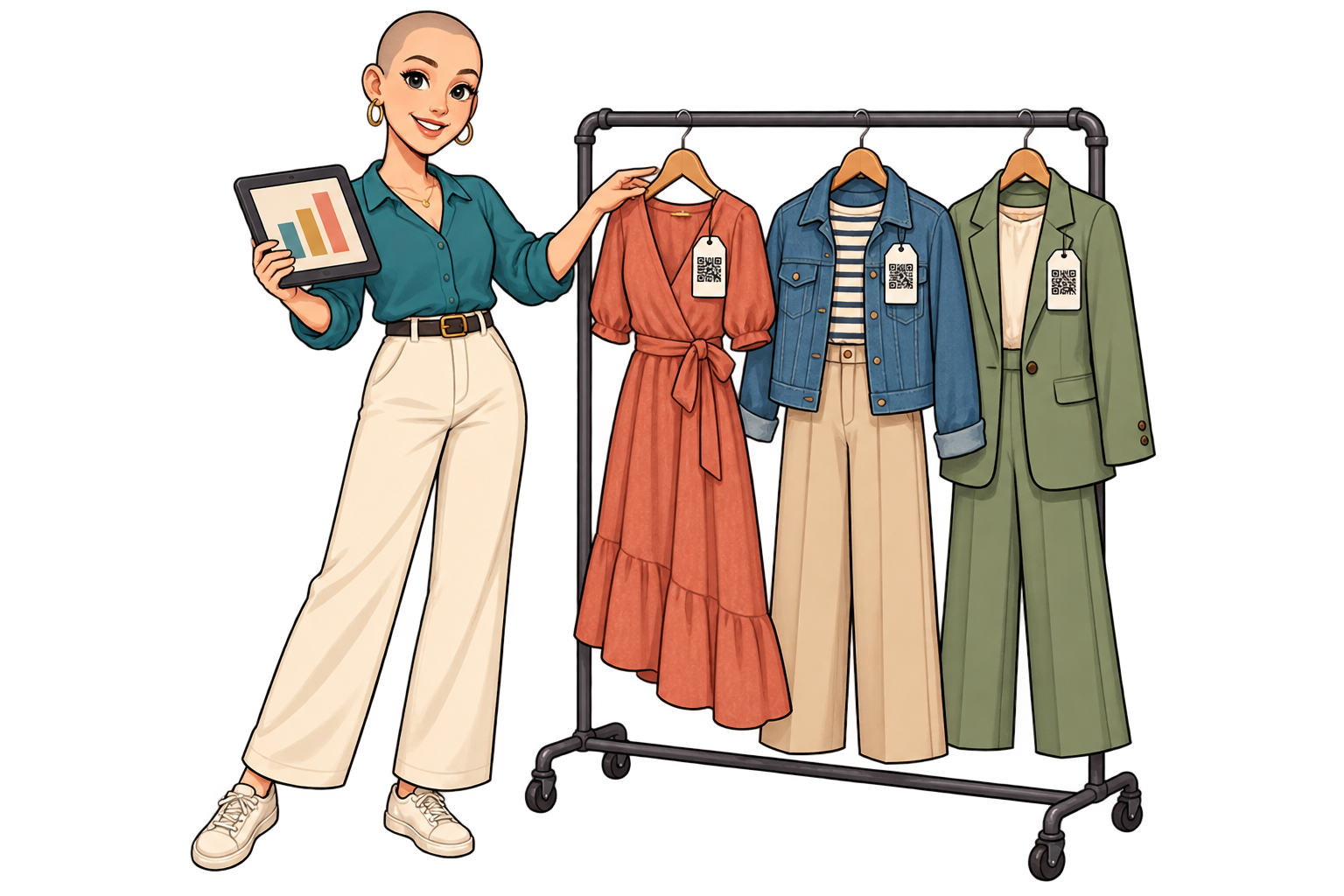
Across garment collections
Use a SmartLink per collection on tags and compare scans against the number of tagged garments distributed. Prioritise photos, fit information and care guides where interest is strongest.
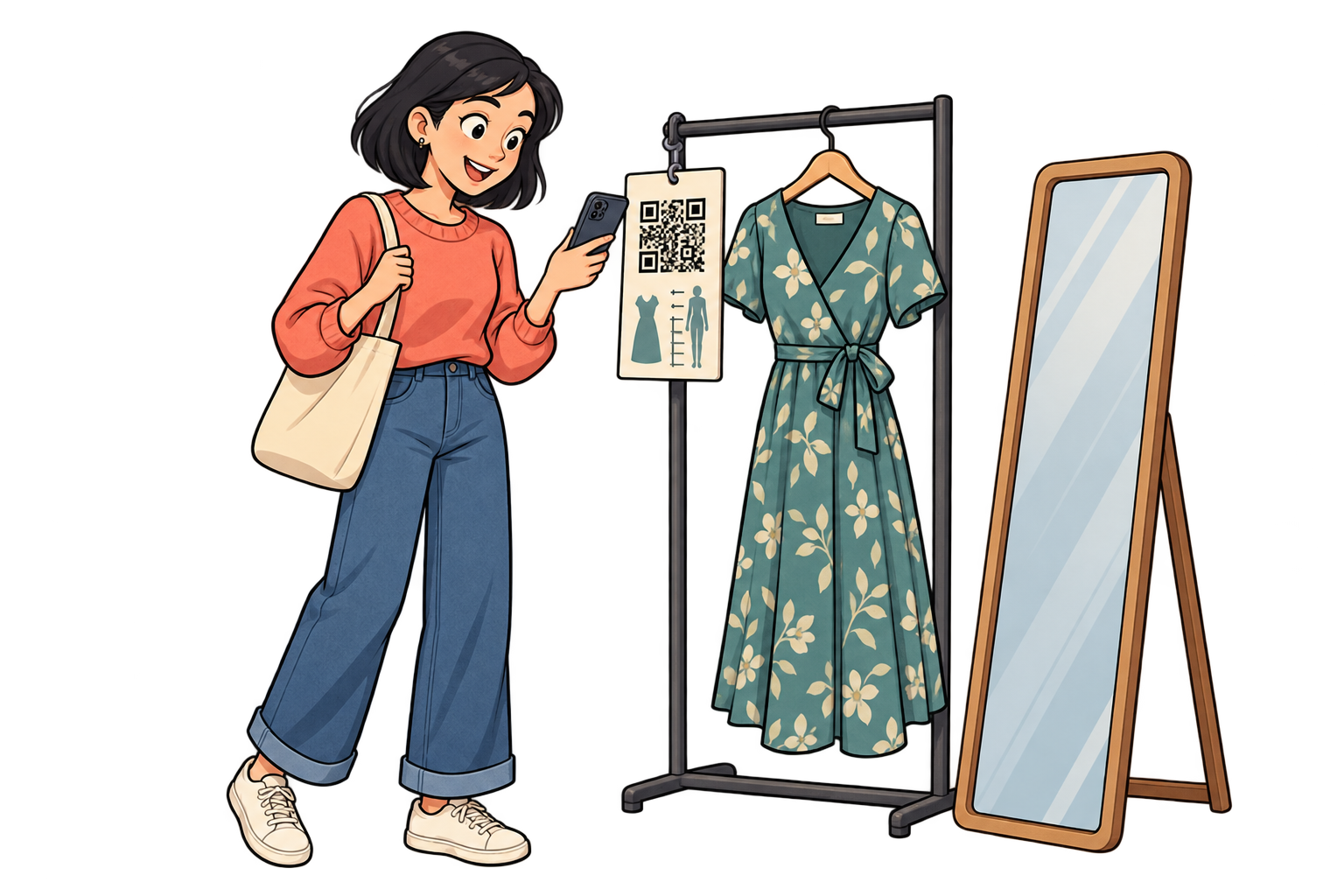
At fitting rooms
Link each fitting-room area to your size guide or styling video. Compare scans across areas to improve the signs and make help easier to find.
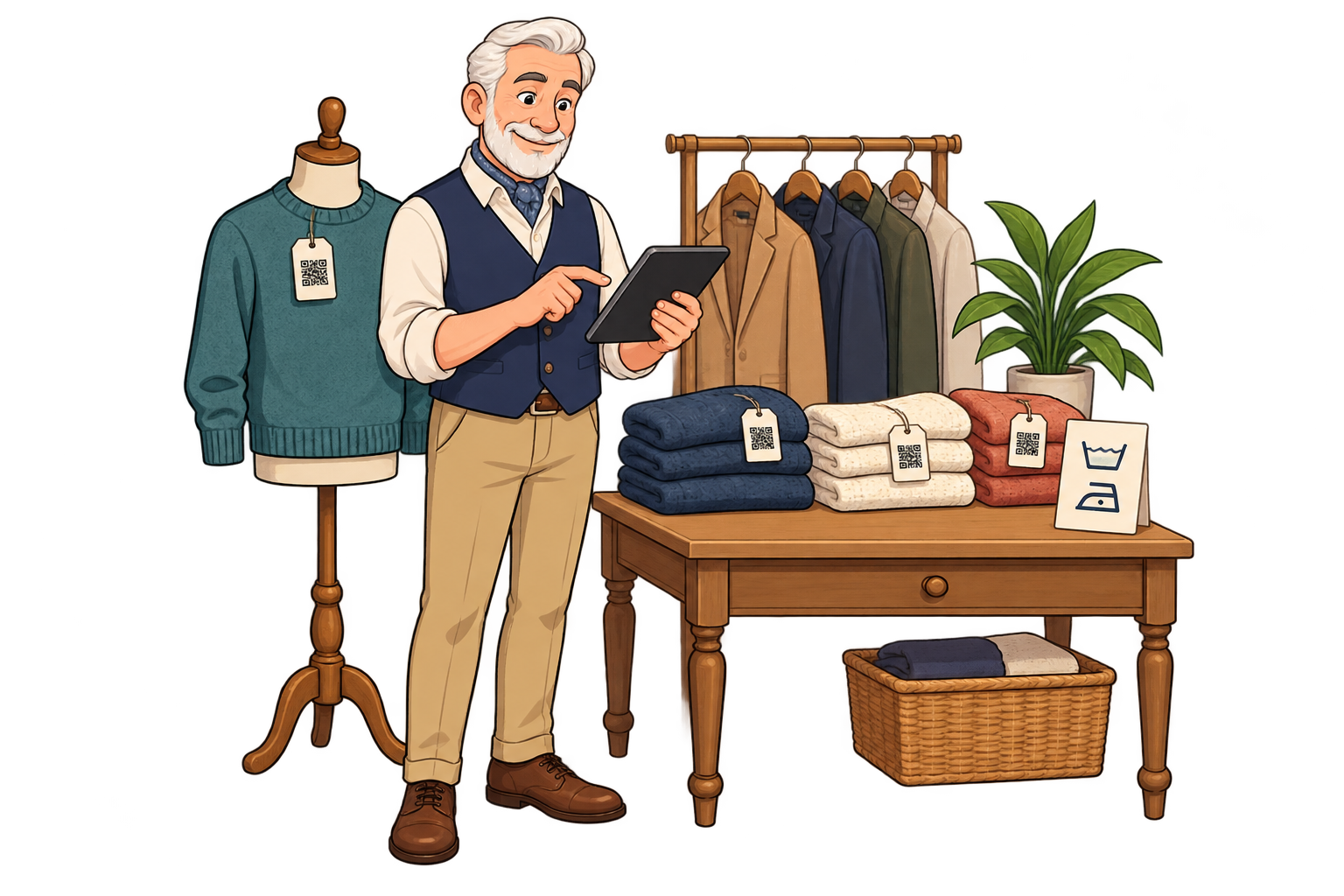
At the end of a collection
When a collection ends, point its SmartLink to care advice or available alternatives. Existing tags keep working, and scan history shows whether they still bring visitors.

In wholesale showrooms
Assign a SmartLink to each sample line and open its current catalogue. Compare scan activity to decide which line needs a clearer presentation at the next showroom.
Analytics for your business
Each bar represents a different SmartLink. Compare placements over the same period.
Daily scans across these three links. Use peaks to investigate what happened that day.
Use separate SmartLinks for each clothing range or collection, even when they open the same shop.
Compare scans over the same period, considering how many labelled garments you distributed. A scan shows access to the link, not a purchase or a unique shopper.
Improve the video, size guide or linked lookbook for the ranges that attract interest. Check sales and returns in your store to evaluate the business result.
FAQ
Textiles & apparel
Choose a destination, customise your QR and test it before printing. Start free and choose more capacity when you need it.