01 / 10
Beside an exhibit
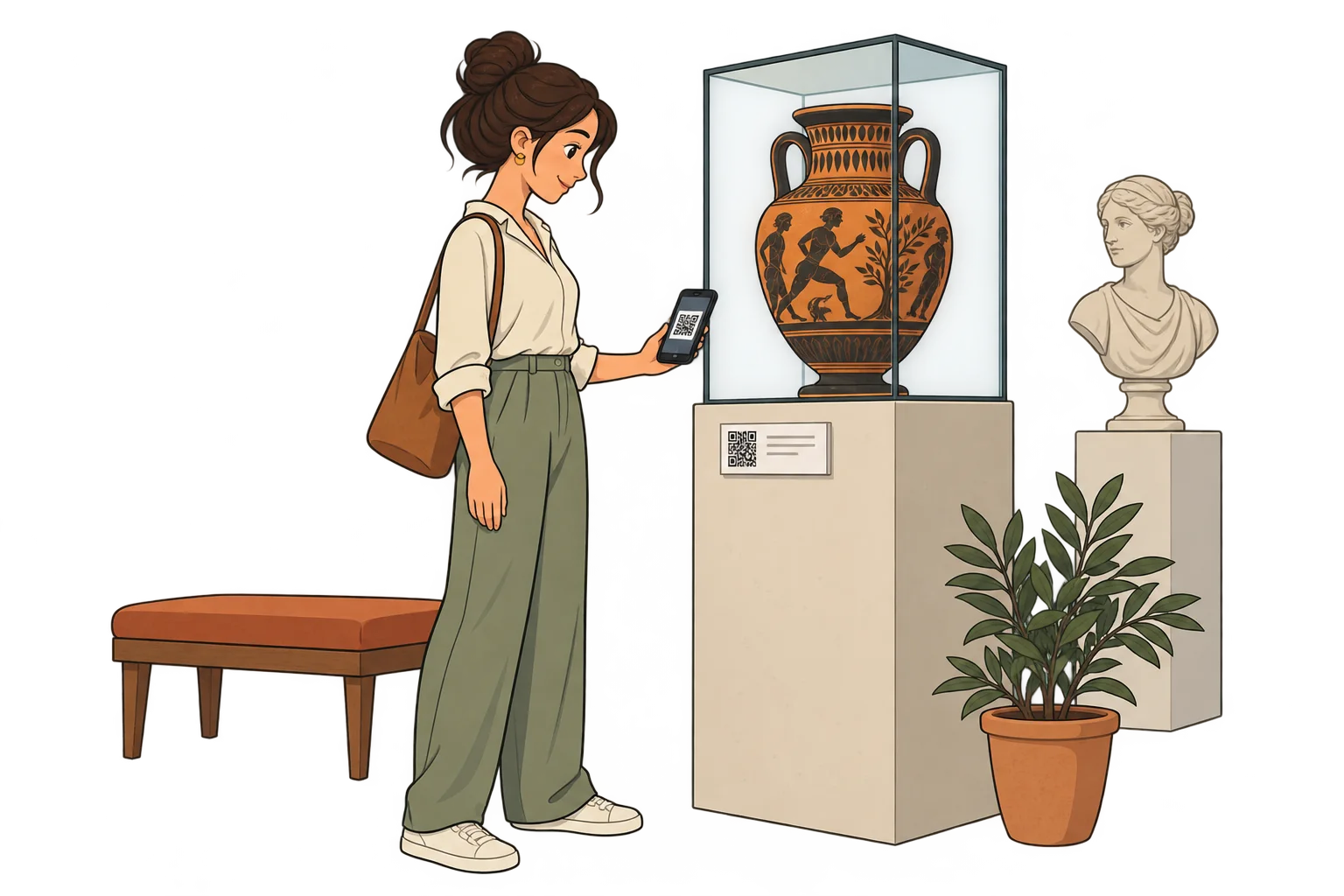
Tell the story behind each piece
Link an exhibit label to its history, images and curator notes without filling the display with text.
MelodyQR / Tourism & museums
Link signs, exhibits and brochures to audio guides, maps and visitor information. Compare scans at each location to see which content attracts interest.
Use cases
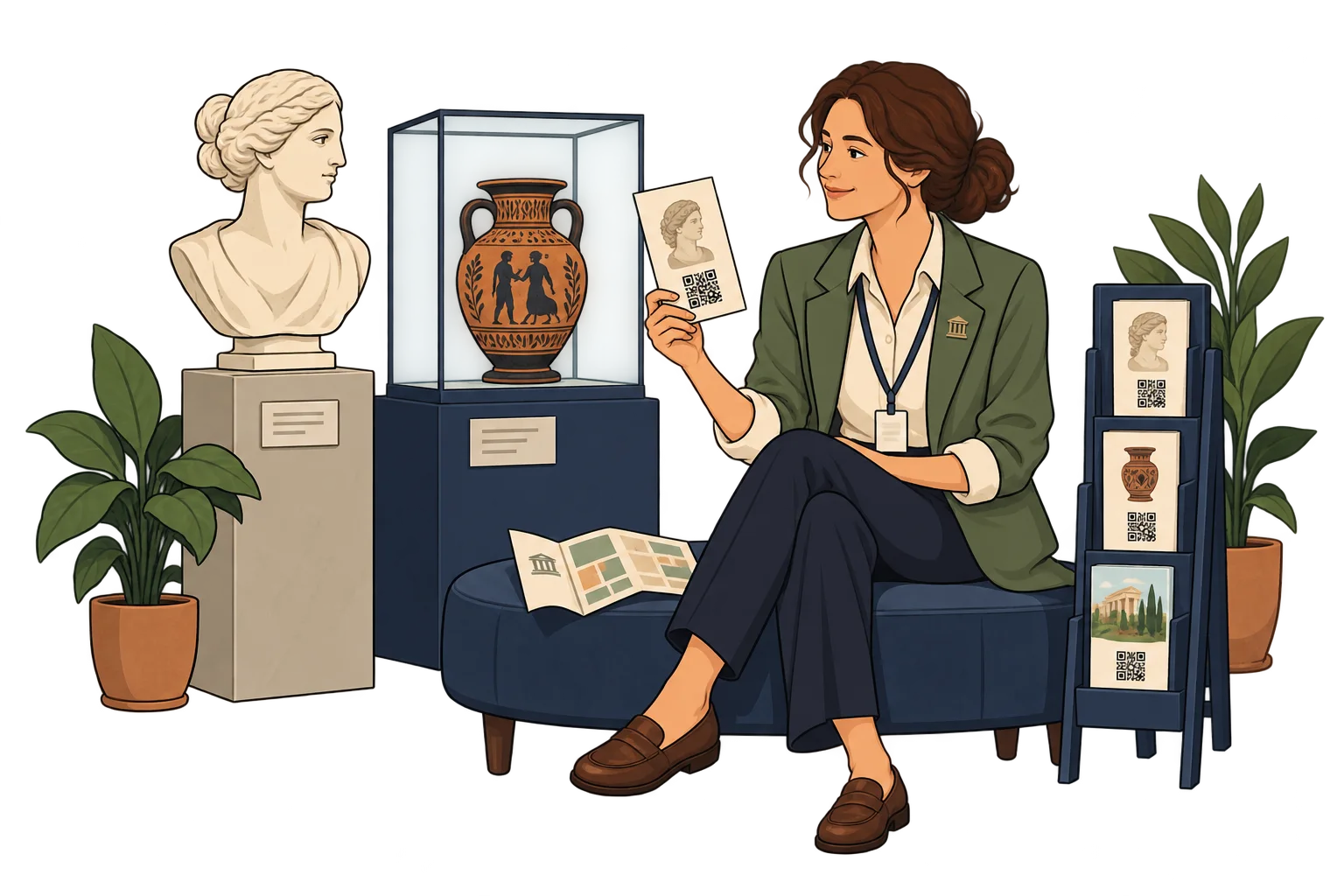
Beside an exhibit
Link an exhibit label to its history, images and curator notes without filling the display with text.
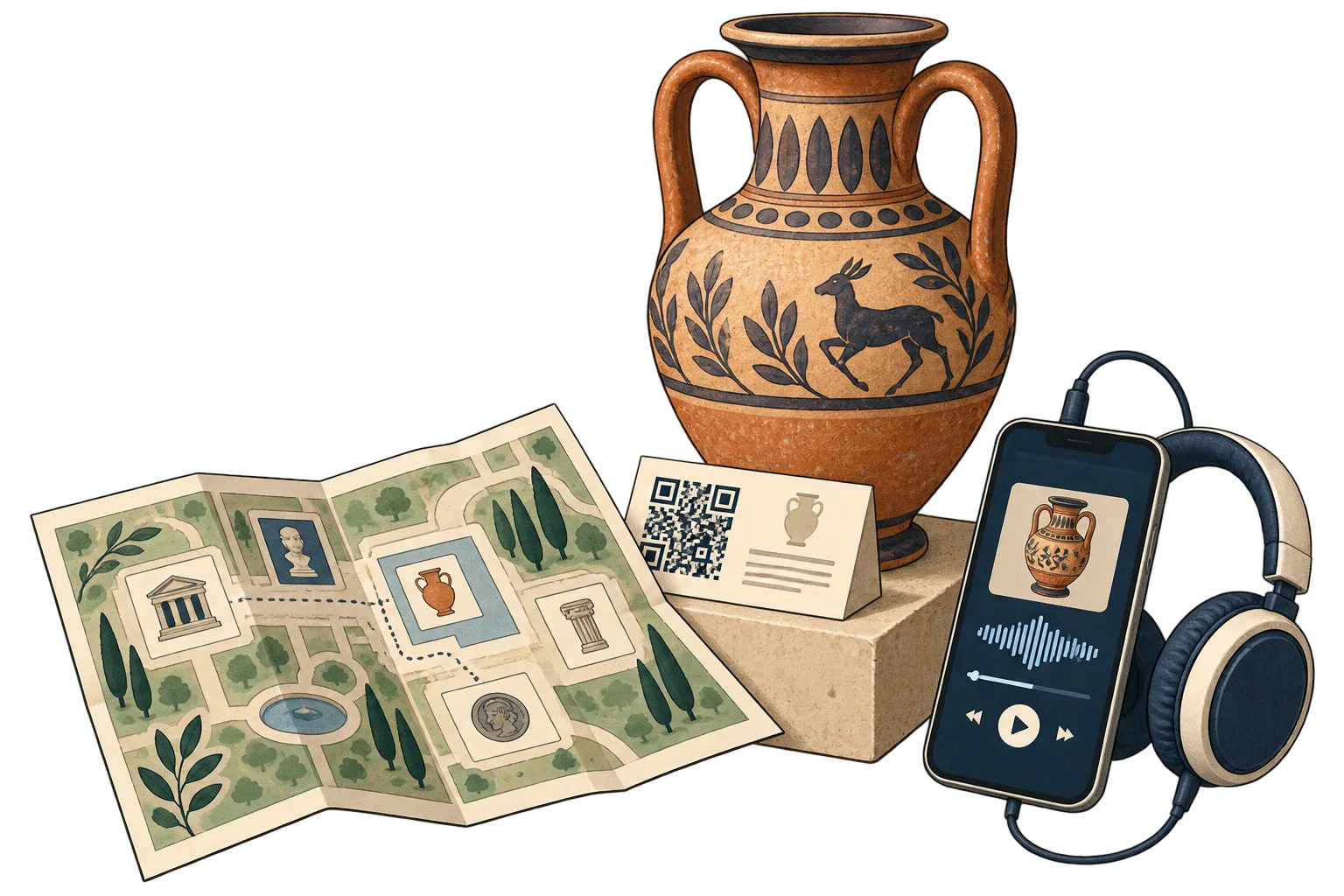
On a tourist map
Connect a printed map to your route page or an external map. Update the linked stops as needed.
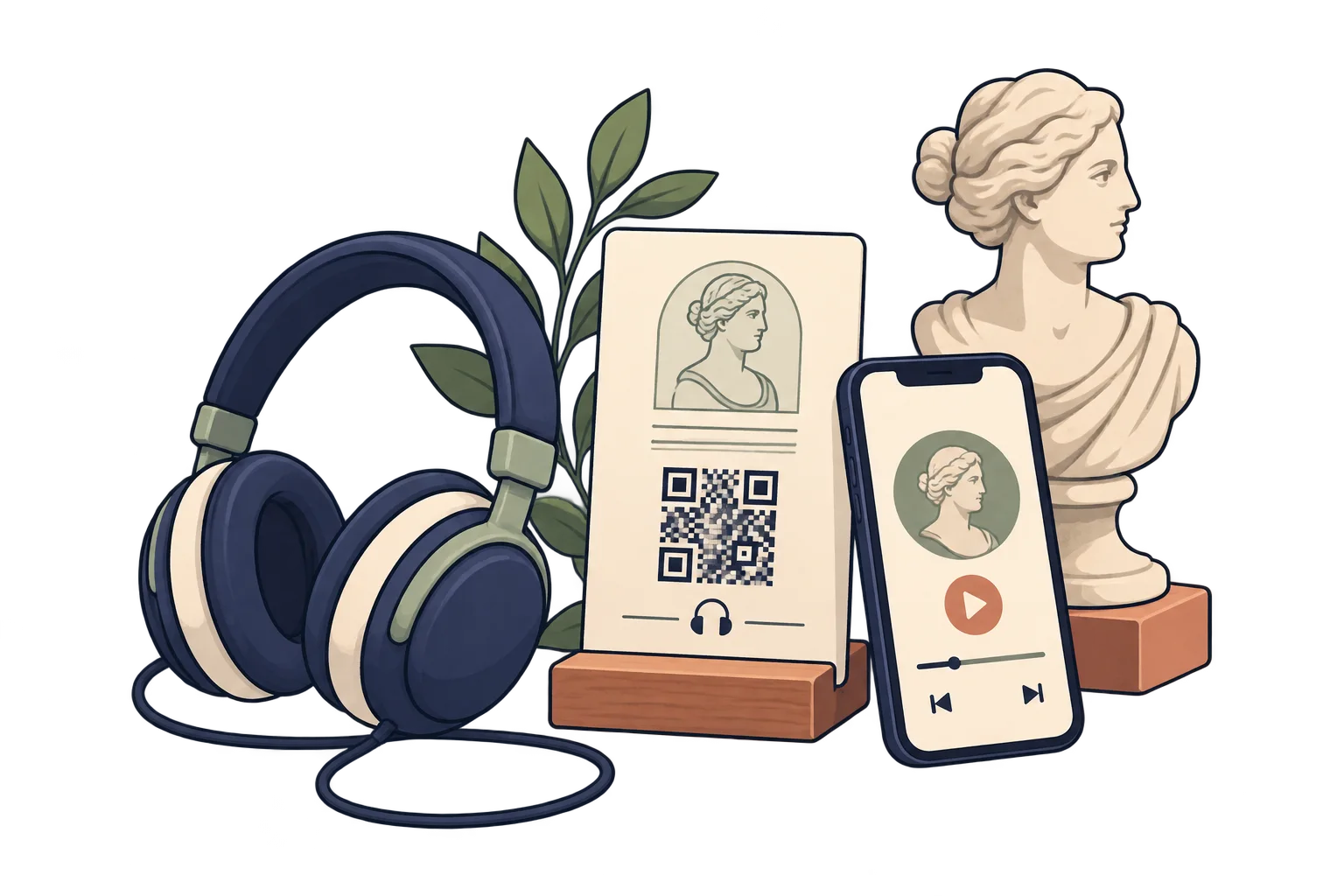
On an audio guide card
Open your hosted audio guide from a printed QR. Provide a transcript on the linked page for visitors who prefer reading.
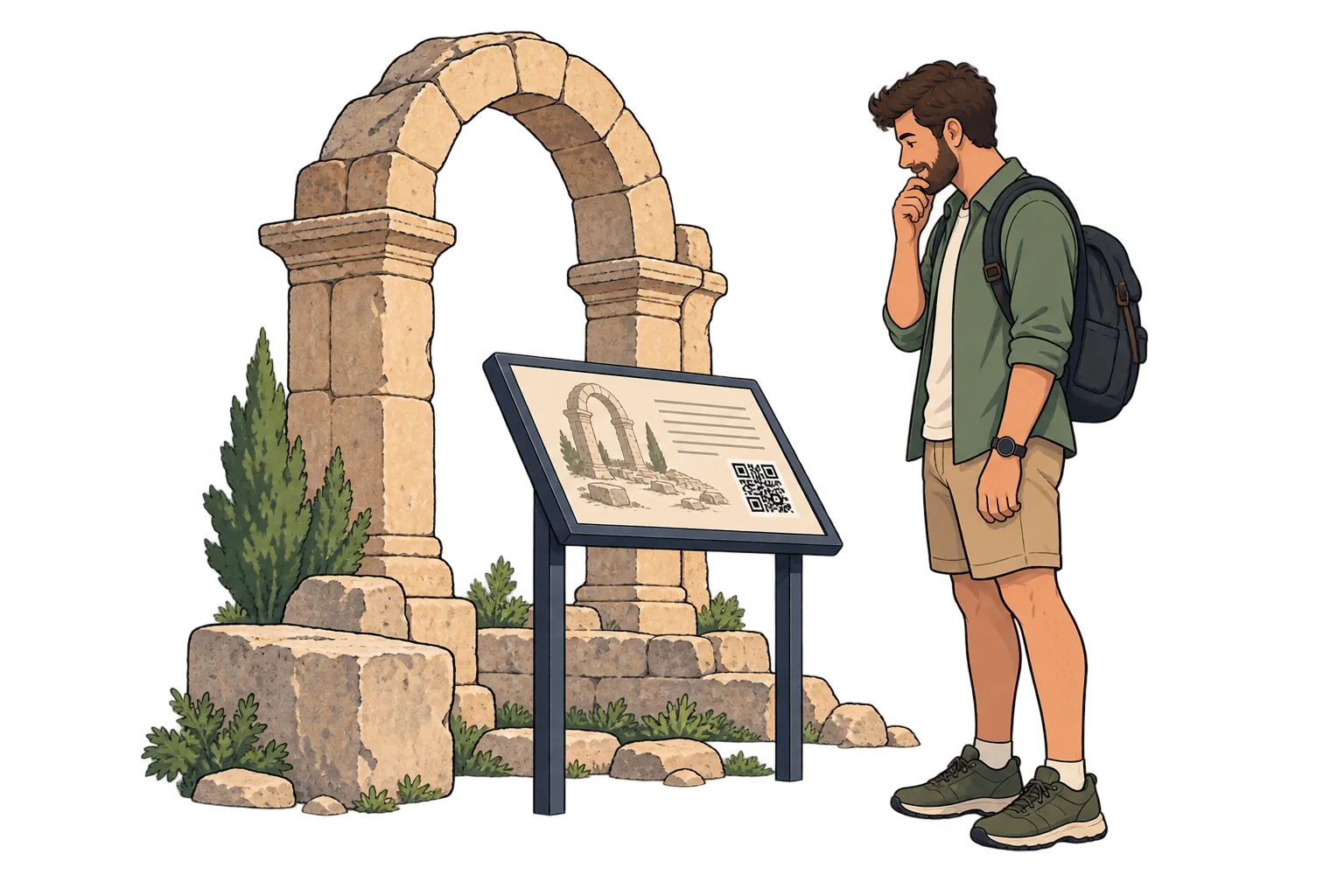
At a historic site
Link site signage to archival photographs, stories and visitor guidance. Keep essential instructions visible on site.
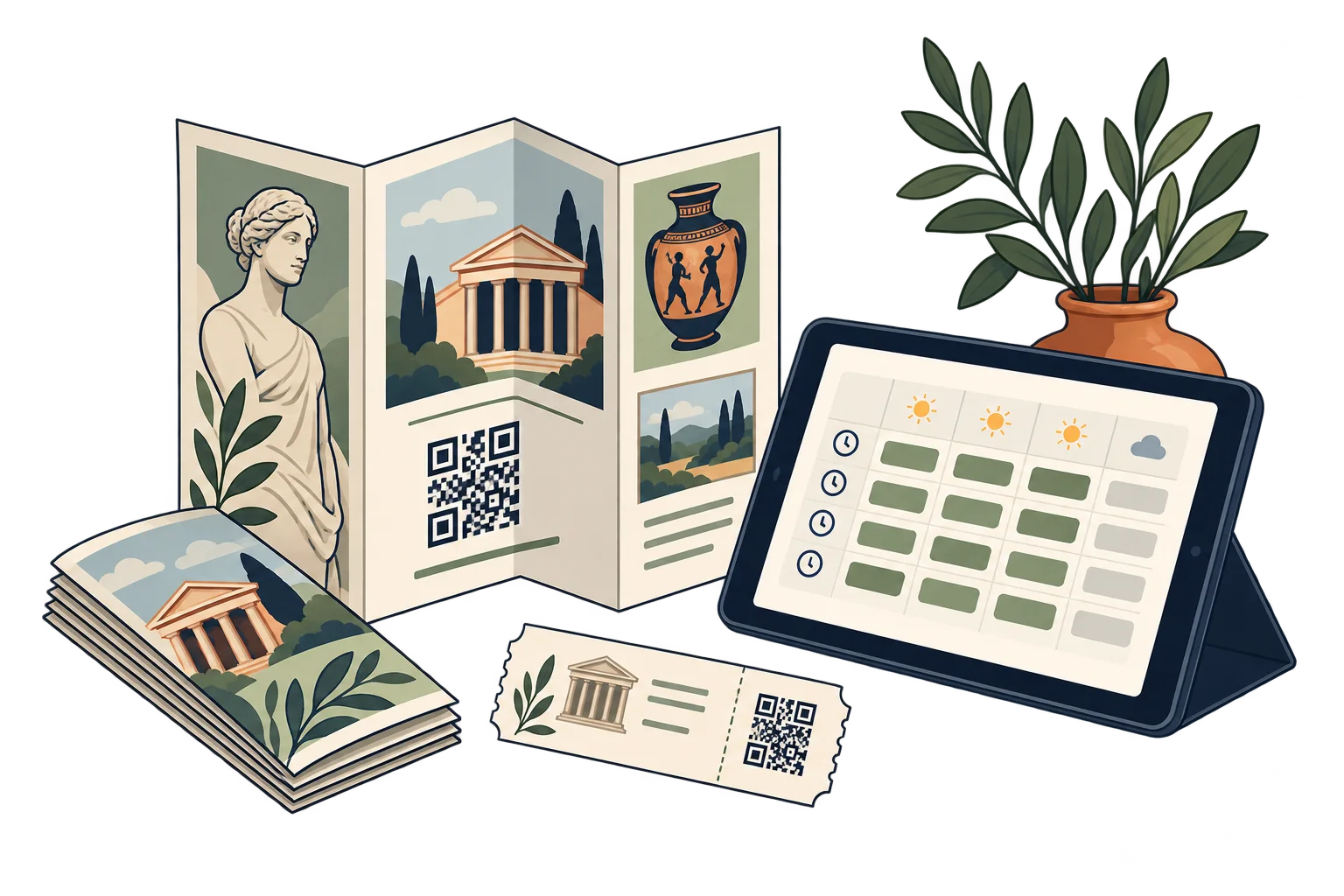
In the visitor brochure
Link brochures to opening times, accessibility details and your existing ticket service. That service handles purchases.
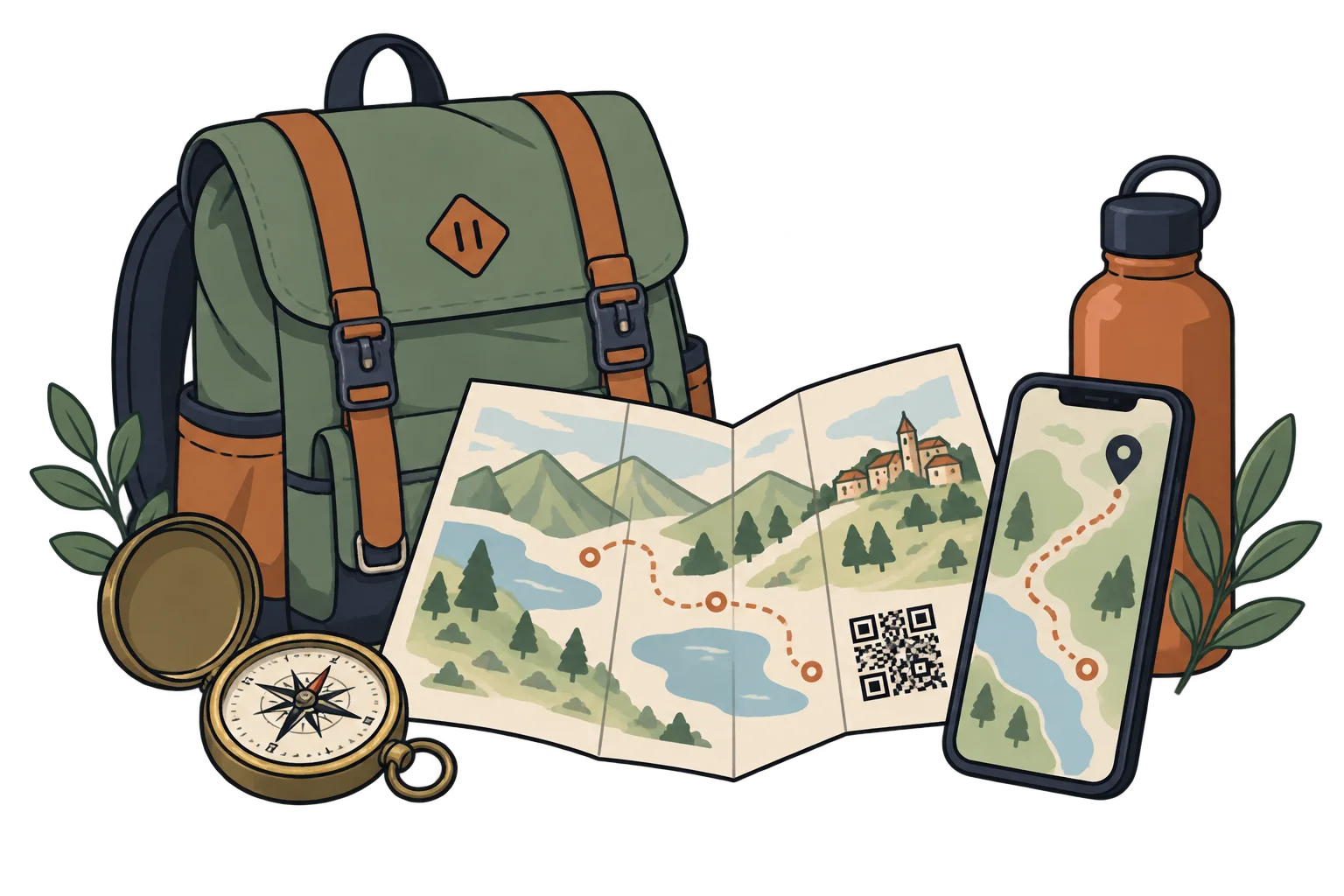
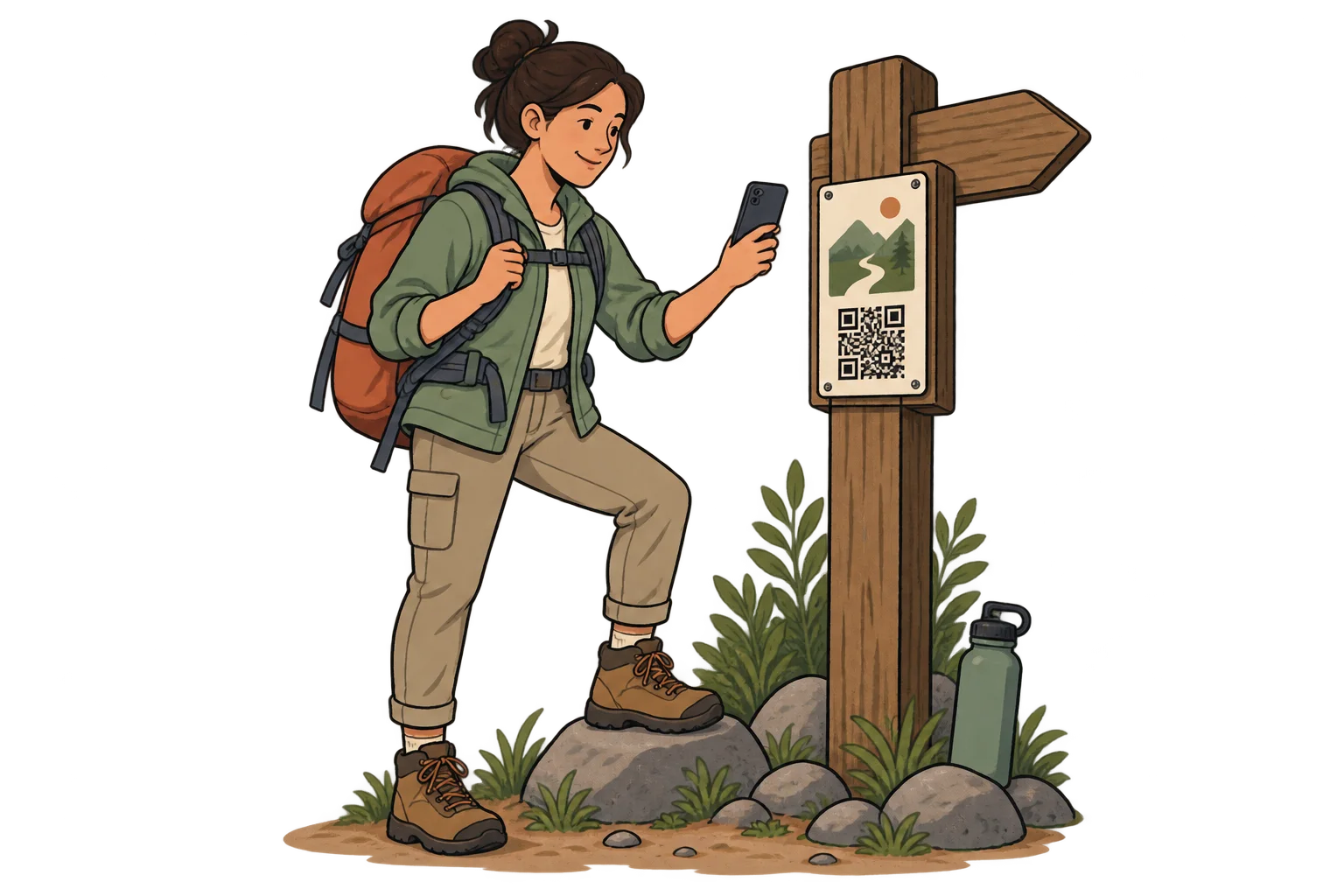
On a trail sign
Link signs to species guides or route information. QR access needs connectivity; keep essential wayfinding and safety signs on the trail.
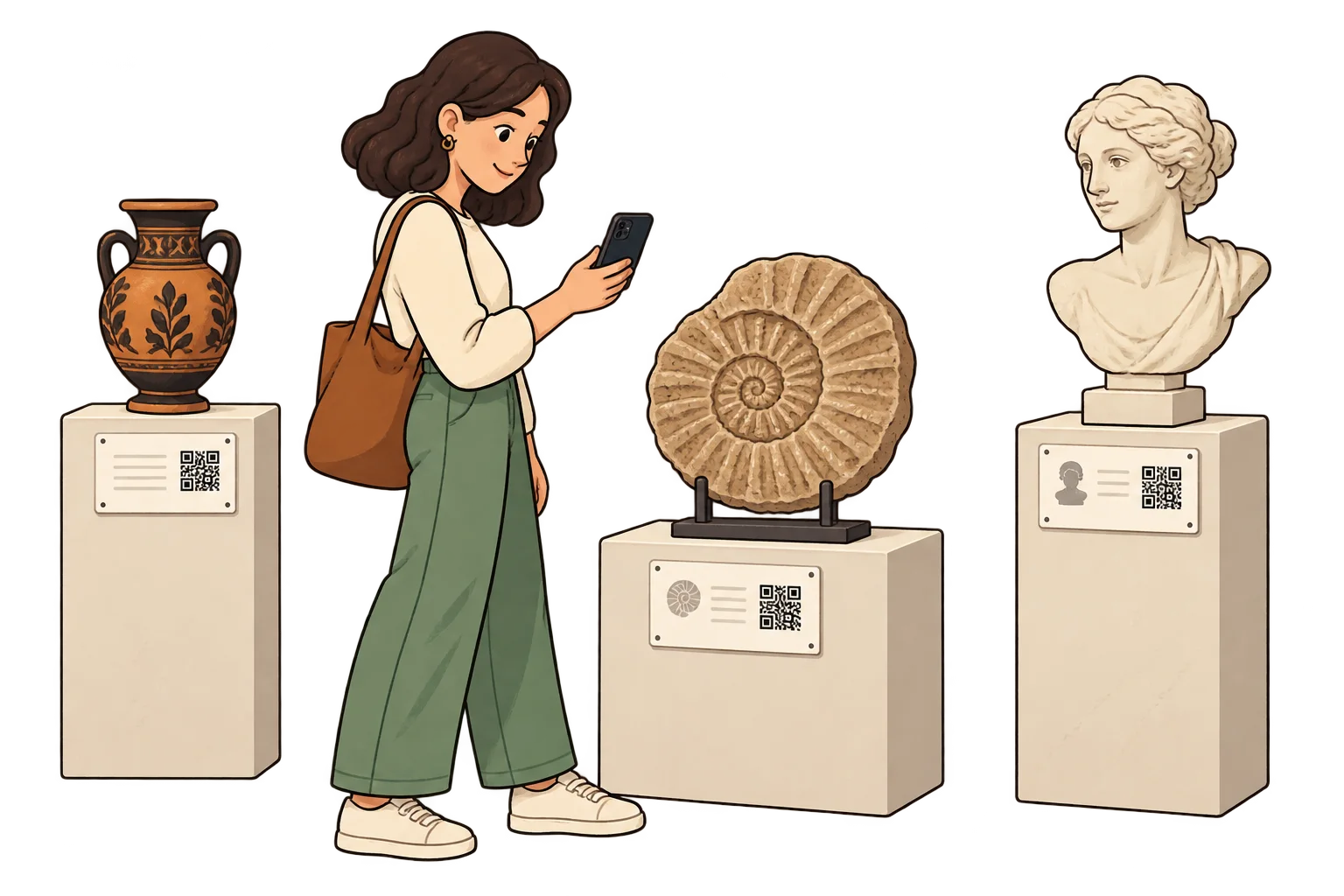
Across the exhibition
Give each exhibit its own SmartLink and compare scans. A scan is not a visitor count or proof that someone read the content.
In local visitor materials
Use distinct SmartLinks for visitor centres, hotels and partner brochures. Compare equivalent periods and distribution volumes.
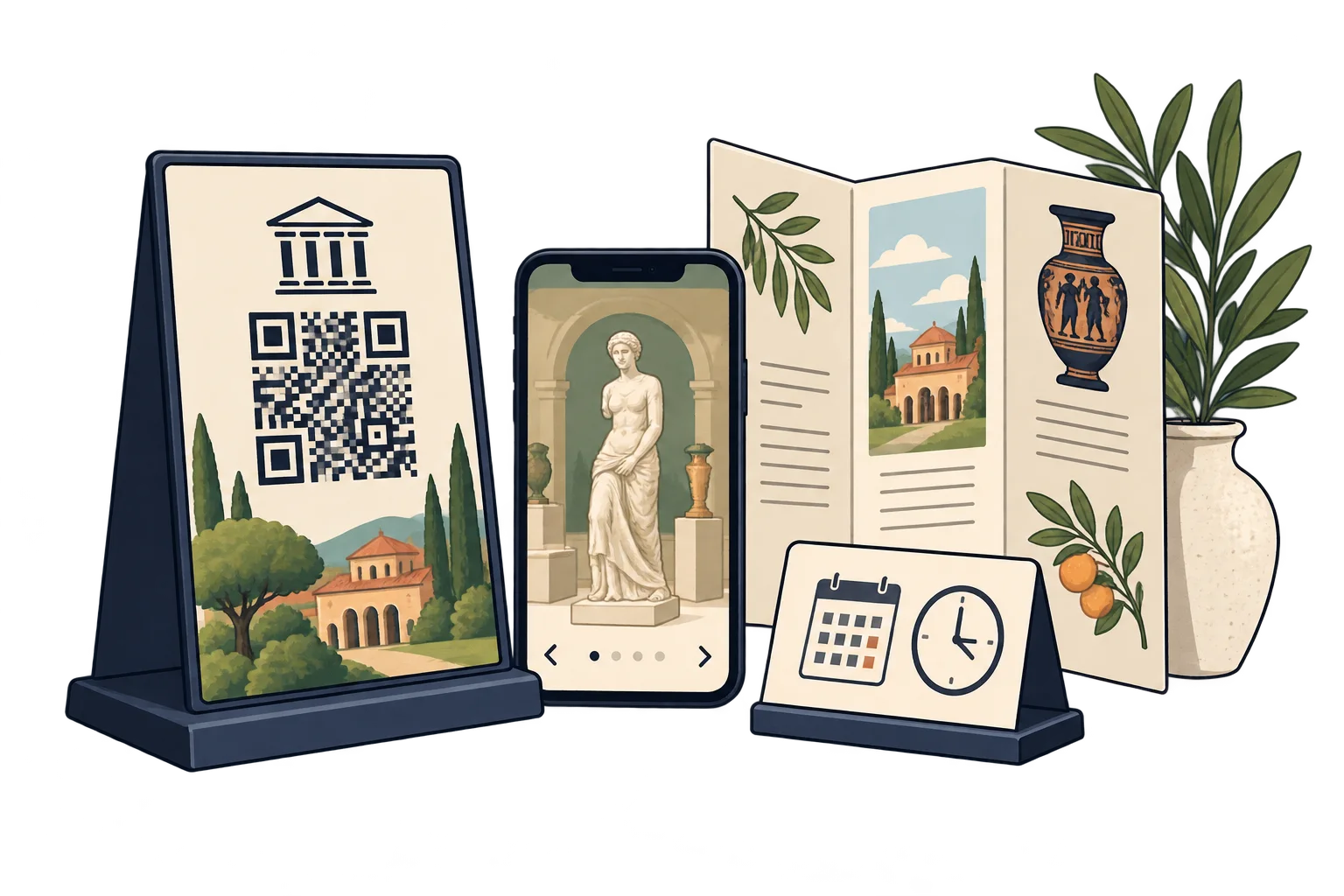
For a seasonal exhibition
Update a reusable display QR to the current programme. Keep dates printed on the sign accurate too.
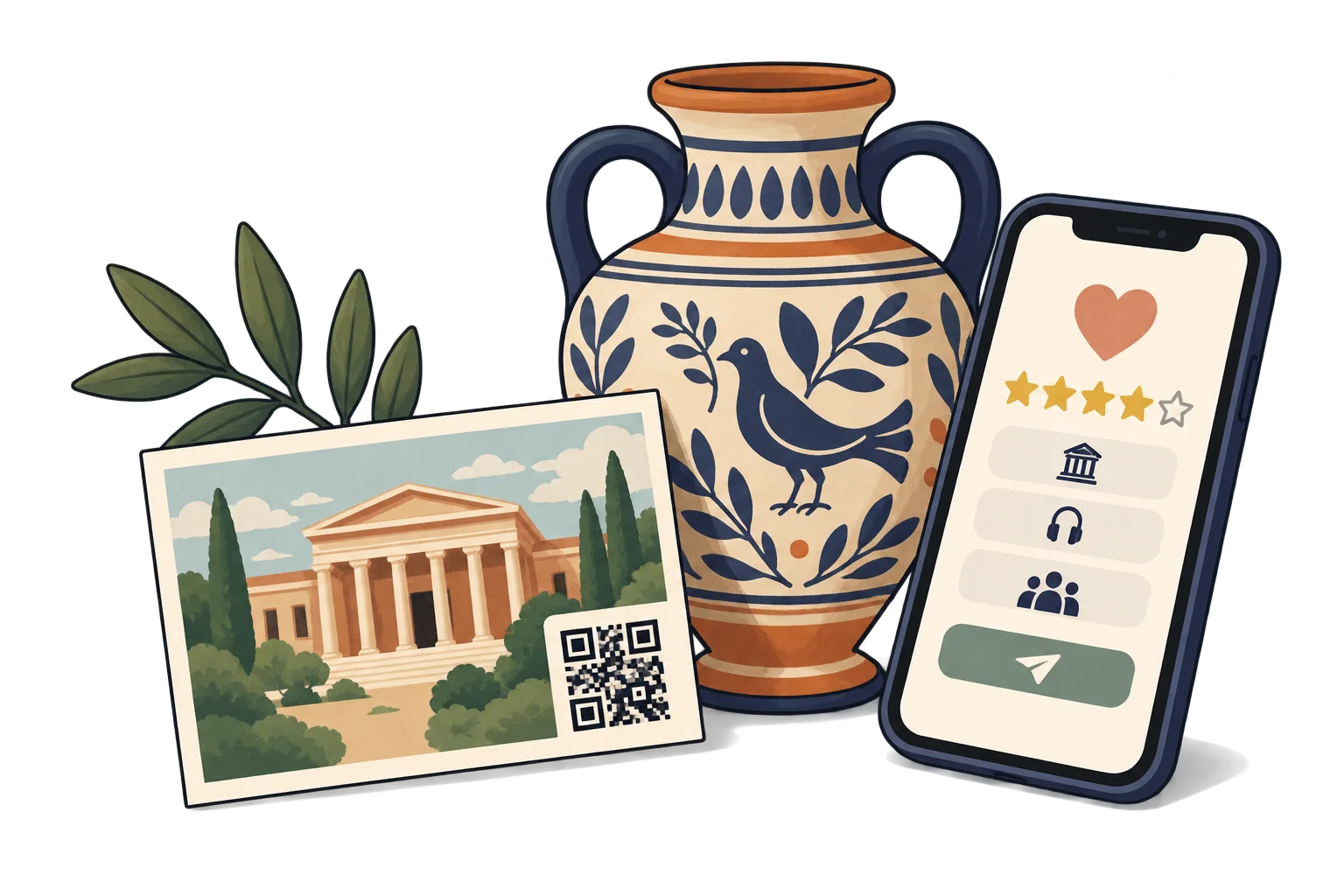
On a souvenir postcard
Link a postcard to your public review page or upcoming programme so visitors can find you again.
Analytics for your business
Each bar represents a different SmartLink. Compare placements over the same period.
Daily scans across these three links. Use peaks to investigate what happened that day.
Give exhibit labels, tourist maps and visitor brochures separate SmartLinks.
Compare scan activity for the same period. It does not count unique visitors or show how long they listened.
Improve signs and linked stories at less-used stops. Review visitor feedback and your own attendance records separately.
FAQ
Yes. Update the SmartLink destination while keeping its QR. Any information printed outside the QR must still be kept accurate.
Opening a SmartLink and its online destination requires an internet connection. Keep essential information available in print too.
They show access activity for each link, according to your plan. They do not prove purchases, attendance, completed reading or individual identity.
Yes. The same QR can open your website today, a specific social media post or video tomorrow, and a payment link later. Paste the public URL of the content you want, not just your profile feed. Keep the SmartLink active; deleting it is permanent.
No. They can scan with a compatible phone camera and open the link. Online content needs an internet connection; external services may have their own requirements.
Tourism & museums
Choose a destination, customise your QR and test it before printing. Start free and choose more capacity when you need it.